
20% off10 items
The best sound packs for your simulator
- Mango Studios Trent 500 (ToLiss A340) for X-Plane 11/12$1.71$1.37
- Mango Studios PW4000 (Rotate MD-11) for X-Plane 11/12$1.71$1.37
- Mango Studios IAE V2500 Engine Model (Rotate MD-80) for X-Plane 11/12$1.96$1.57
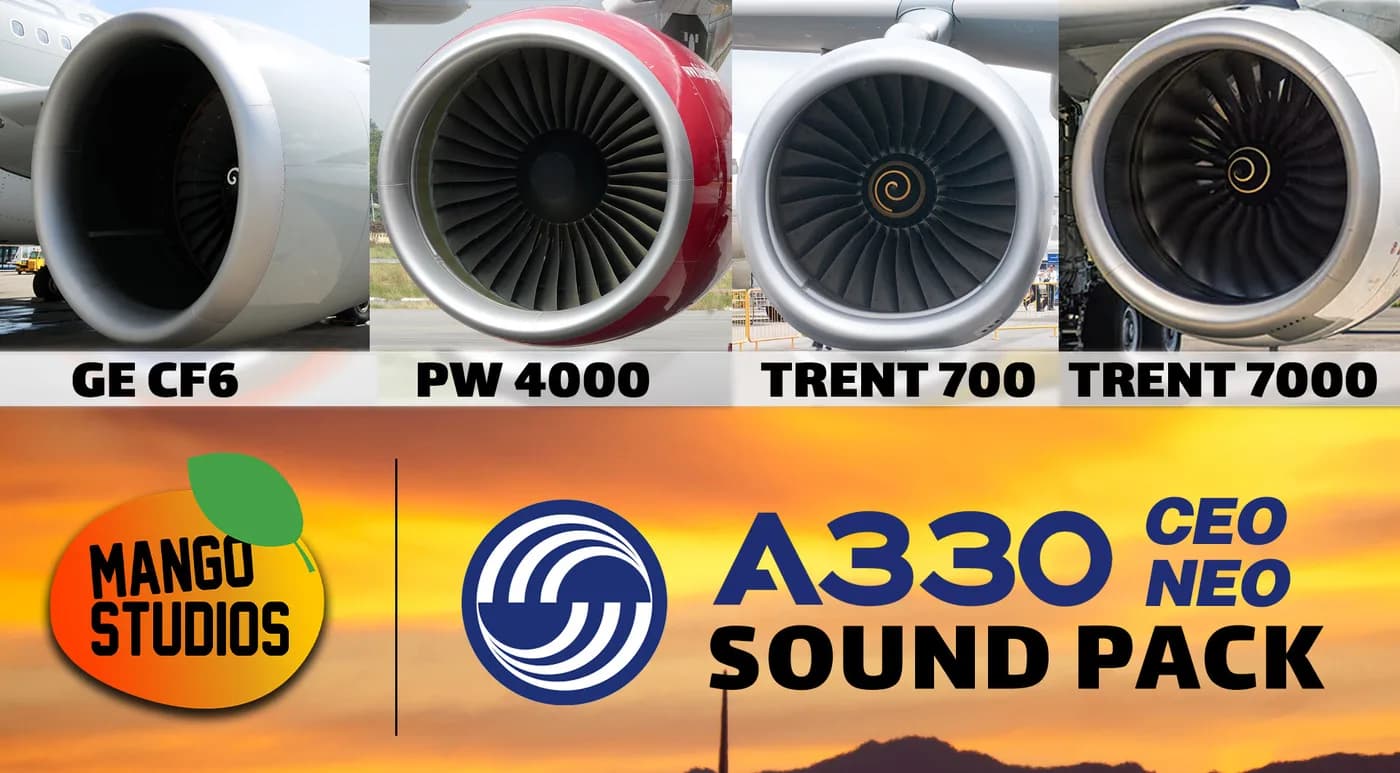
- ToLiss A330-900 Mango Soundpack | X-Plane 11/12$2.45$1.96
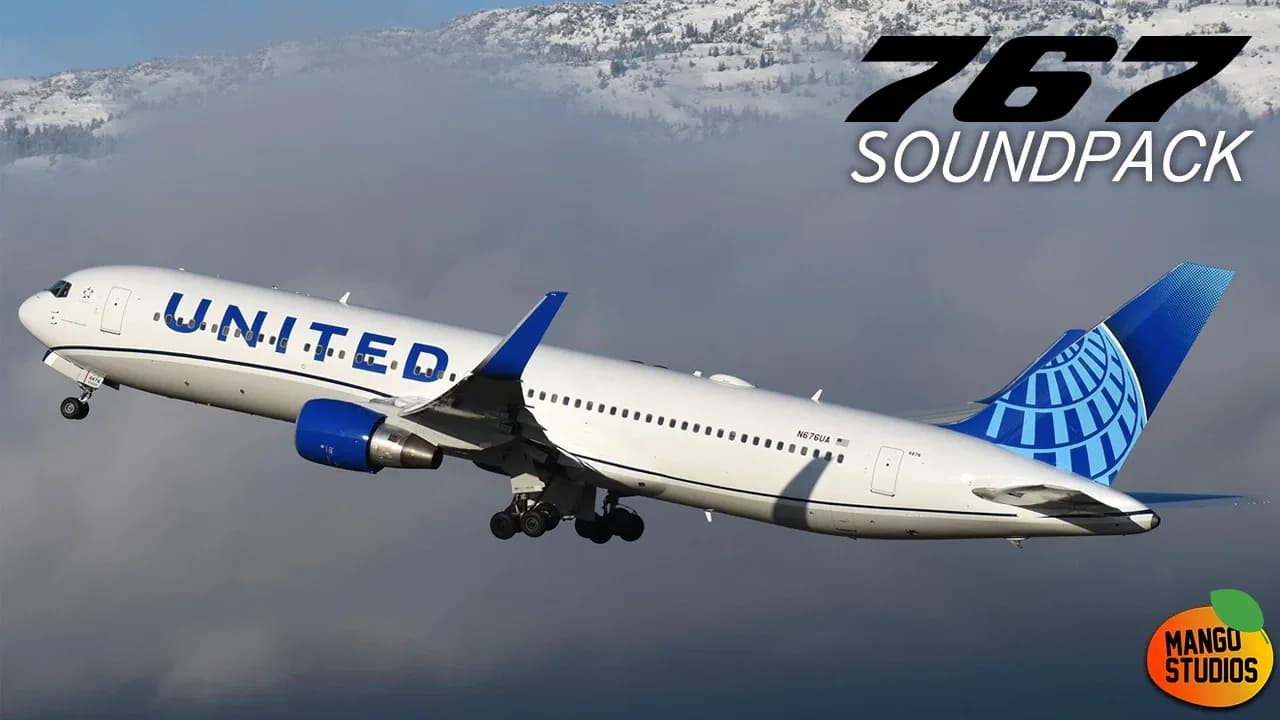
- FlightFactor Boeing 767 Mango Sound Pack v2 | XP 11/12$2.47$1.97
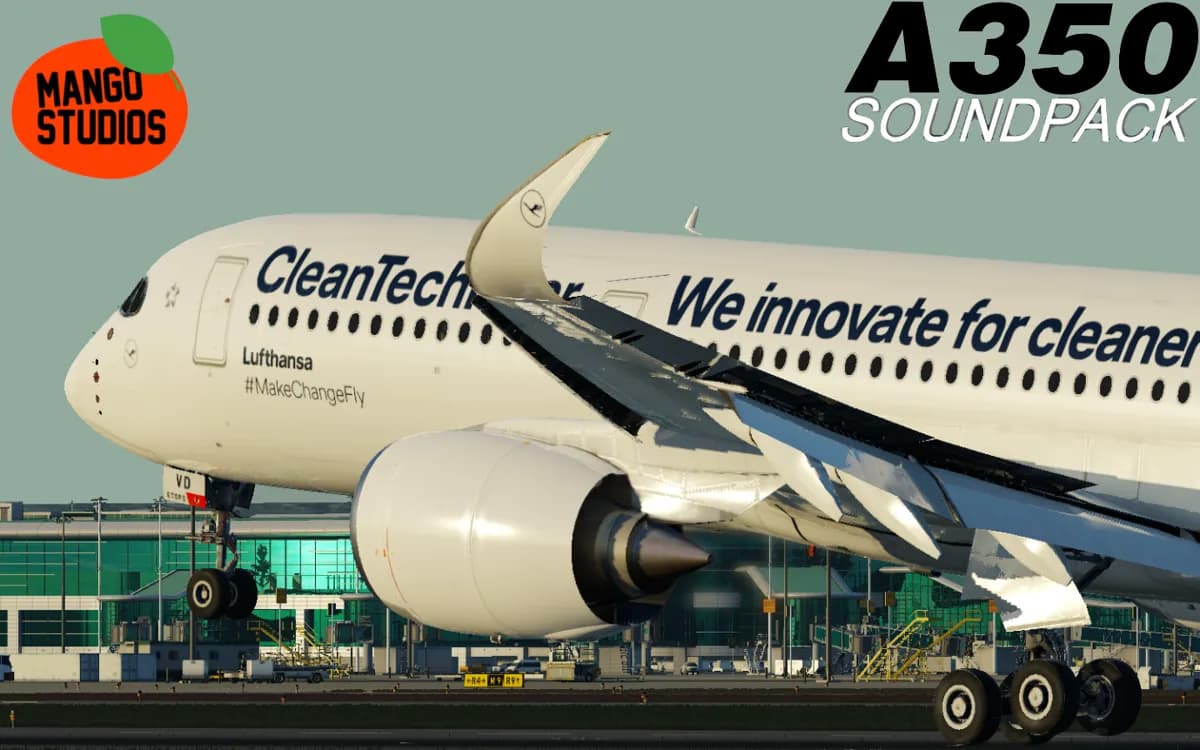
- FlightFactor Airbus A350 Mango Sounds$2.47$1.97
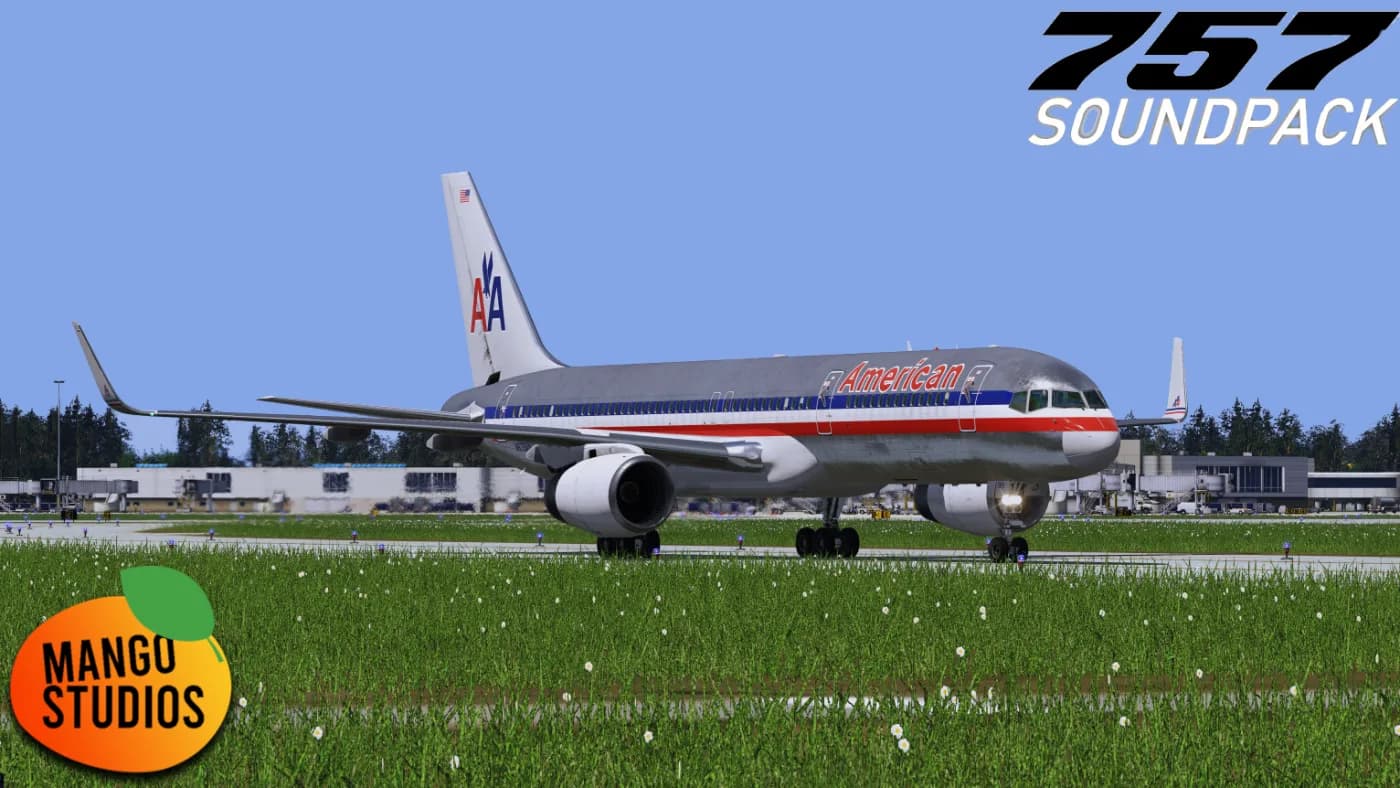
- Mango Studios 757 Soundpack for X-Plane 11/12$2.47$1.97
- Mango Soundpack for X-Crafts E-Jets | XP 11,12$2.47$1.97
- Mango Sounds for ToLiss A340-600 | X-Plane 11/12$2.47$1.97
- Mango Soundpack for ToLiss A319 | X-Plane 11/12$2.47$1.97
$22.64$18.11−20%
You save $4.53Price if buying each item separately