Four types of X-Plane add-ons
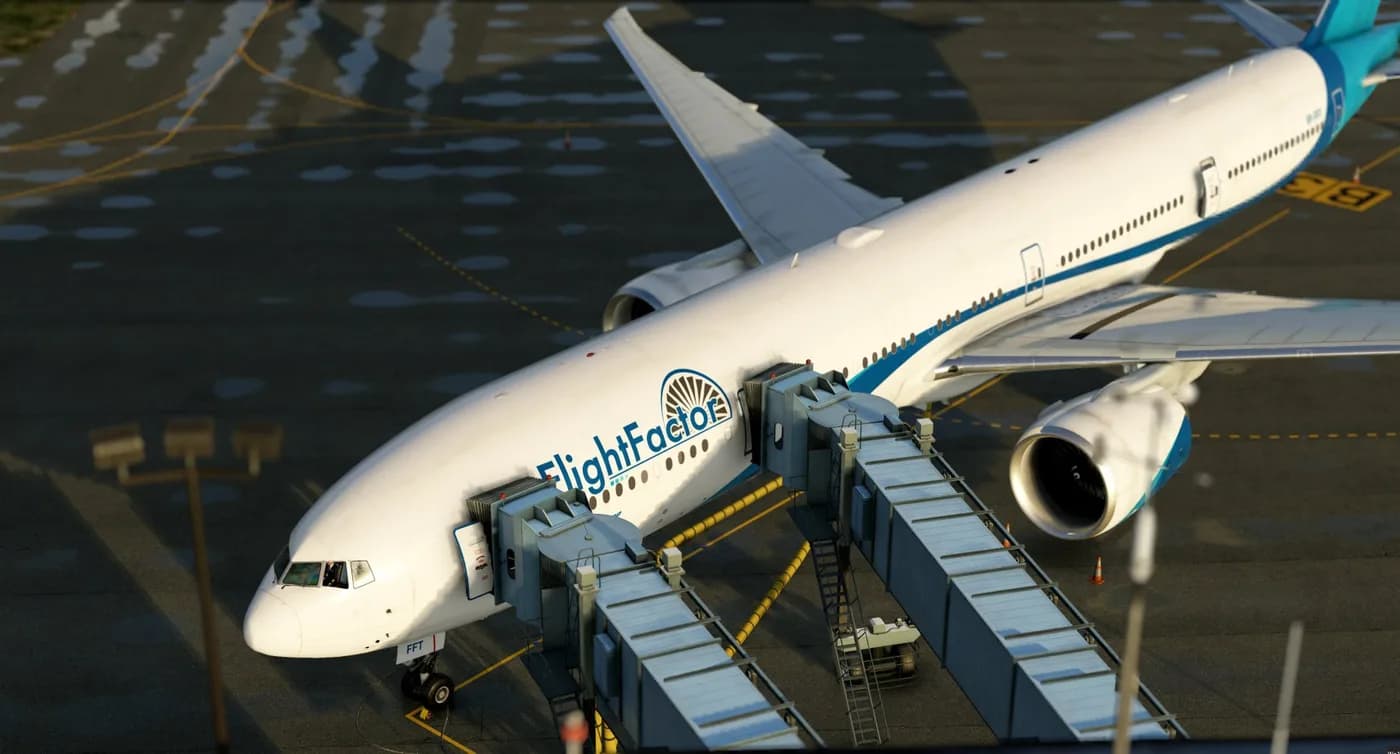
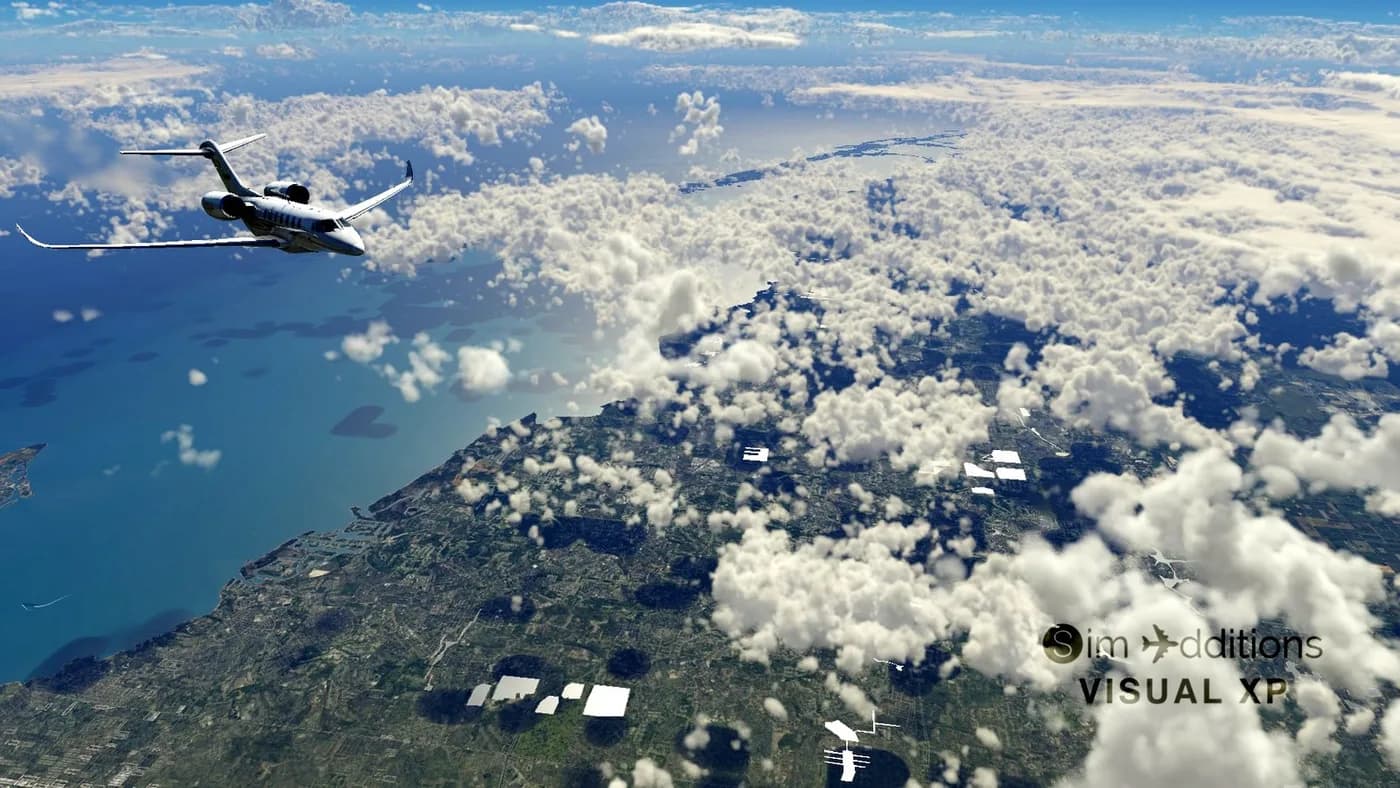
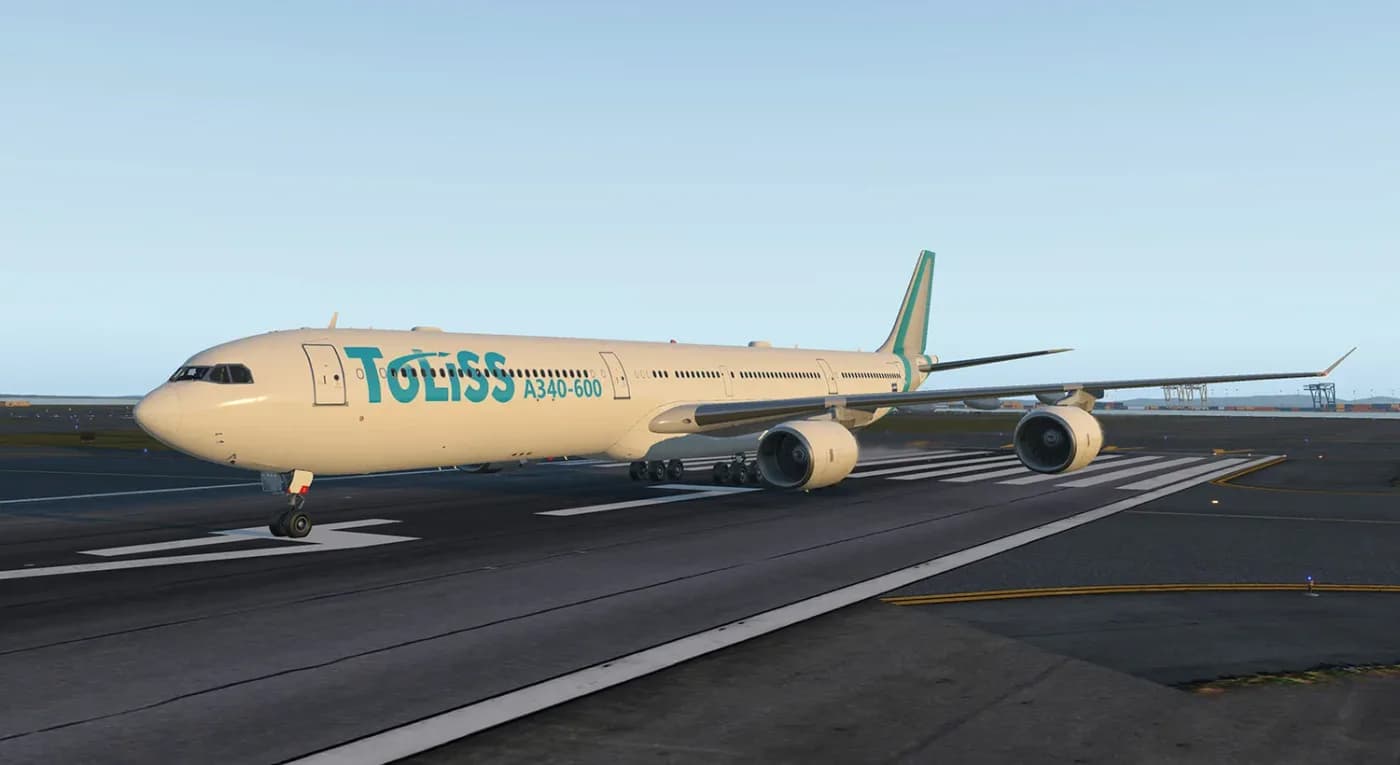
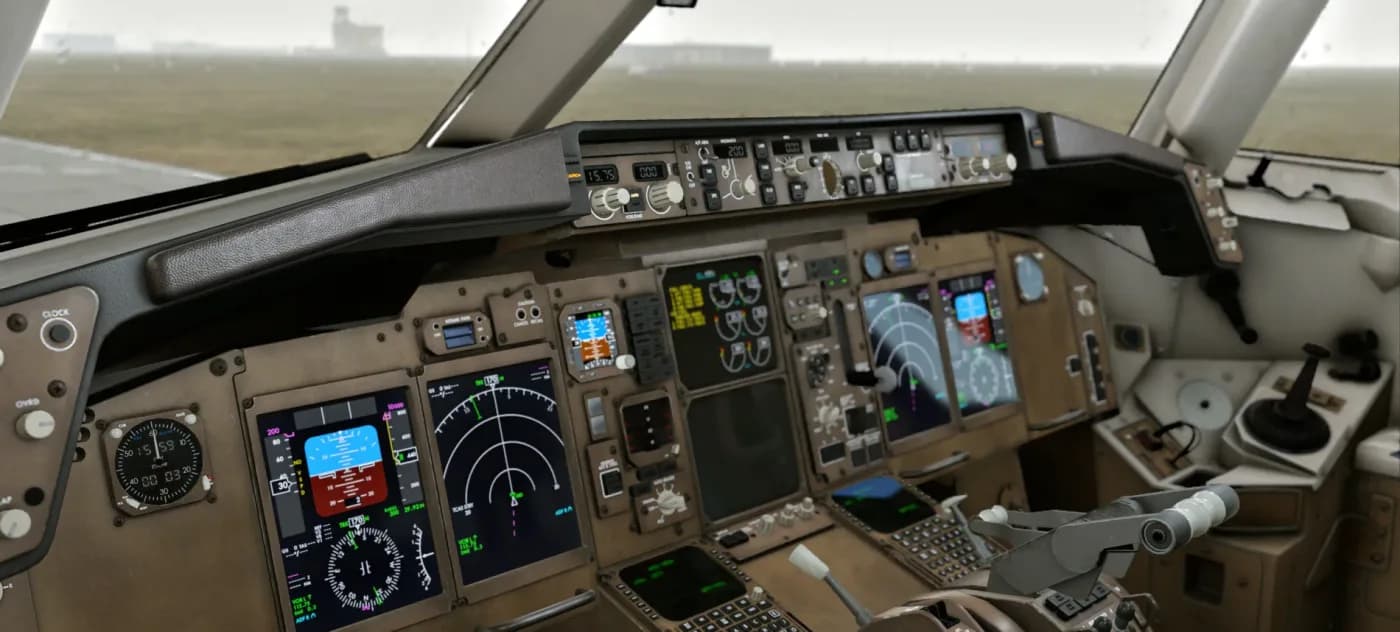
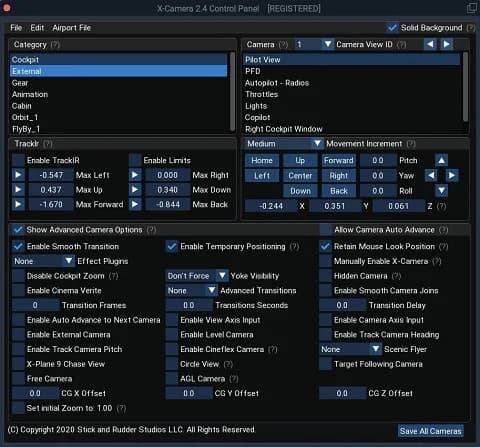
X-Shop splits X-Plane add-ons into four groups — the most detailed breakdown in the whole catalog. Aircraft covers everything you fly, from light singles to airliners and helicopters. Plugins are extensions that expand what the simulator can do rather than adding hardware to it. Scenery covers airports and regions. Sounds are audio packs that replace the stock audio of specific models; no other simulator in the catalog has a dedicated sound group.
X-Plane accounts for more than half of the entire storefront, so the filters are worth using here: on the left you can pick one of the four groups, set a price range, show only discounted items, or sort by newest and most popular. All of that stays inside the X-Plane selection instead of throwing you back into the general catalog.
X-Plane 11 or X-Plane 12
Many add-ons were released for X-Plane 11, some later received X-Plane 12 builds, and others shipped for version 12 from the start. The simulator version is sometimes part of the product name, but the name alone is not a reliable guide: the only correct source is the description and the system requirements on the product page. The store does not rewrite that data on the developer's behalf and does not issue compatibility guarantees of its own.
If you are unsure which build you need, email support@aviashop.online before paying and state your exact simulator version. It takes a couple of minutes and settles the question, whereas an activated key can no longer be returned.
How add-ons get into the simulator
X-Plane is organised into folders, and different add-on types live in different places: aircraft usually go under Aircraft, plugins under Resources/plugins, and scenery under Custom Scenery. The exact path and the unpacking order are always described in the developer's own instructions shipped with the product — follow those rather than general rules of thumb.
Some add-ons require no manual copying at all and are installed by the developer's own installer using the same key. Walkthroughs for typical installation scenarios and errors are collected in the knowledge base at docs.aviashop.online and in the learning hub at education.aviashop.online, which also covers simulator setup.
Payment, delivery and reinstalling
You can pay by Russian bank card, by international card through Stripe, or with cryptocurrency — Heleket and CryptoBot both work straight from Telegram. Promo codes apply in the cart. Delivery is digital and immediate: as soon as the provider confirms the payment, the key is emailed to you, appears under "My orders" in your account and is mirrored to the Telegram bot.
The key is issued once and stays yours: reinstalling X-Plane, moving to a new computer or updating the add-on all use the same key, with no repeat purchase. Copy it from the email in full and without stray spaces at either end — that is the single most common reason behind "the key does not work".
Support, key replacement and refunds
If a key is rejected, first try activating through a VPN with an EU or US server: validation happens on the developer's servers, which are not reachable everywhere. Next, run the installer as administrator and add the simulator folder to your antivirus exclusions. Those three steps resolve the majority of tickets.
When they do not, support replaces the key or issues a refund. You will need the order number, the email the order was placed with, and a screenshot of the error; requests are reviewed within three business days. In all other cases digital goods are non-refundable. Full terms are on the "Returns and exchanges" page, and questions go to support@aviashop.online.