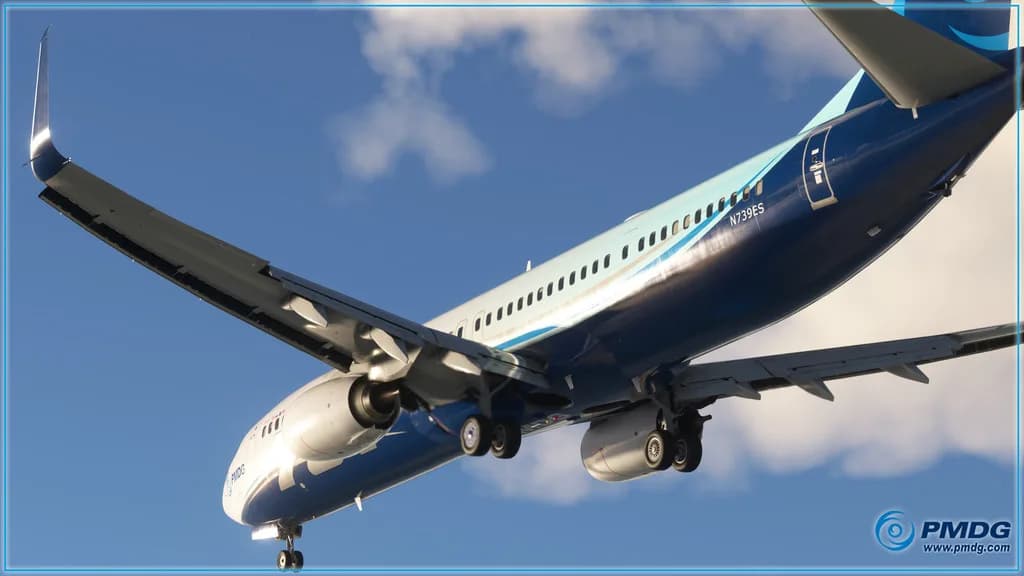
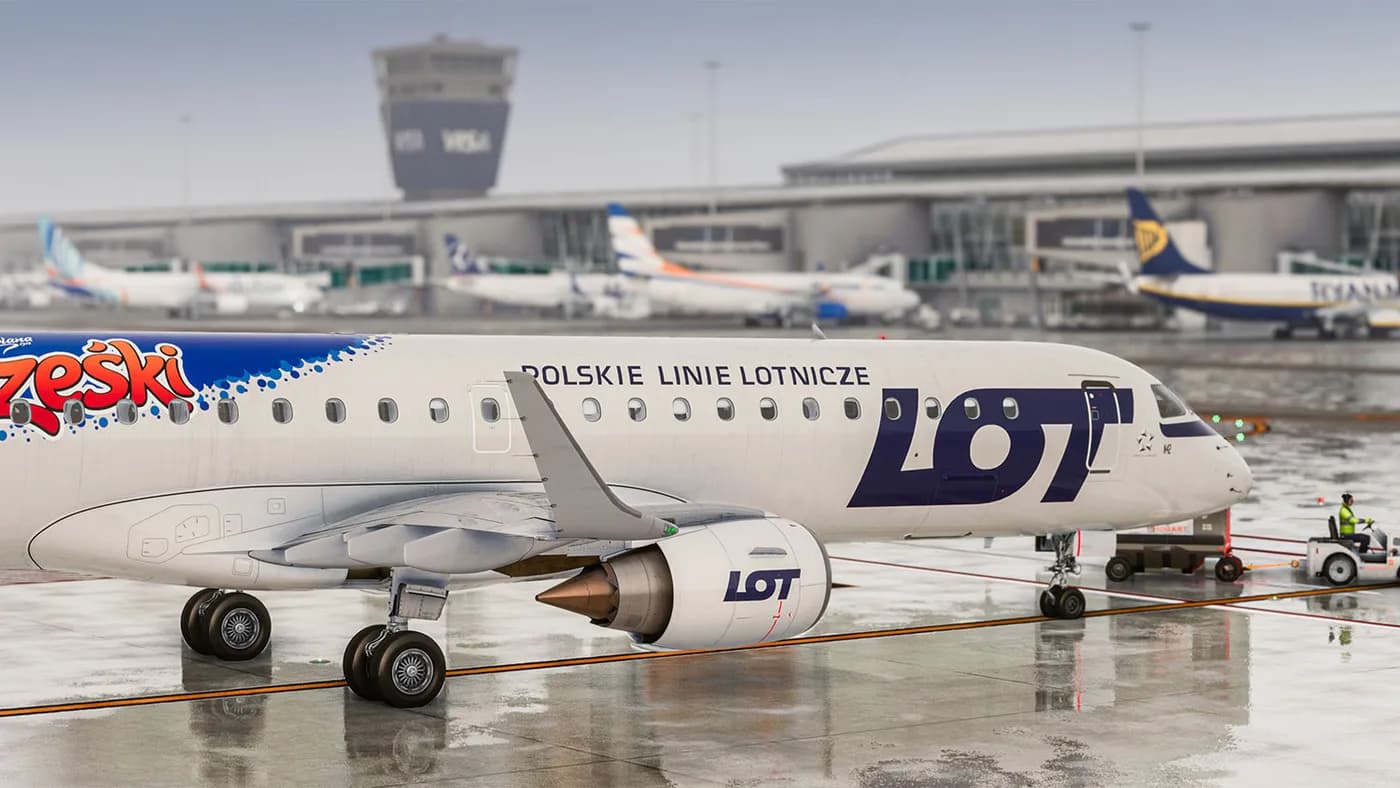
What counts as MSFS in the X-Shop catalog
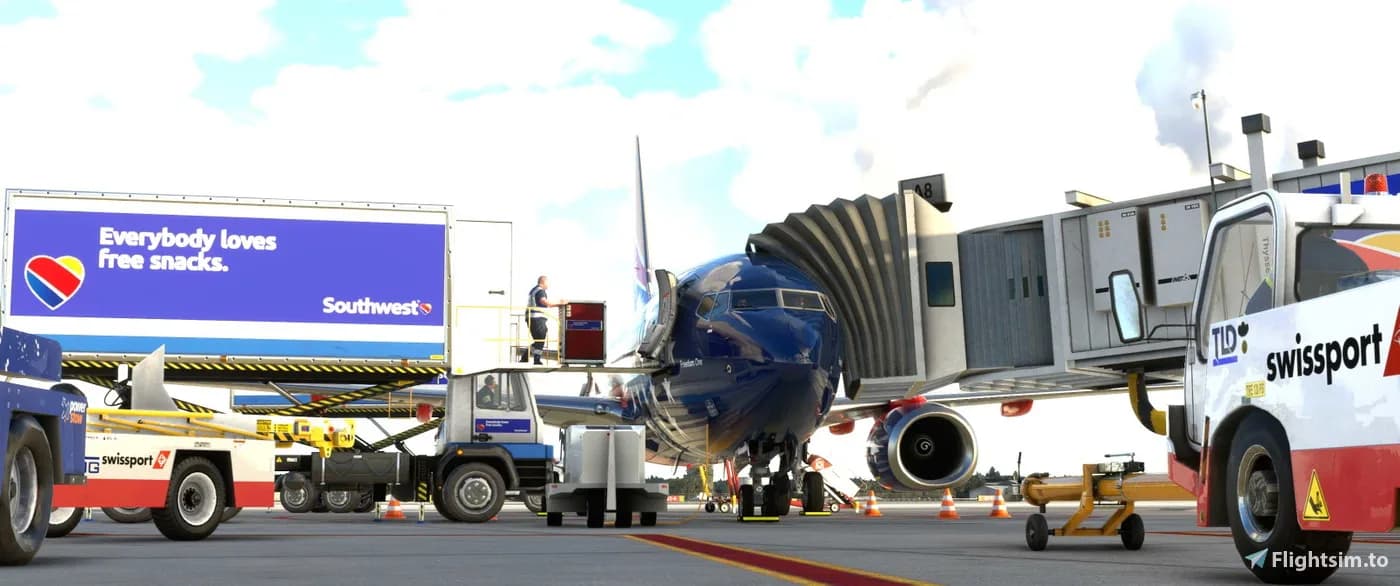
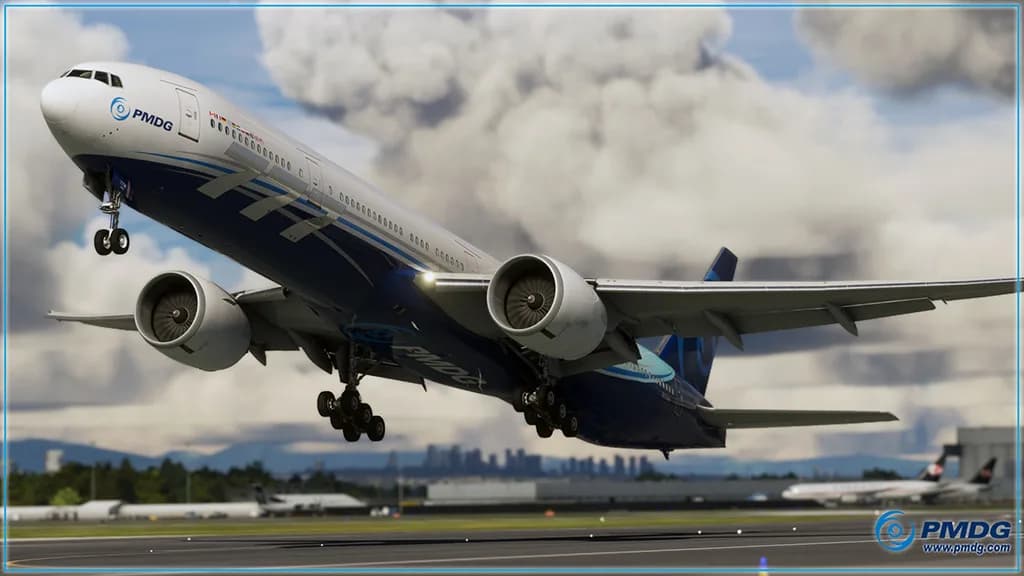
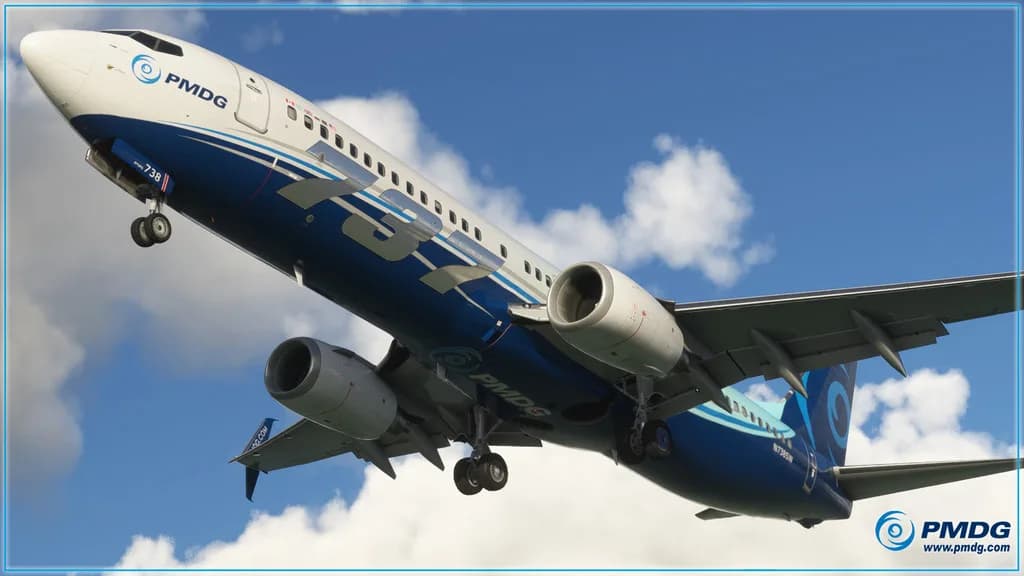
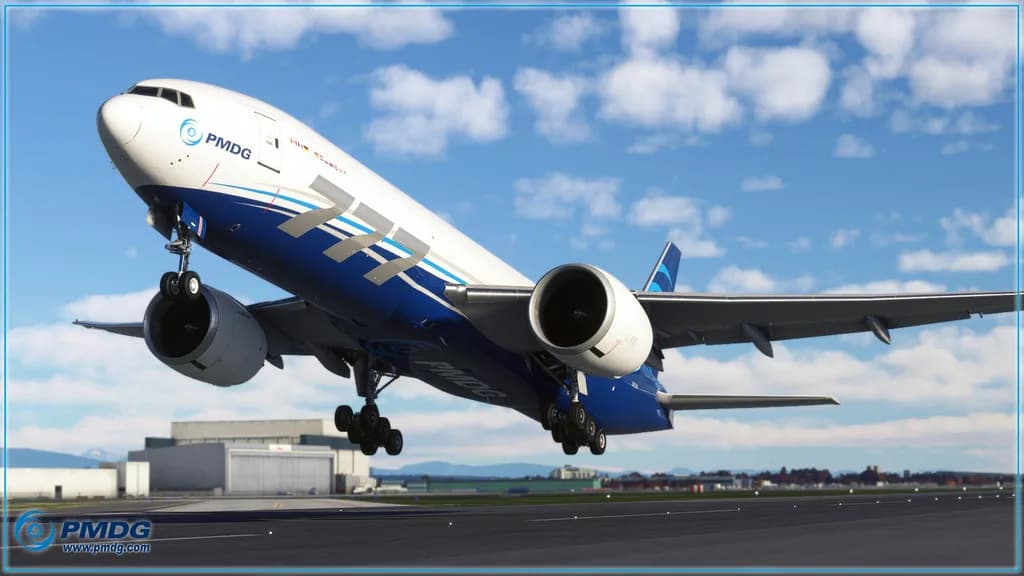
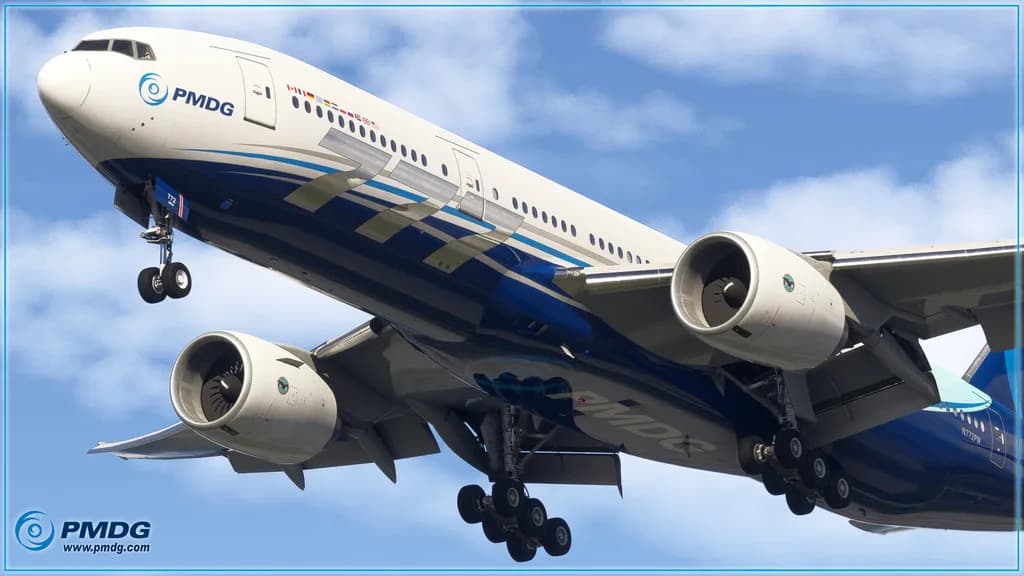
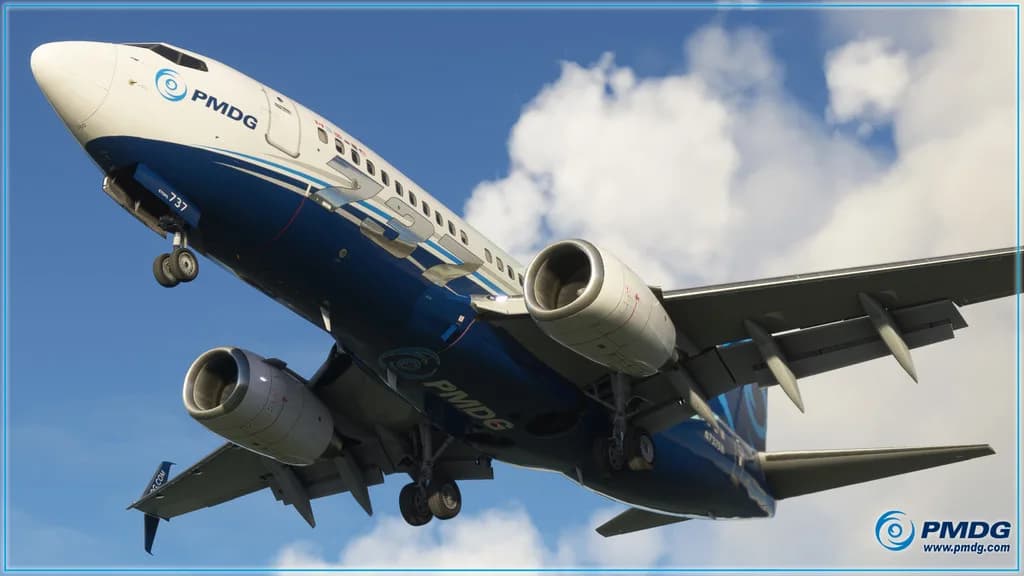
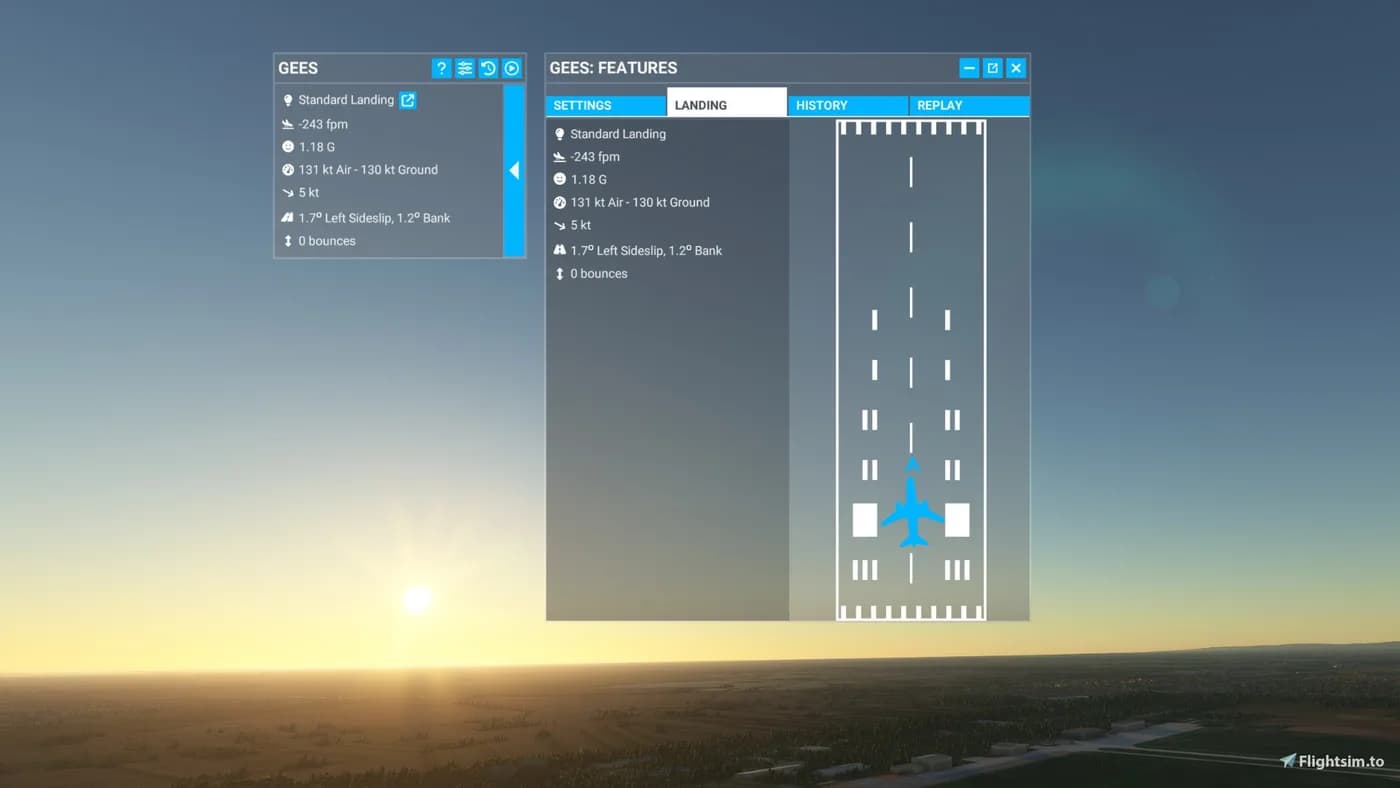
The catalog is split by simulator first and by add-on type second. Microsoft Flight Simulator has three groups: Aircraft, Add-ons and Scenery. Aircraft are complete airplanes and helicopters with their own model, cockpit and systems. Add-ons are utilities and service tools that change how the simulator itself behaves rather than what you fly. Scenery covers airports and regions modelled in more detail than the default terrain.
The storefront changes over time: items appear and sell out, so the listing below shows what can actually be bought right now rather than everything the store has ever carried. If a group is missing from the results, nothing in it is currently in stock. The filters and sorting on the left operate inside the MSFS selection, so you can narrow it down by add-on type, price or sale without going back to the full catalog.
Compatibility with simulator versions
Microsoft Flight Simulator exists in several editions, and it is the developer of each add-on, not the store, who decides which of them are supported. That is why X-Shop deliberately never promises that something "works with any version": the exact list of supported builds is printed on the product page, in the description and in the system requirements block. Read them before paying — it is the most reliable way to avoid a version mismatch.
If the product page is missing something or a wording looks ambiguous, ask support before you buy: support@aviashop.online. Compatibility answers are based on the developer's own data rather than guesswork, so a question asked in advance is almost always cheaper than sorting things out with a key that has already been activated.
Payment and key delivery
We accept Russian bank cards (Visa, Mastercard, MIR), Stripe for international cards, and cryptocurrency through Heleket and CryptoBot directly inside Telegram. Promo codes are entered in the cart at checkout. The charge goes through immediately, while delivery starts once the payment provider confirms the transaction — usually within seconds, occasionally a few minutes.
The key reaches you through three channels at once: an email to the order address, an entry under "My orders" in your account on aviashop.online, and a message from the Telegram bot if your account is linked to it. If the email is missing, check the spam folder and wait five to ten minutes; for a paid order the key can be re-sent. The same key is reused whenever you reinstall the add-on — there is no need to buy it twice.
Installation, updates and the launcher
Add-ons are installed and updated by their own developer tools — PMDG Operations Center, Fenix Installer, iniManager and similar. You supply the same key or your developer account, and the installer locates the simulator folder on its own. Step-by-step walkthroughs for the common cases live in the knowledge base at docs.aviashop.online and in the learning hub at education.aviashop.online.
X-Shop also has its own launcher for Windows ("X-Shop Launcher", installer at storage.aviashop.online): it downloads, installs and updates add-ons and syncs purchases with your account. Add-ons can only be downloaded there; on other systems everything is installed through the developers' own installers. Mobile apps are available too — "X-Shop Flight Sim Add-ons" on the App Store and online.aviashop.app on Google Play — with the catalog, purchases and key list on your phone.
If the key will not activate
The most common cause is that the developer's activation servers are unreachable from your region: keys are validated on the studio's side, not on the store's. Three steps usually fix it — connect through a VPN with an EU or US server, run the installer as administrator, and add the simulator folder to your antivirus exclusions, otherwise the installer can be blocked before it ever reaches the activation server.
If the key is still rejected after that, write to support with your order number and a screenshot of the error. A key that genuinely does not work is replaced or refunded; requests are reviewed within three business days. In all other cases digital goods are non-refundable. The full terms are on the "Returns and exchanges" page.