What counts as an aircraft here
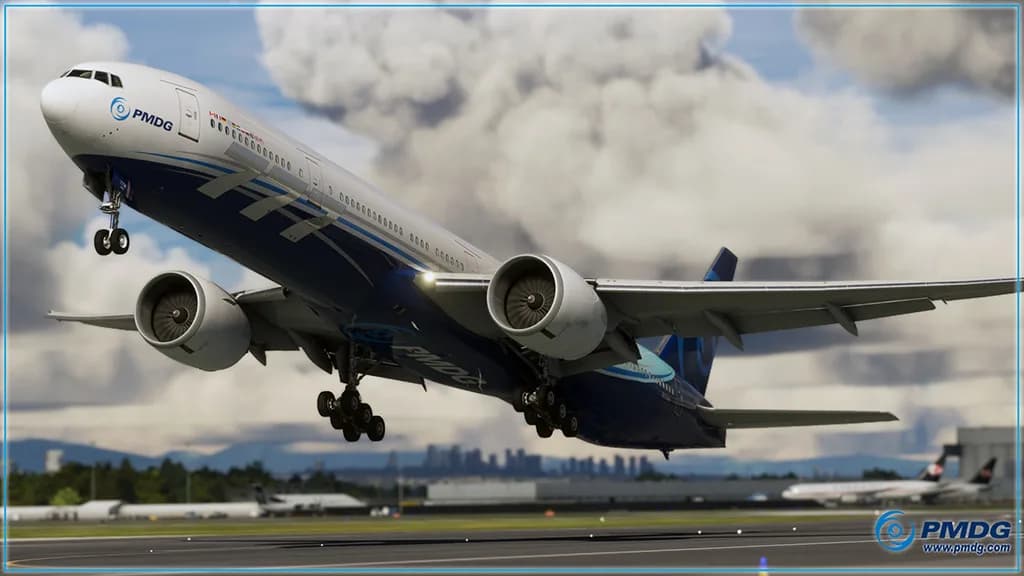
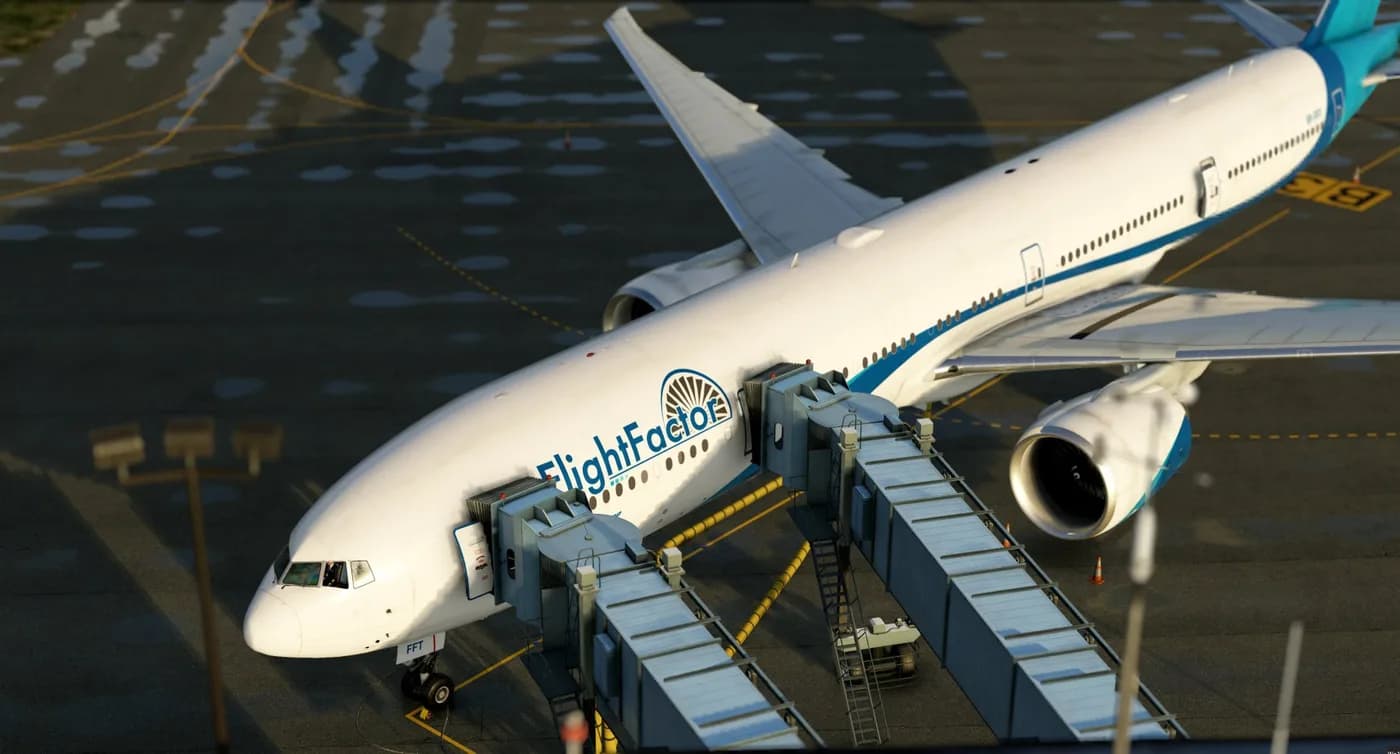
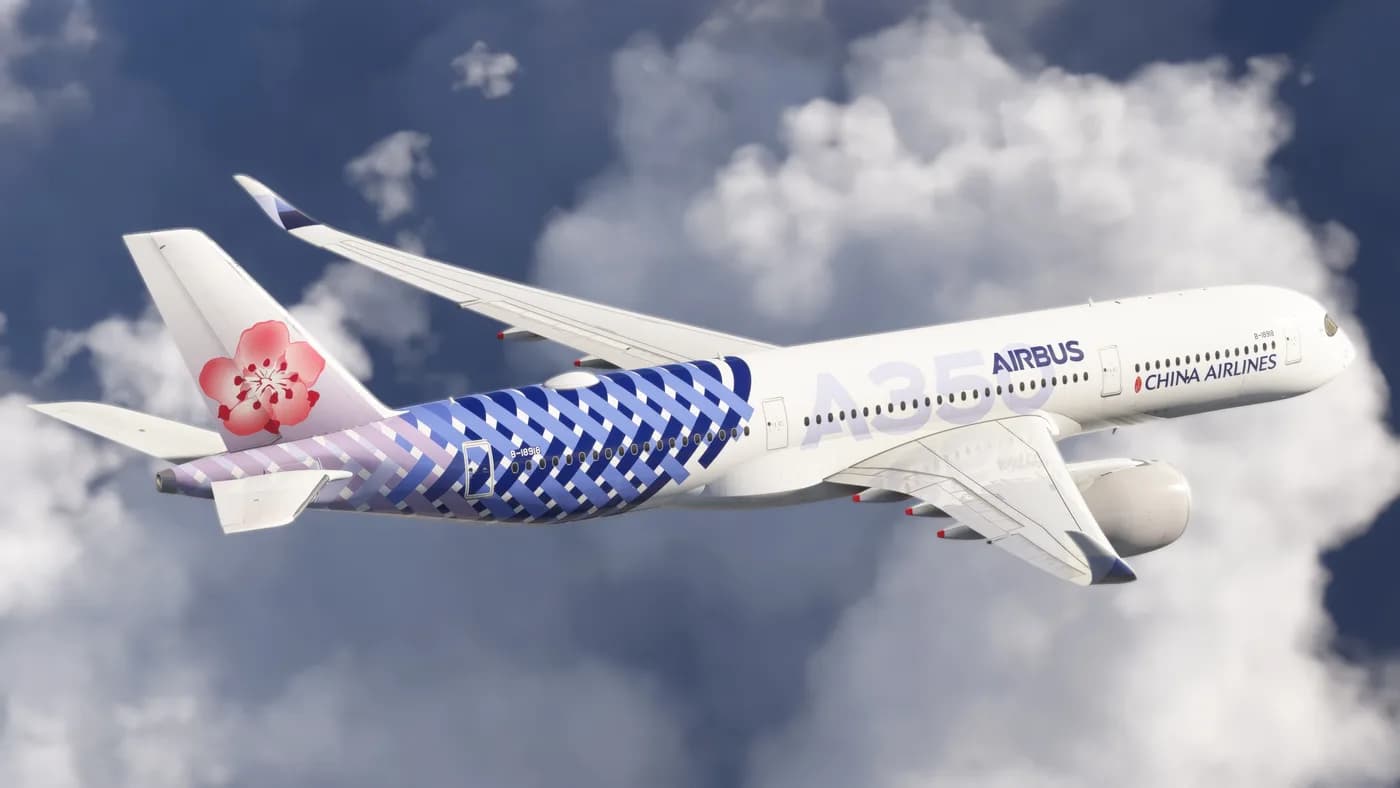
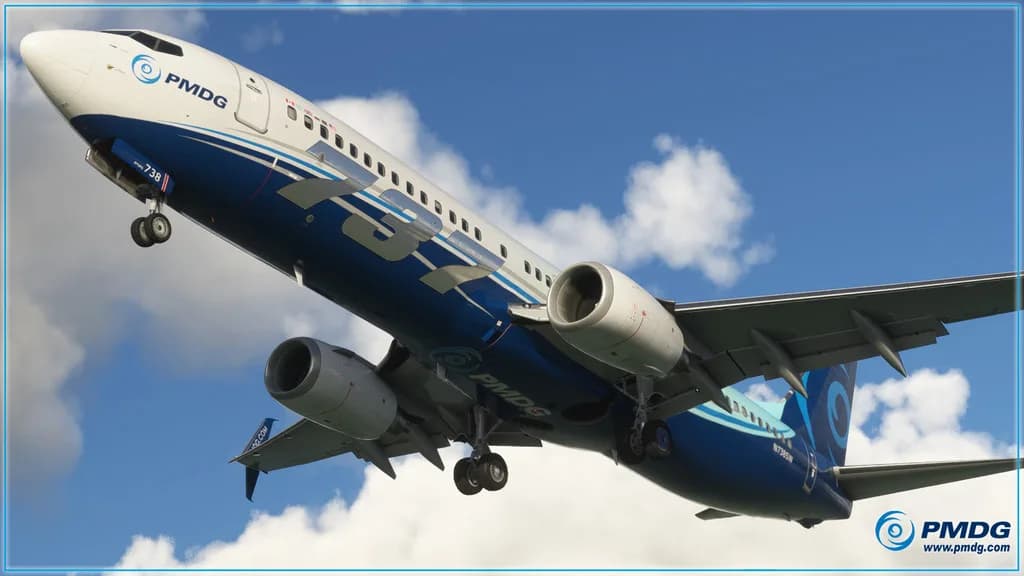
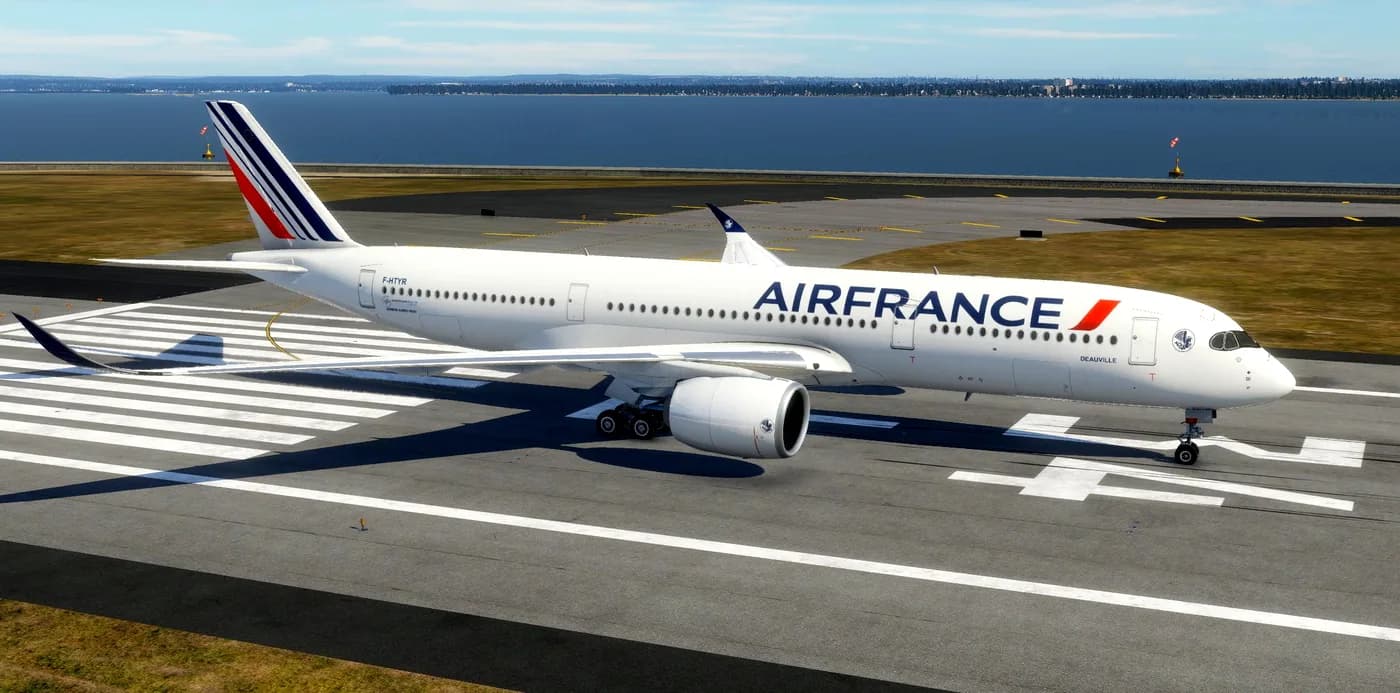
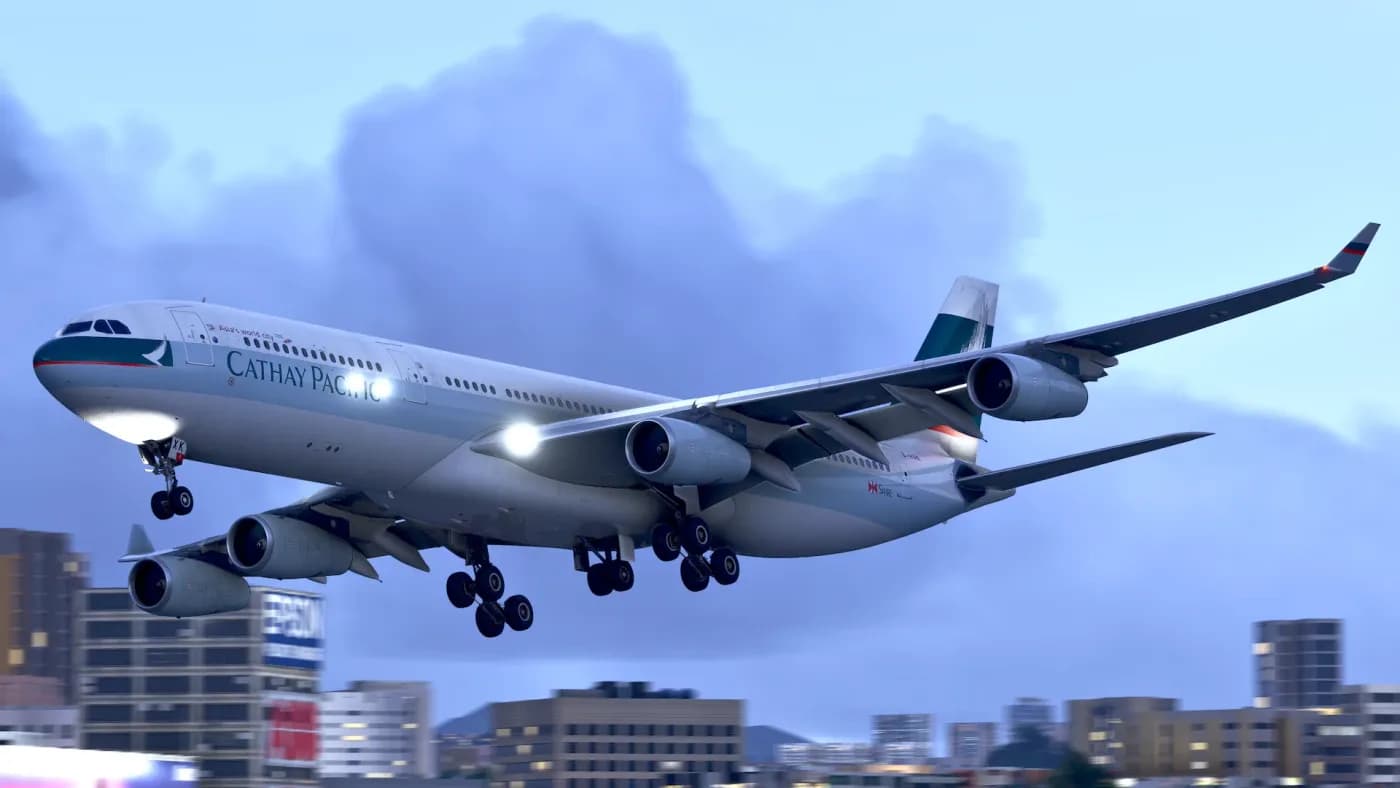
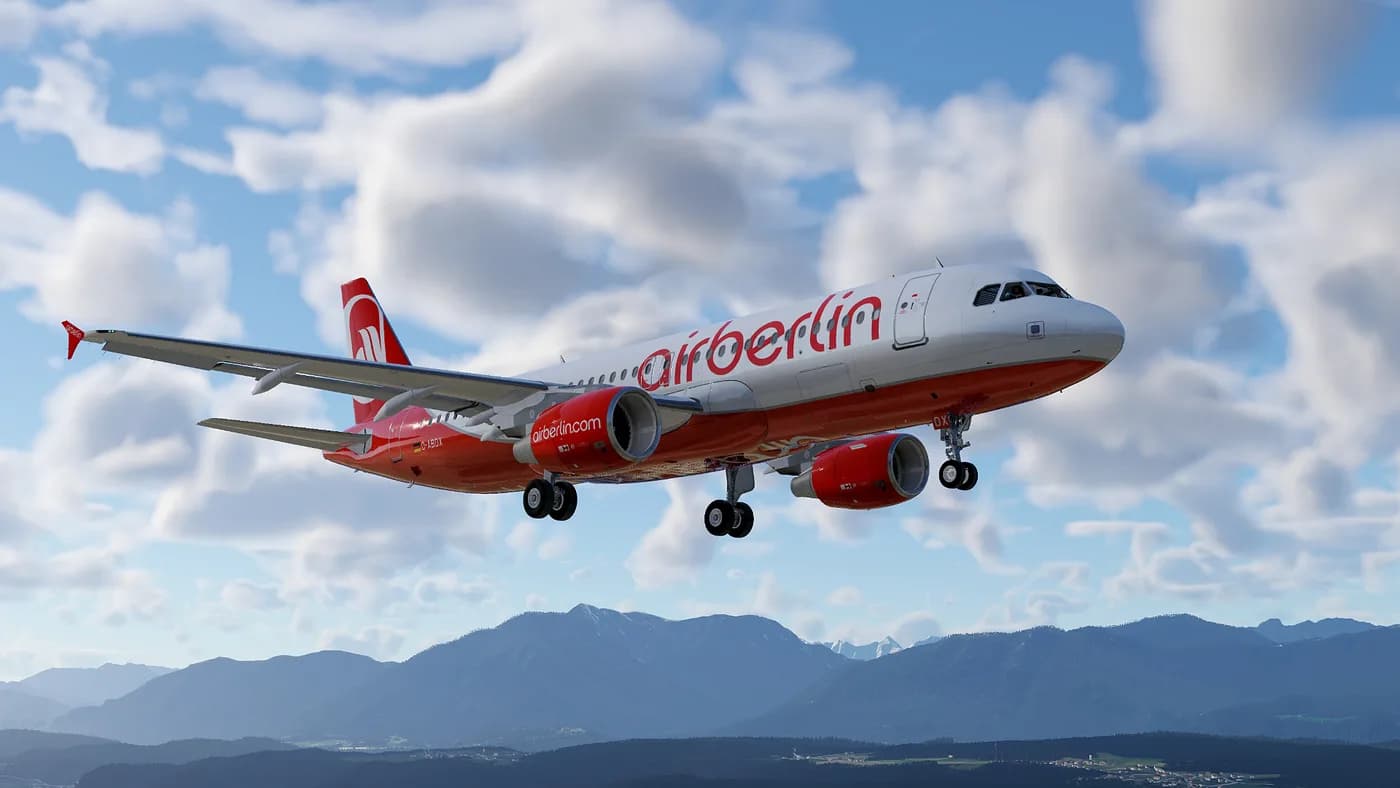
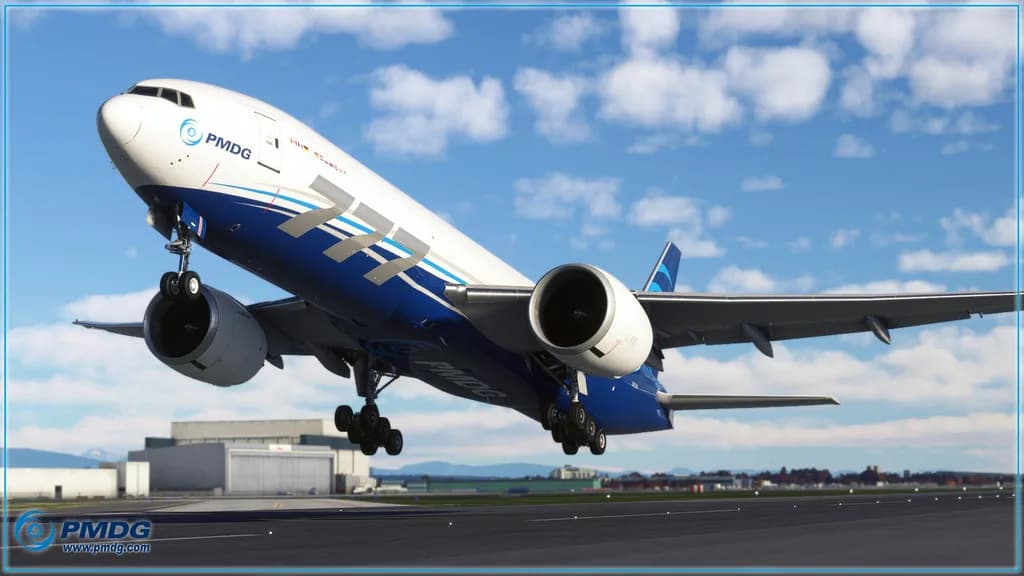
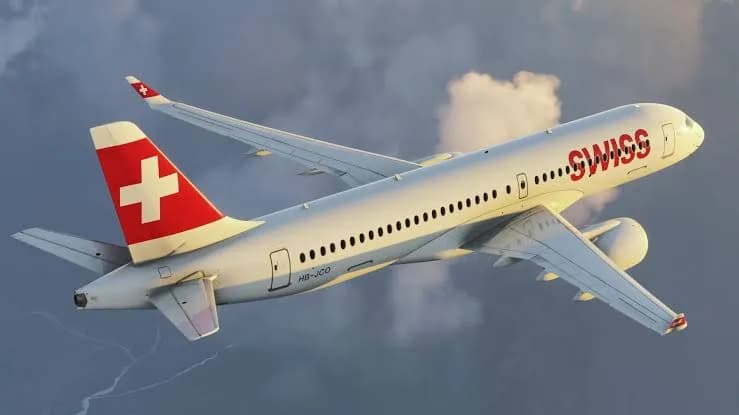
In X-Shop the add-on type is a separate filter axis, independent of the simulator. Aircraft are add-ons that bring a complete flying machine into the simulator: exterior model, cockpit, systems and their behaviour. Helicopters belong to the same group. Plugins, utilities, airports and sound packs do not — the catalog gives each of those its own section.
The group mixes products of very different scale, from straightforward light-aviation models to airliners with detailed procedures and failure modelling. The store does not rank them by "depth of simulation" and does not invent such scores: what is actually modelled is stated by the developer in the product description, and that is the only thing worth relying on.
Choosing one for your simulator
The same airframe is often released as several separate builds for different simulators and different versions of them, and those are different products. Narrow the list with the platform filter on the left, then check the system requirements on the product page: they state which simulator and which version the build targets. The product name is not obliged to tell you.
Check separately whether the add-on needs third-party software or a developer account — if it does, the product page says so. Compatibility questions are best asked before paying, at support@aviashop.online: we answer from the developer's data, and an activated key is no longer refundable.
What you get after payment
Everything in X-Shop is digital; there is no physical shipping. Once the payment is confirmed you receive the activation key through three channels at once: an email to the order address, an entry under "My orders" in your account, and a Telegram bot message if your account is linked. This normally takes seconds, occasionally a few minutes while the provider confirms the payment.
The key stays valid after reinstalls: the same code is used when you install the aircraft again, move it to another computer or update it to a newer version. Nothing has to be bought twice. If the email never arrived, the key for a paid order can be re-sent from your account or through support.
Installation, launcher and apps
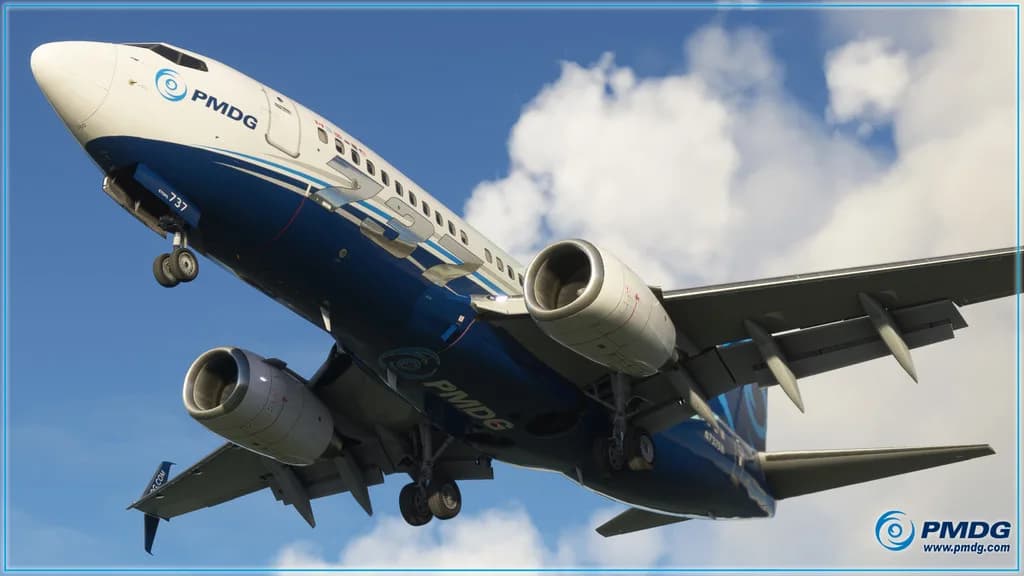
Aircraft are usually installed by the developer's installer — PMDG Operations Center, Fenix Installer, iniManager and others follow the same pattern: launch, enter the key or sign into the developer account, let it find the simulator folder. Some add-ons, X-Plane ones in particular, are unpacked manually according to the instructions shipped with them.
X-Shop Launcher for Windows downloads, installs and updates add-ons and syncs purchases with your account; downloading add-ons works only there. From a phone, the catalog, purchases and keys are available through the apps: "X-Shop Flight Sim Add-ons" on the App Store and online.aviashop.app on Google Play.
Payment, rewards and support
Payment is accepted by Russian bank cards, by international cards through Stripe, and in cryptocurrency via Heleket and CryptoBot. Promo codes are entered in the cart at checkout. Purchases earn XP, where 1 XP equals 1 ₽ of discount on a later order; the daily bonus unlocks after 2,000 ₽ of purchases and a daily login streak increases the reward. A referral programme is available as well.
If a key will not activate, the standard steps help: a VPN with an EU or US server, running the installer as administrator, excluding the simulator folder from antivirus scanning. If that fails, write to support@aviashop.online with the order number and a screenshot. A non-working key is replaced or refunded, and requests are reviewed within three business days.