How a plugin differs from an aircraft or scenery
An aircraft add-on brings one flying machine into the simulator and a scenery add-on brings one airport or region. A plugin works differently: it hooks into the simulator as a whole and changes how it behaves no matter what you happen to be flying. That is why these are bought once and used on every single flight.
In the X-Shop catalog this group is assembled from three categories: Plugins under X-Plane, Add-ons under Microsoft Flight Simulator and Add-ons under Prepar3D. The names differ because that is what the platforms themselves call them, but the meaning is the same — a service extension for the simulator. The platform filter on the left keeps only yours.
What you will find in this group
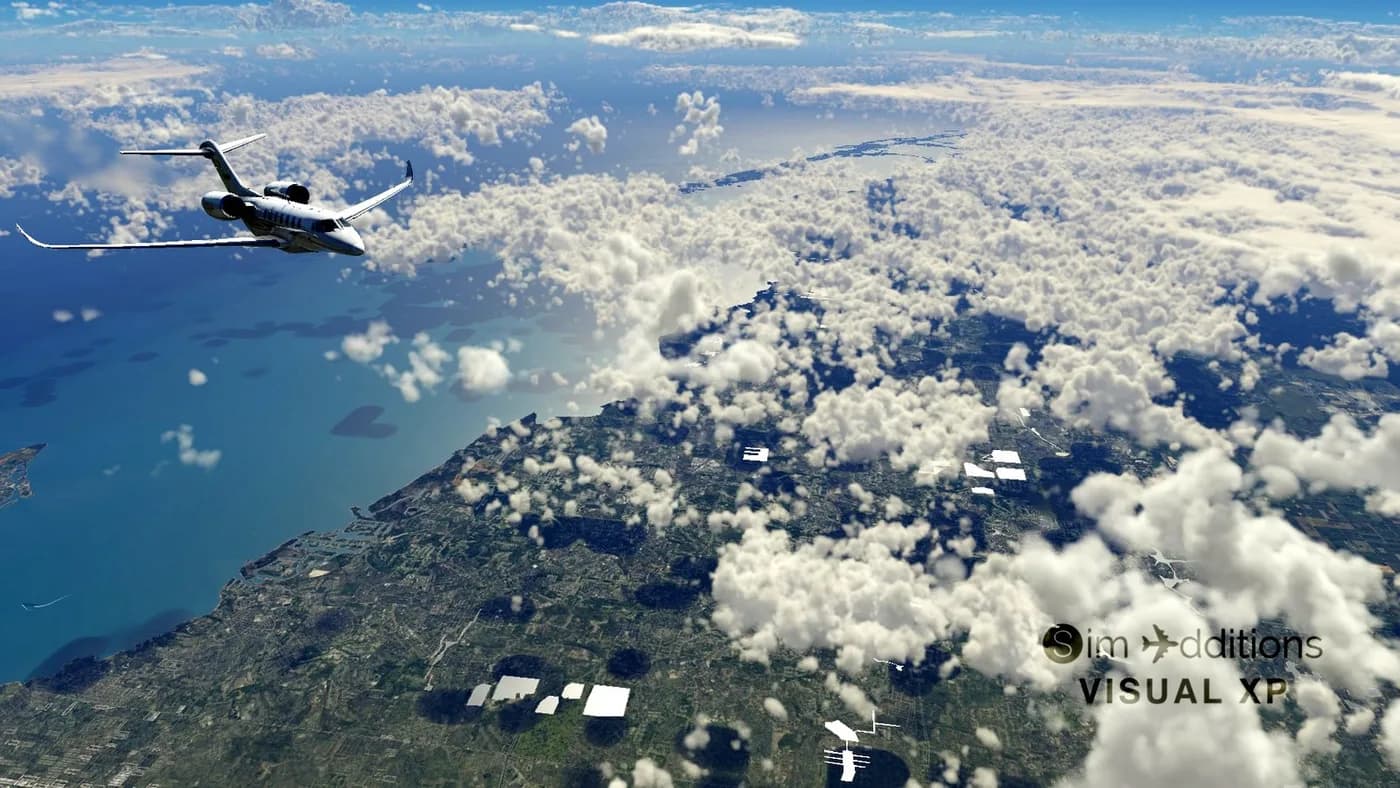
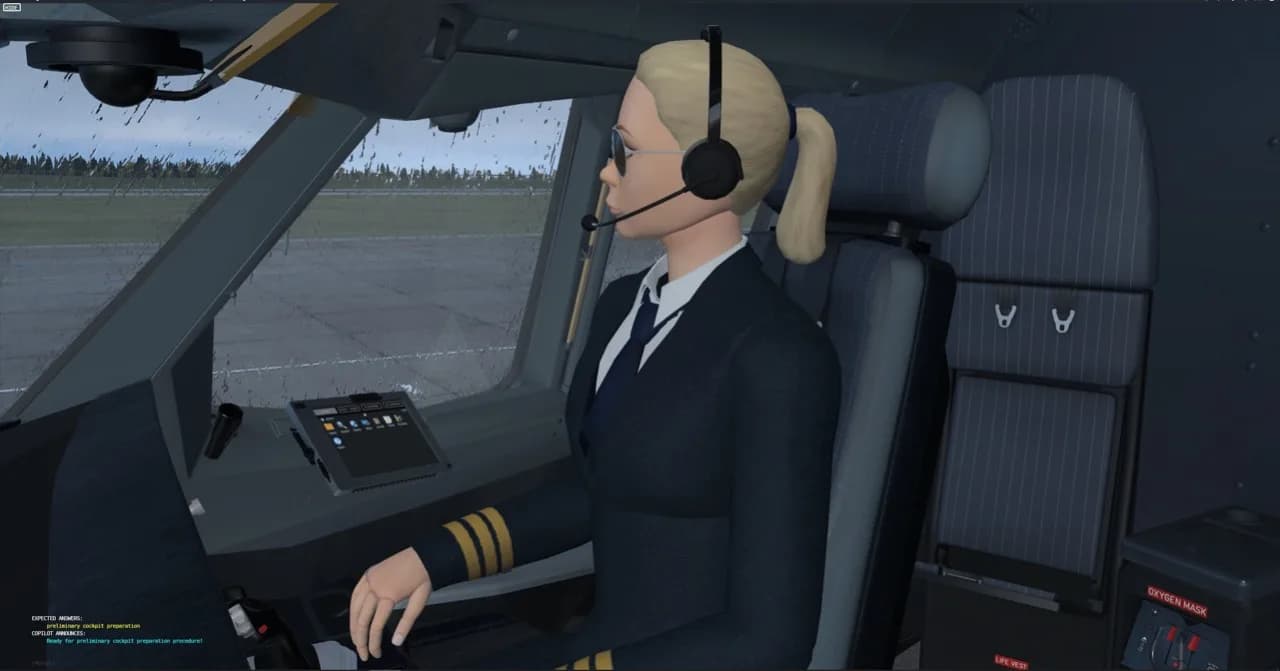
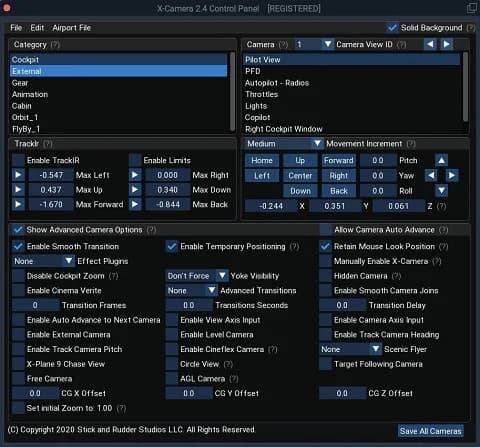
The purposes vary widely: extensions that change the visual or weather side of the simulator, file and scenery managers, helper utilities for planning and for maintaining an installation. Some X-Shop products also carry a subcategory — weather, graphics, ground services or other — and the listing can be filtered by that too.
What a given add-on actually does is always described on its product page by the developer. The store does not paraphrase or embellish those descriptions: if a specific feature matters to you, read the description and the system requirements in full, and clear up anything ambiguous with support before paying.
Compatibility and versions
Plugins are more sensitive to the simulator version than aircraft are: they work with its internals, and a build made for one version is not obliged to start in another. The only correct source on compatibility is the product page — the description and the system requirements block filled in by the developer. X-Shop issues no compatibility guarantees of its own on any platform.
If a plugin stopped working after you updated the simulator, that is usually a matter of a new build from the developer rather than a defective key. The update is normally installed with the same installer and the same key. Not sure what to do — write to support@aviashop.online and we will walk you through it.
Delivery, keys and reinstalling
You can pay by Russian bank card, by international card through Stripe, or with cryptocurrency — Heleket and CryptoBot work straight from Telegram, and promo codes are entered in the cart. Once the payment is confirmed, the key is emailed to the order address, appears under "My orders" in your account and is mirrored to the Telegram bot.
The key is issued once and does not expire for your account: reinstalling the simulator, moving to another computer and updating the plugin all work without a repeat purchase. Copy the code from the email in full, with no stray spaces at either end — a noticeable share of support tickets comes down to exactly that.
Support, replacement and refunds
Plugin activation runs through the developers' servers, so if those are unreachable from your region a perfectly valid key can still be rejected. The routine is the same as elsewhere: try a VPN with an EU or US server, run the installer as administrator, and add the simulator folder to your antivirus exclusions.
If that does not help, support will replace the key or process a refund: you will need the order number, the order email and a screenshot of the error, and requests are reviewed within three business days. In all other cases digital goods are non-refundable. Detailed terms are on the "Returns and exchanges" page, and questions go to support@aviashop.online.