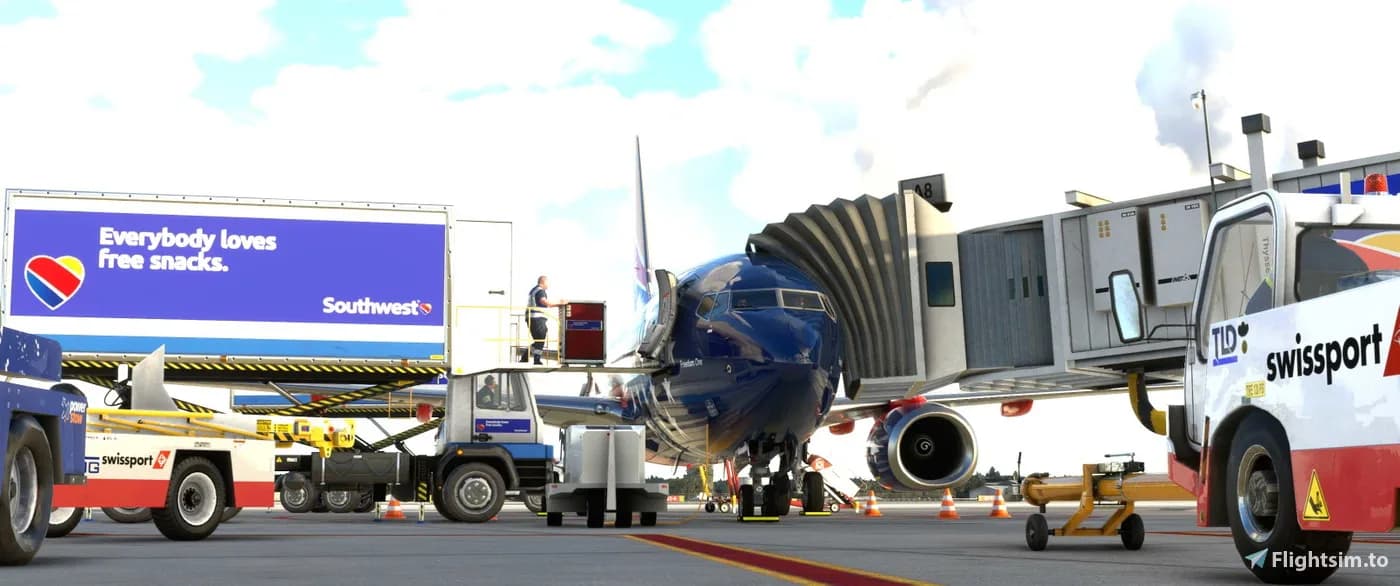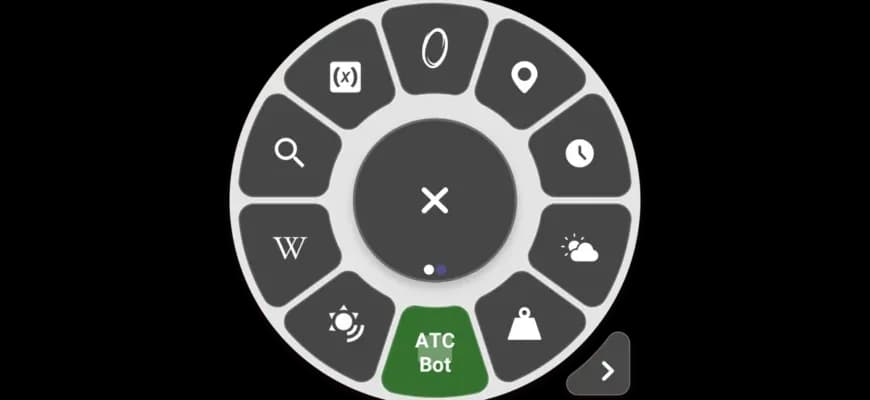
Flow Pro for MSFS 2024
✈️ Flow Pro for Microsoft Flight Simulator 2024 - full flight control without unnecessary clicking 😎 Flow Pro is a smart menu right in the sim that replaces a bunch of hotkeys, mouse movements and fiddling with settings. Everything you need is at hand, in one click 🔥 🚀 What Flow Pro can do: 🔹 Quick access to airplane an…
Sorry, this product is temporarily out of stock
Description
Specifications
| Platform | Microsoft Flight Simulator 2024 |
|---|---|
| Category | MSFS • Add-ons |
| Developer | Parallel 42 |
| Delivery type | X-Shop distributive (ZIP) |
| Added to catalog | February 7, 2026 |
| SKU | 174 |
How to get it and activate
This product ships as an X-Shop distributive: after payment you get a download link for the add-on archive and, if the developer provides one, an activation key. The payment is confirmed automatically, so delivery needs no operator.
- Place the order and pay in any supported way: a Russian bank card, an international card via Stripe, or cryptocurrency.
- Wait for the payment confirmation. It usually takes a few seconds, or up to a few minutes if your bank is slow.
- Open the order page in your account under “My orders”: the download link and the activation key appear there. The same details are sent to the order email and to the Telegram bot.
- Unpack the archive and install the add-on into your simulator folder. On Windows you can leave this to the X-Shop Launcher app — it installs and updates purchased add-ons and syncs your library with your account.
The download link and the key stay in your account, so you do not have to buy the product again when you reinstall the simulator or move to a new computer. If the email never arrives, check the spam folder, wait 5–10 minutes, then resend the key from the order page or contact support with your order number.
Reviews
No reviews yet — be the first buyer to leave one.
Log in to leave a review. Login
Frequently asked questions
How fast is the key delivered after payment?
Right after the payment is confirmed. The download link and the key appear on the order page in your account and are duplicated by email to the order address and in the Telegram bot. Payment confirmation usually takes a few seconds, occasionally up to a few minutes.
Can I get a refund?
The digital product is not refundable: the key and the download link are issued immediately after payment and count as used. We only refund on three grounds: a duplicate charge, technical inability to deliver the product, and a key that fails to activate through our fault, as confirmed by support. Requests are reviewed within 3 business days and the money goes back through the original payment method. Refund Policy
What should I do if the key does not work?
First copy the key from the email without extra spaces and try again — that is the most common cause. If that does not help, try a VPN with an EU or US server, run the installer as administrator and add the simulator folder to your antivirus exclusions. If the key is still rejected, send support your order number and a screenshot of the error: we will replace the key or issue a refund.
Which simulator versions does this add-on support?
The add-on targets Microsoft Flight Simulator 2024. The exact supported simulator versions are defined by the developer — check the description and the system requirements on this page. We do not guarantee compatibility beyond what the studio states; if the information you need is missing, ask support before buying.
Do I have to buy the product again when I reinstall?
No. The key and the download link stay in your account under “My orders”, and the same key is used when you reinstall the add-on, switch simulators or move to a new computer.
More products for you