Which PMDG titles are in stock
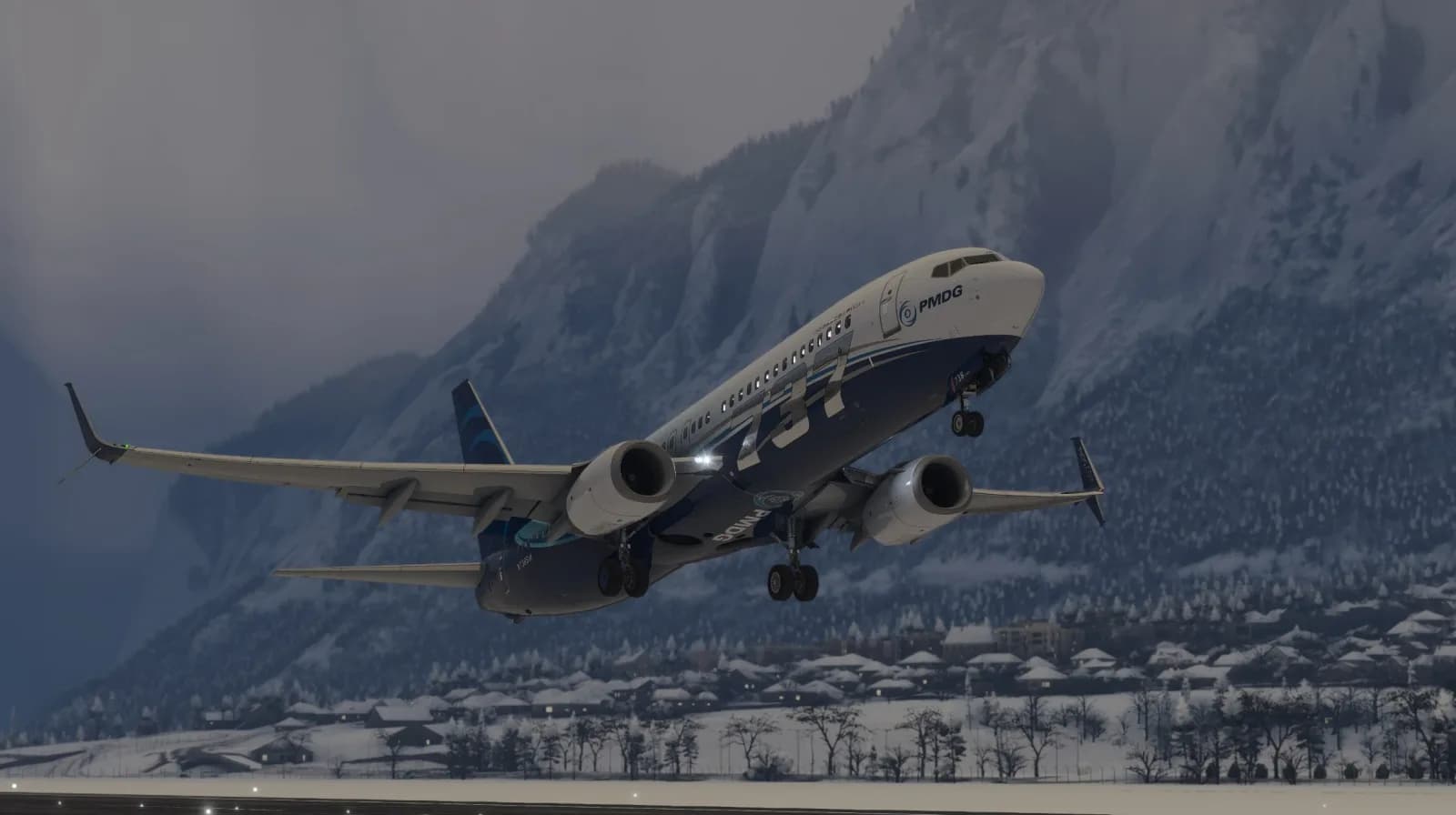
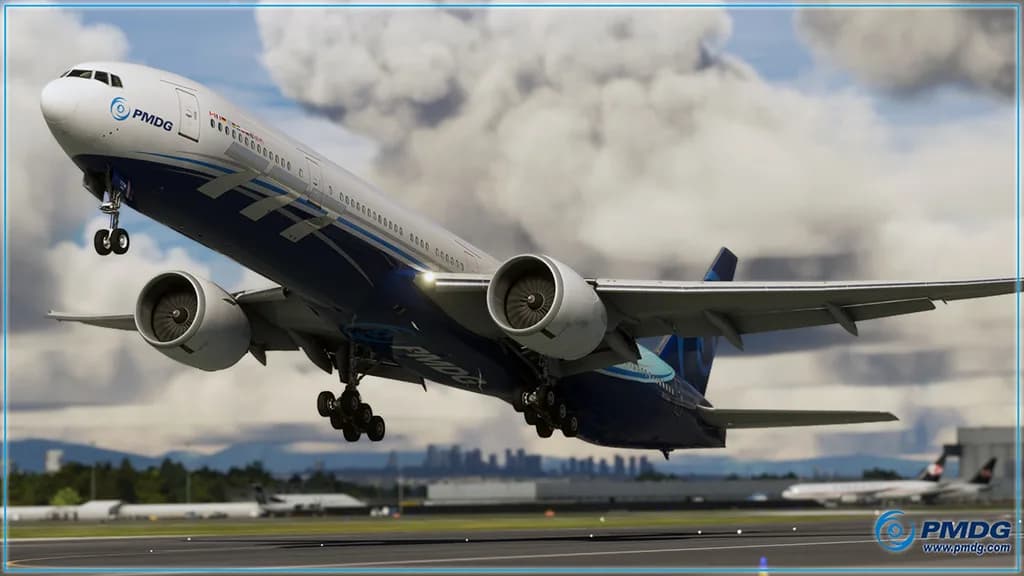
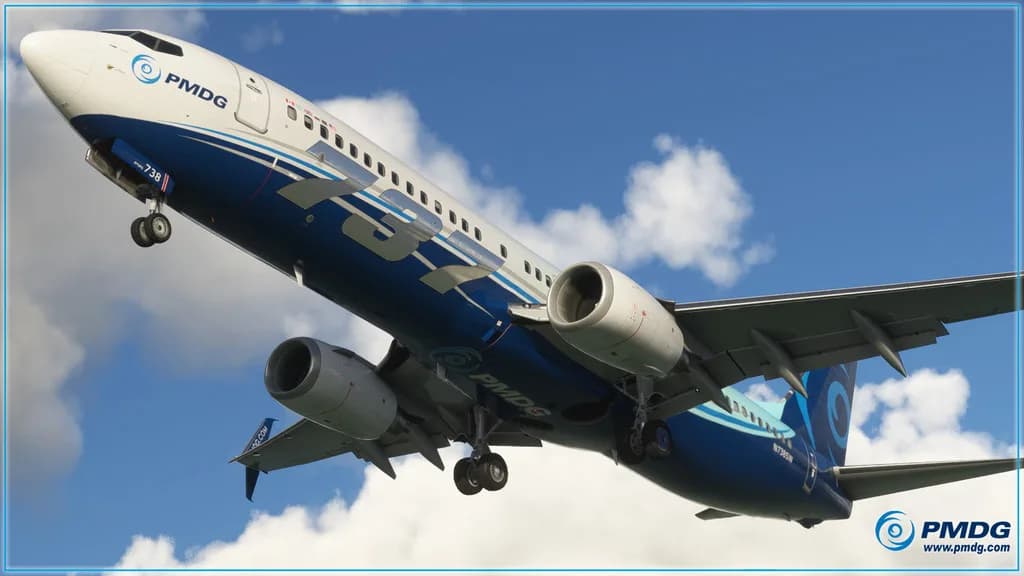
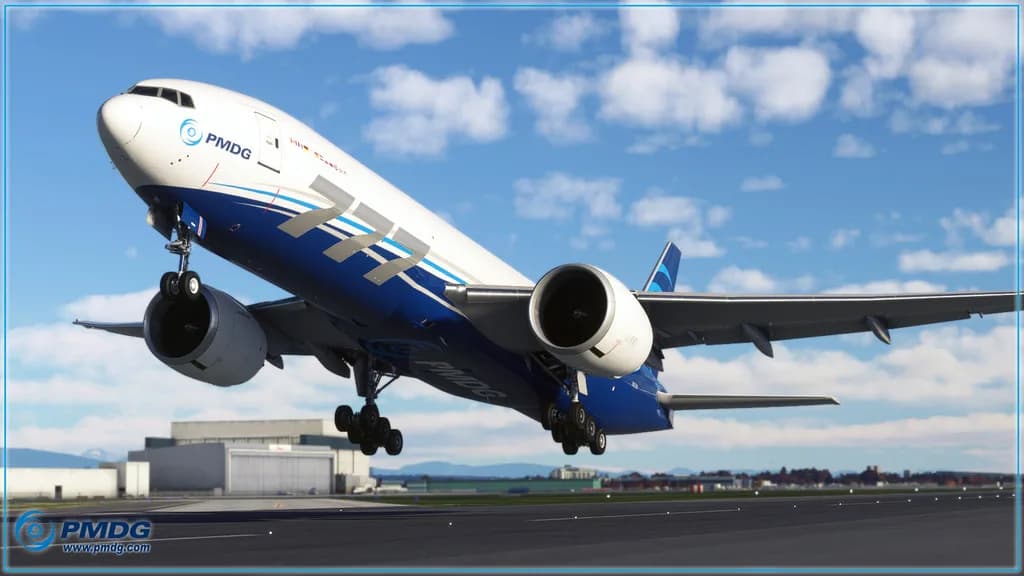
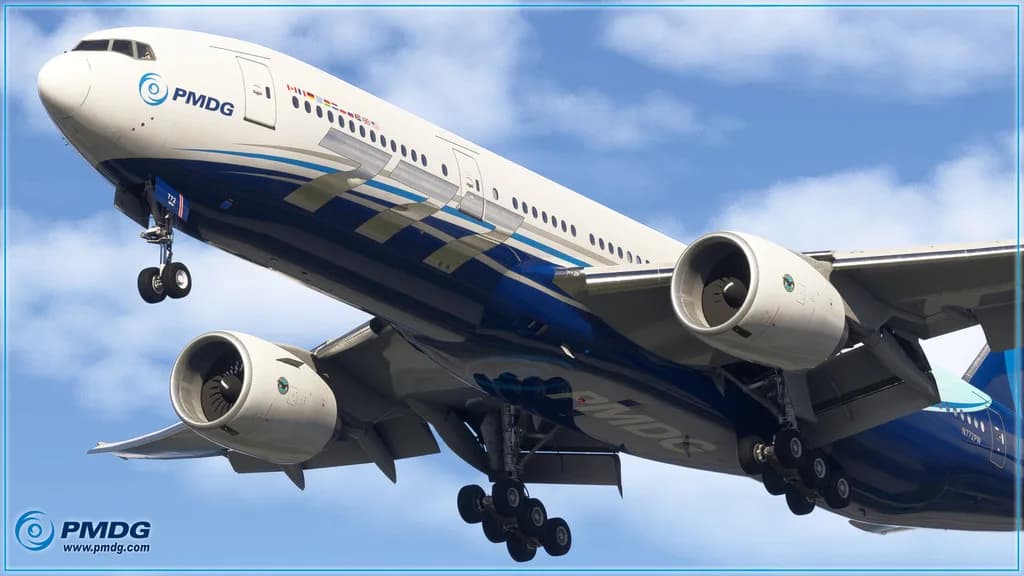
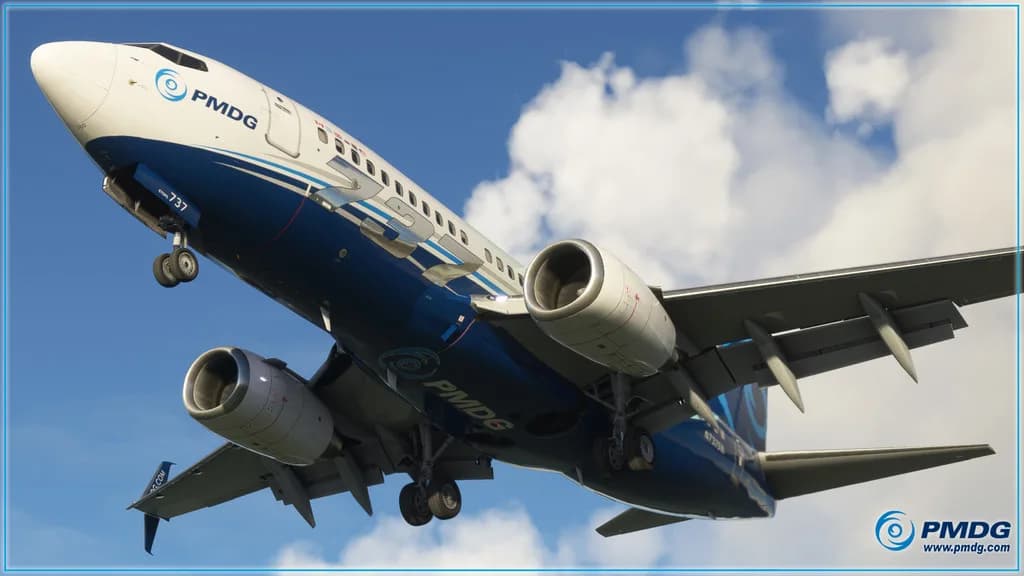
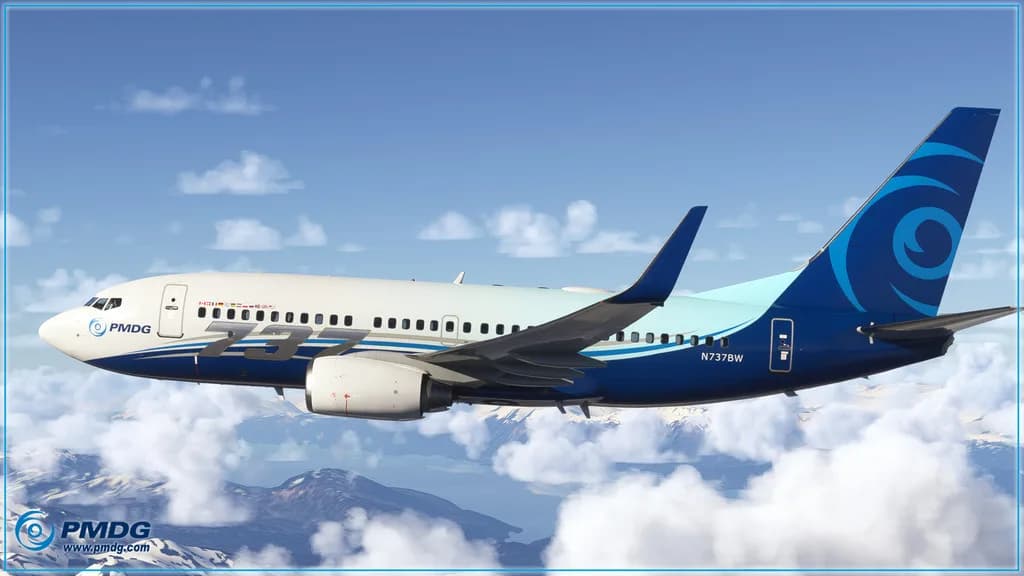
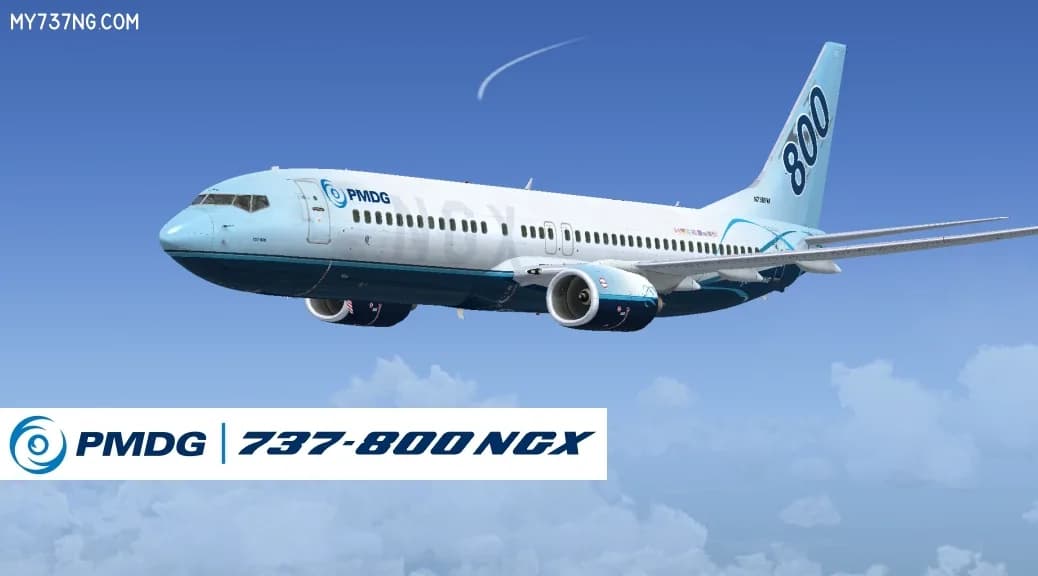
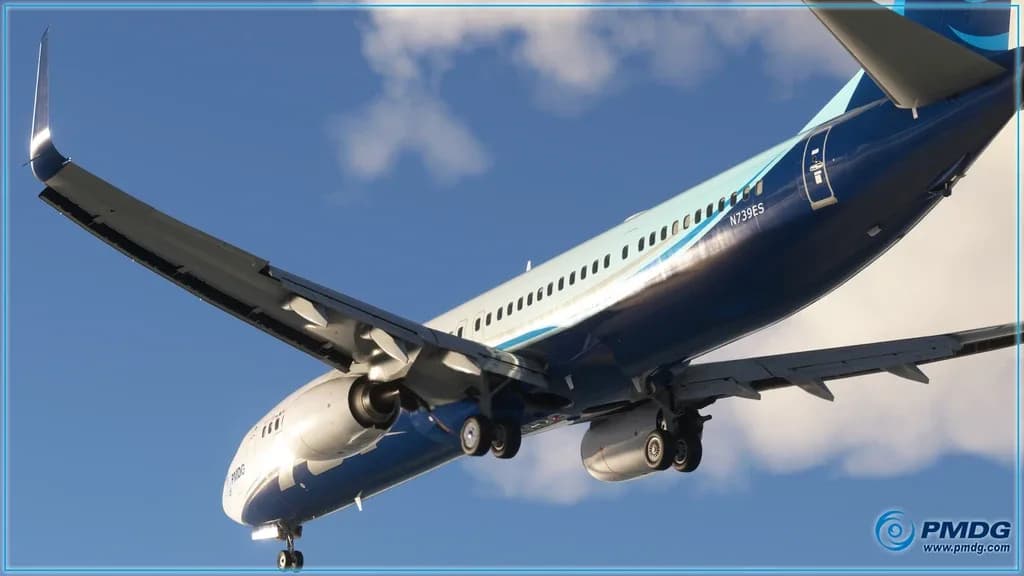
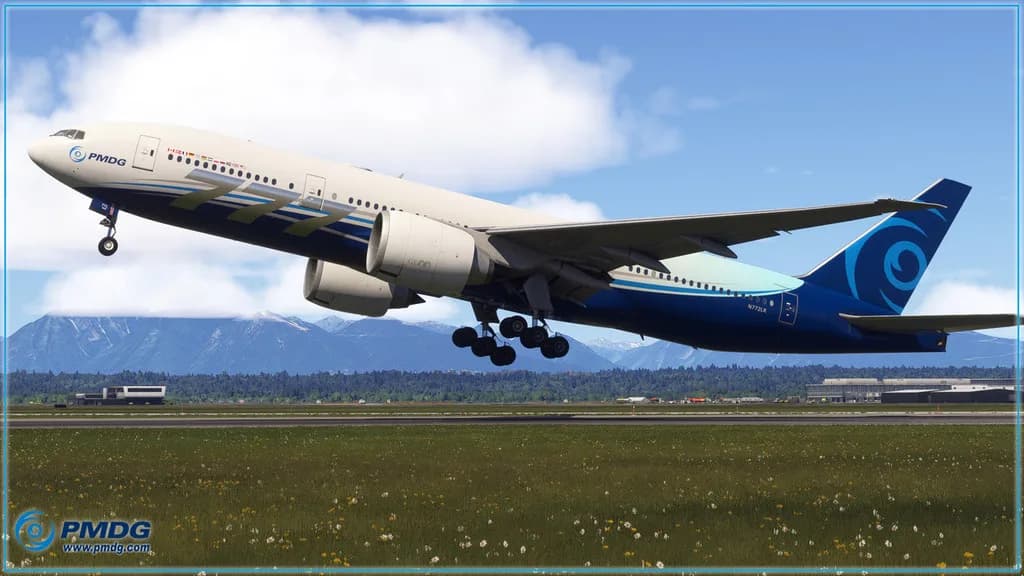
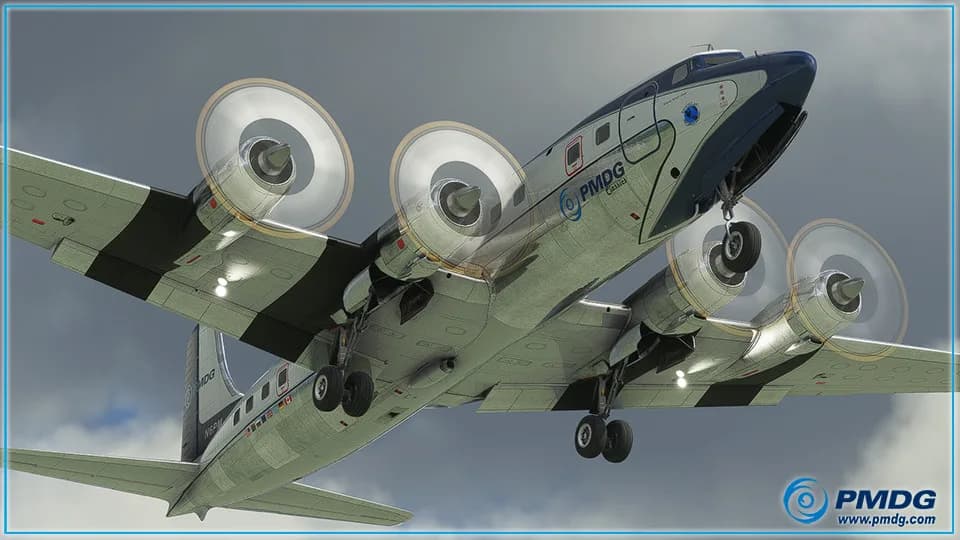
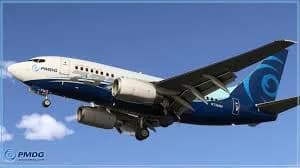
The Boeing 737 family: the 737-600, 737-700, 737-800 and 737-900. Some of them have separate builds for MSFS 2020 and MSFS 2024 — those are different products, and the version is stated in the name. The Boeing 777 family: the 777-200ER, 777-200LR, 777-300ER and the 777F freighter. Apart from the jets there is the piston DC-6, and the 737-800/900 NGX package for Prepar3D v4/v5 — the studio's only title in that section of the catalog.
If this is your first PMDG aircraft, the 737 is the easier way in: a smaller machine, fewer procedures, and the same systems and FMC logic as the 777. Which variant you want depends on your routes — short hops and a 777 do not pair well. What each title includes and which simulator versions it supports is stated on its product page.
MSFS 2024, MSFS 2020 and P3D — which build is which
The studio ships separate builds for MSFS 2020 and MSFS 2024, and the catalog sells them as separate products: "for MSFS 2024", "for MSFS 2020", or "for MSFS 2020/2024" when one build covers both. Buying for one edition does not automatically entitle you to the other — that is the developer's policy, not the store's.
The Prepar3D line is separate and unrelated to MSFS: the 737 NGX package targets P3D v4/v5. Check the simulator version against the description and the system requirements block before paying; if the wording looks ambiguous, ask at support@aviashop.online first, because an activated key cannot be returned.
Add-ons for PMDG aircraft: a first officer and SOPs from FS2Crew
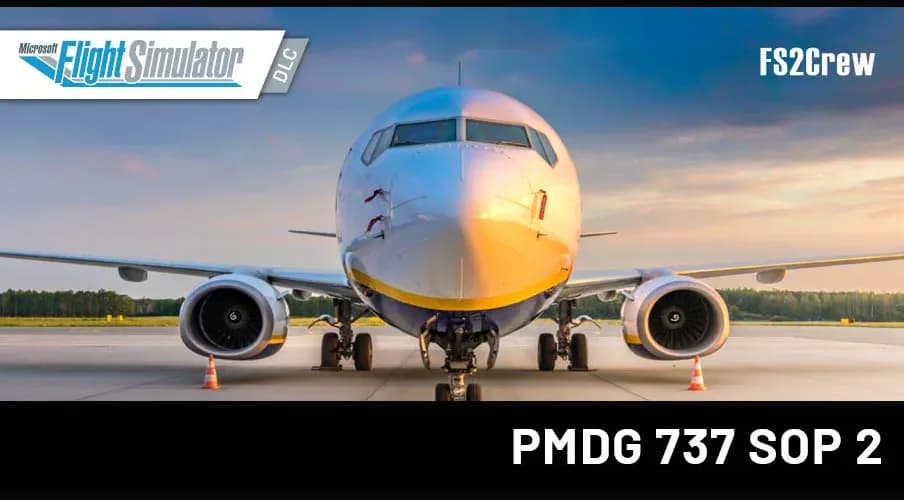
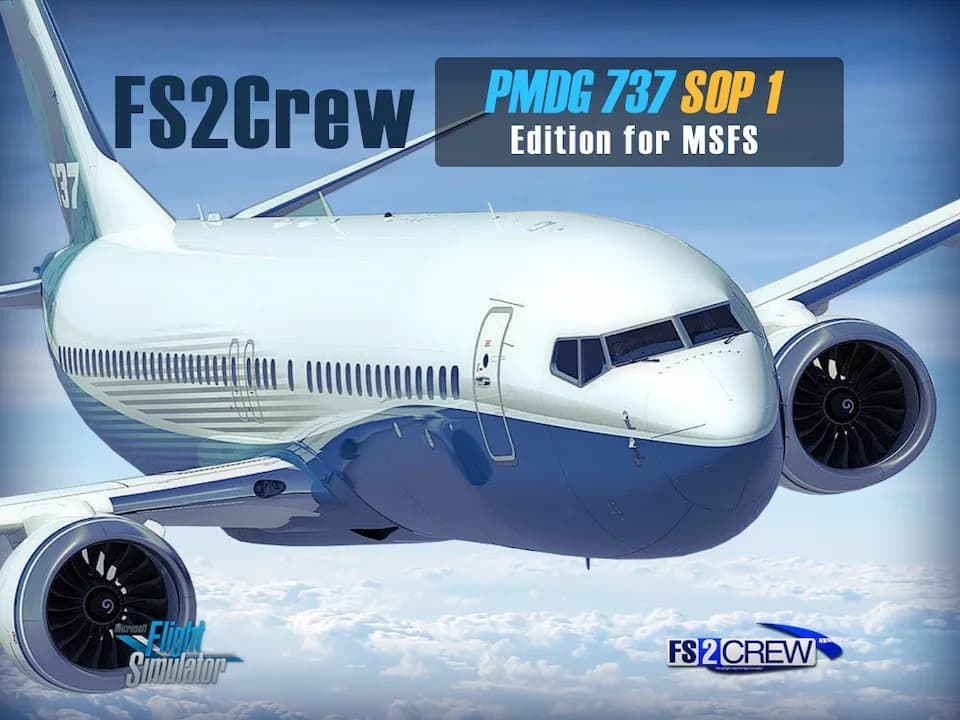
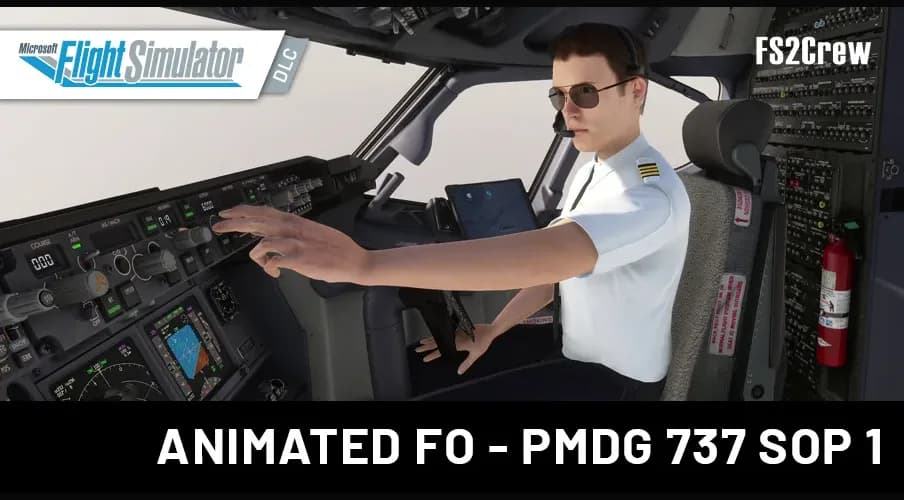
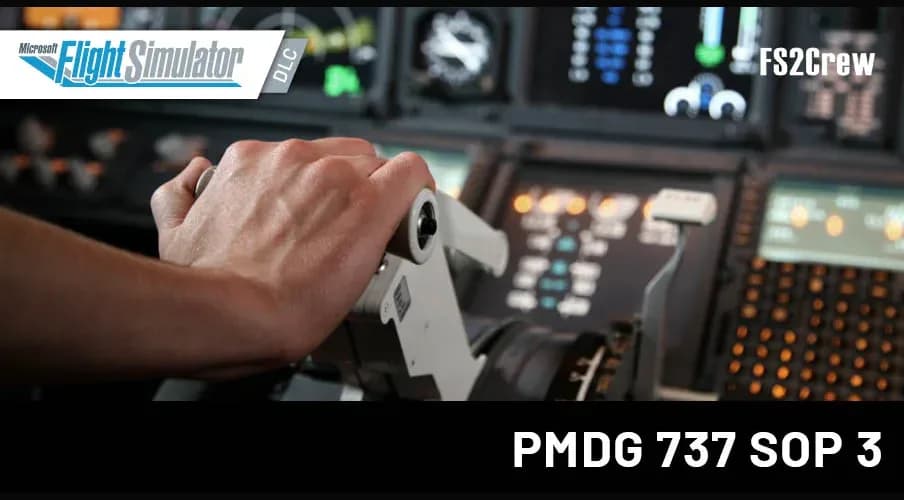
FS2Crew adds what the aircraft does not have out of the box: a voiced second officer who reads checklists and runs standard operating procedures on your command. The catalog carries SOP packages for the PMDG 737 in several editions, plus a version with an animated first officer. These are extensions: without the matching PMDG aircraft they do nothing.
Which SOP edition suits you depends on the procedural school you want to practise; the differences are set out in the product descriptions. These titles appear in the grid above alongside the studio's aircraft because they belong to the same fleet.
Installing and activating PMDG
PMDG aircraft are installed and updated through the PMDG Operations Center: you enter your key or studio account, and the installer finds the simulator folder and pulls updates itself. The same key is used when you reinstall the simulator or move to a new computer — there is no need to buy twice. Step-by-step guides are in the knowledge base at docs.aviashop.online.
When activation fails, it is usually because the studio's servers are unreachable from your region: the key is checked by PMDG, not by the store. Three steps close almost every case: a VPN with an EU or US server, running the installer as administrator, and adding the simulator folder to your antivirus exclusions. If that does not help, write to support with your order number and a screenshot of the error: a key that does not work is replaced or refunded within three business days.