 X-Shop Education
X-Plane vs Microsoft Flight Simulator: Fair Comparison ✈️
Here we'll outline the key differences between the two leading flight simulators, help you choose the right option based on your goals and PC specs, and explain why many simmers use both platforms.
X-Plane vs Microsoft Flight Simulator: Fair Comparison ✈️
Graphics 🎨
MSFS 🏆 - Photorealistic graphics, satellite images of the entire planet 🌍, incredible clouds ☁️
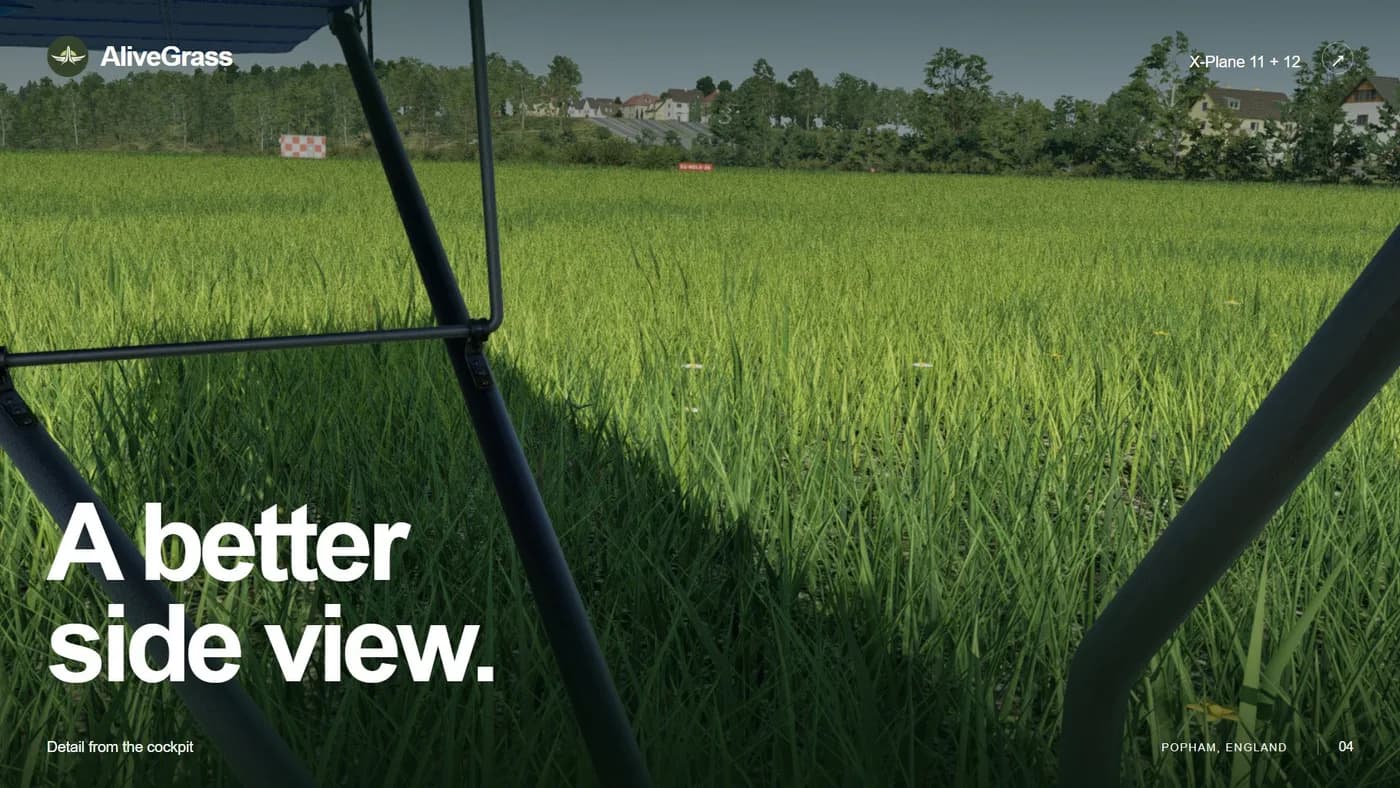
X-Plane - Simple graphics (XP12 is better), requires addons for realism, easier for PC 💻
Physics of flight 🛫
X-Plane 🏆 - The most accurate physics in the industry 🔬, used for professional training ✅
MSFS - Good but simplified physics 🎮, better for casual flights 😊
Aircraft systems 🔧
X-Plane 🏆 - Deep systems modeling ⚙️, the best study-level aircraft 📚
MSFS - Good basic systems ✅, growing library of complex aircraft 📈
Weather ⛈️
MSFS 🏆 - Real-time weather 🌐, stunning thunderstorms and clouds 🌩️
X-Plane - XP12 improved 🆕, good weather plugins ☁️
Productivity 💻
X-Plane 🏆 - Optimized ⚡, works on weak PCs 🖥️
MSFS - Very demanding 🔥, you need a powerful PC and good internet 📶
Content 🛒
X-Plane 🏆 - Huge library 📚, lots of free content 🆓
MSFS - Growing quickly 📈, high-quality official additions 💎
VR 🥽
MSFS 🏆 - Amazing experience 🌟, requires powerful PC 💪
X-Plane - Good support ✅, more stable 📊
For beginners 📖
MSFS 🏆 - Great lessons 👨🏫, beginner friendly 😊
X-Plane - Steep learning curve 📈, for serious learning
Final 🏆
MSFS = Visual masterpiece 🎨
X-Plane = Realistic physics ✈️
Many people use both! 🤝
X-Shop supports both simulators! 🎉
Happy flying! 🛫☁️