 X-Shop Education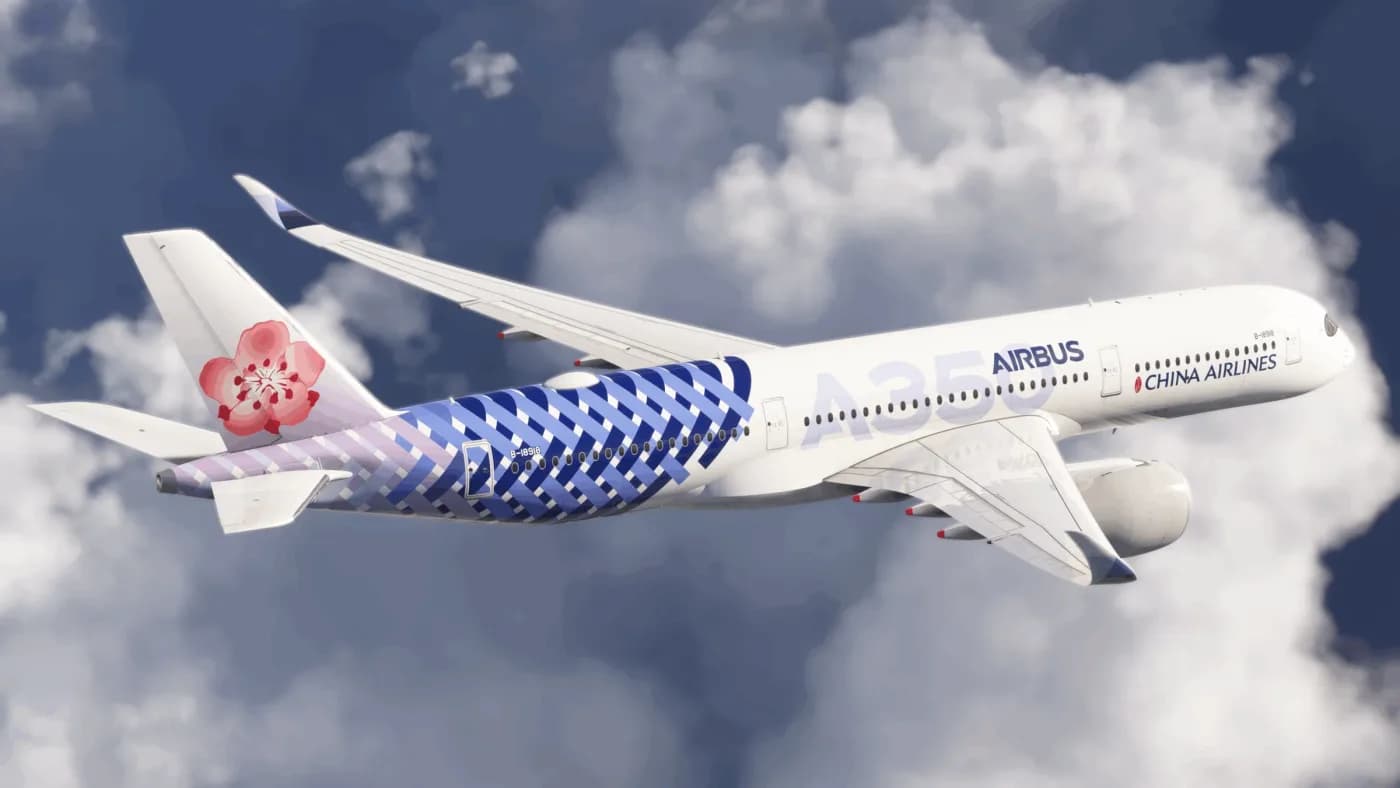
iniBuilds A350: we analyze the most ambitious widget from the studio
The A350 from iniBuilds for MSFS 2020/2024 is not just “another widebody”. Let's figure out what's inside, whether it's worth taking and who it's suitable for
Airbus A350 is one of the most complex widgets that third-party developers generally undertake. iniBuilds have rolled out their version for MSFS 2020 and 2024, and this is the case when it’s worth understanding in detail, and not just scrolling through the list of features ✈️
What the hell
The kit includes two variants - A350-900 and A350-1000, each with its own separately modeled exterior (not just a stretched fuselage). The -900 has a choice of long and short wingtips, the -1000 only has short ones, like in reality.
Systems - we did our best here
This is not a cosmetic remake. MCDU is implemented in real detail: CDA, ETT, CMS, ETP, secondary flightplanes, pilot waypoints, keyboard input. More than 200 ECAM messages with normal procedures, memos, status page and abnormal checklists.
From what is actually felt in flight:
- Secondary Navigation Display (SND) - backup navigation mode if the main FMS is degraded
- MORA directly on ND
- Custom terrain radar
- FLS and GLS approaches
- ADS-B and TCAS
Geo-specific GPS jamming will especially appeal to those who like to tickle their nerves: the system hits real areas where GPS is jammed in real life, and can affect BTV, TCAS, ROPS/ROW, GPWS. Moreover, it is not a fact that the failure will be restored on its own.
There is CPDLC via Hoppie (ATIS/METAR requests, mailbox), and new fly-by-wire features - auto de-rotation, improved yaw damper and rotation law.
Some of the features (ANF, BTV, ROPS/ROWS) require a subscription Navigraph, but the basic AIRAC 2303 data is already included in the addon, so you can fly out of the box.
Cabin and cockpit
Here iniBuilds clearly tried to get the most out of MSFS 2024. Fully animated cockpit with working no-smoke/seatbelt displays, emergency lighting, doors and galley with coffee machines - the cabin configuration is taken from the real AFR layout. FS2020 does not have a full-fledged cabin, only FS2024.
The cockpit was assembled according to references “from nature” - thousands of photos and consultations with pilots. Animated chairs, curtains in the sun, oxygen masks, a work tray, condensation on the glass and wipers in the rain (also only FS24).
Sound
WWise samples recorded from a real A350, including the distinctive whine of the Trent XWB engines and the sound of the flap motors. The cabin, cockpit and external sounds have been worked out separately - they feel an order of magnitude more lively than the average sound set.
EFB and ground
EFB directly controls ground services - GPU, ASU, ACU, doors, lights. There is integration with GSX (passenger boarding, refueling, loading directly from EFB), SimBrief (loadsheet and performance data import) and Situation & Failure Manager with 40 failures for ATA chapters plus proprietary “situations” from iniBuilds.
Requirements
The addon is pretty good:
- Download - 5.07 GB, after installation - almost 14 GB
- Recommended: RTX 2080 / RX 5700 XT (8GB VRAM), i7-10700K / Ryzen 7 2700X, 32GB RAM, DX12
That is, this is not for weak machines - reserve some hardware.
Is it worth taking
If you are interested in a wide-body long-range vehicle with serious systems development, yes, this is one of the most detailed options on the market now. The downsides are predictable: some of the features are tied to FS2024, requires Navigraph for advanced entry functions, and the addon is hardware-hungry. If you fly mainly on short haul routes on light aircraft, you are overpaying for something you won’t use.