 X-Shop Education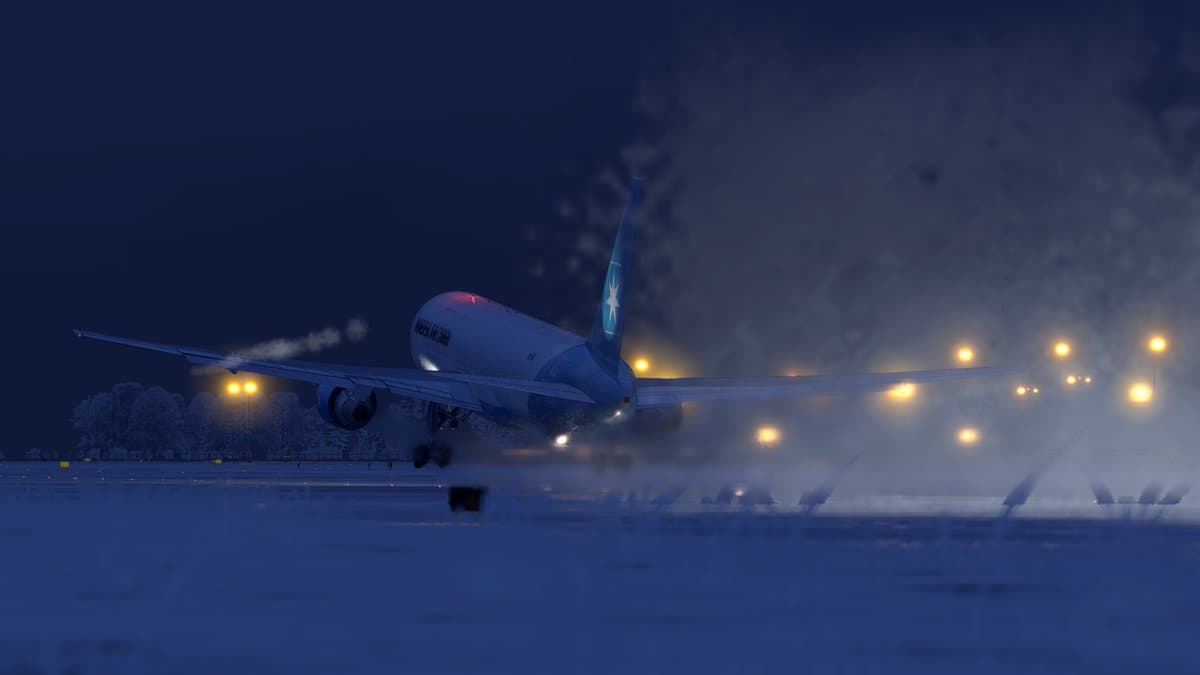
❄️ Competition “Best winter X-Shop screenshot”! 🎄✈️
Winter is in full swing - it's time to show how beautifully you fly in the snow of MSFS and X-Plane! We are launching a New Year's screenshot contest, and each of you can not only express yourself, but also receive X-Shop Rewards bonuses 🔥
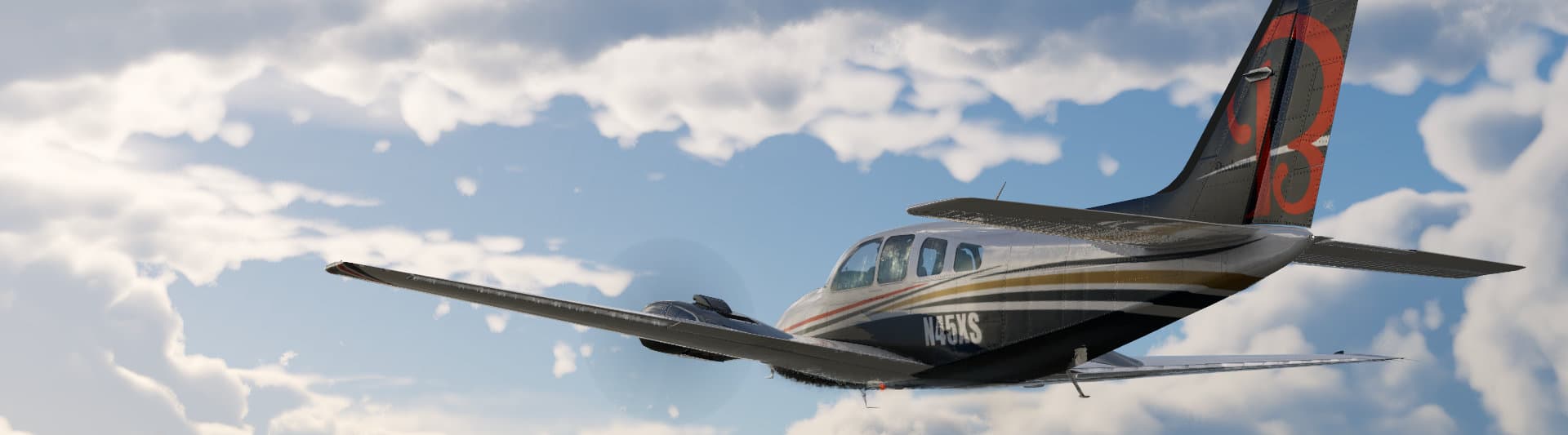
Winter in flight simulators has its own special magic. Snow-covered runways, ice crystals on the fuselage, northern lights over the wing, frosty haze over airports... We've all seen these mesmerizing moments in MSFS or X-Plane, and now you have a chance to share them with the community!
X-Shop is launching a New Year's competition "Best Winter Screenshot", where each participant receives a reward - even just for participating. Yes, yes, we are awarding 150 X-Shop Rewards points to everyone who sends in their work! 💙
🎯 How to participate?
Everything is as simple as possible:
1.Take a winter screenshot in Microsoft Flight Simulator or X-Plane
Snow, frost, blizzard, Christmas lights - any winter atmosphere is welcome!
2.Send the screenshot in private messages of the X-Shop channel
Just one file is your best winter work.
3. Enter the email from your account on aviashop.online
This is a prerequisite for earning points! Without providing your email address, we will not be able to credit you with the reward.
Get 150 X-Shop Rewards points just for participating!
Even if you are not among the top three winners, the points are still yours 🔥
🏆 Prize fund
The best works will be awarded additional awards:
🥇 1st place — 1000 X-Shop Rewards points
🥈 2nd place - 500 points
🥉 3rd place - 300 points
All winners will also be featured in a separate X-Shop holiday post with your names and screenshots! ❄️✨
📅 Important dates
Submission of works: until December 27 inclusive
Summing up: 1–2 days after the completion of acceptance of work
Don't wait until the last minute - winter is here and your perfect shot is waiting!
✈️ Screenshot requirements
For your work to pass moderation, make sure that:
There is a winter atmosphere: snow, ice, frosty weather, winter airports or a festive mood
Any plane and any location - from light Cessnas over Alaska to heavy Boeings over snowy Europe
You can use filters and color correction, but without excessive Photoshop and editing
One participant = one job - choose your best shot!
💡 Lifehacks for creating the perfect winter screenshot
Want your work to stand out? Here are some tips from the X-Shop team:
1. Play with lighting
The winter sun creates unique light effects - low sun, long shadows, golden light on the snow. Try shooting at sunrise or sunset for a dramatic atmosphere. Night flights with city and airport lights look magical too!
2. Choose the right weather
In MSFS, use live weather or customize it manually: add snowfall, fog or low clouds. In X-Plane, experiment with weather plugins like Active Sky or built-in presets. A light snowstorm or frosty haze will add atmosphere.
3. Find winter locations
Not all airports look the same in winter. Try:
Alaska (PANC Anchorage, PAFA Fairbanks)
Scandinavia (ENGM Oslo, ESSA Stockholm)
Canada (CYVR Vancouver, CYYZ Toronto)
Alps (LSZH Zurich, LOWI Innsbruck)
Russia (UUEE Moscow, USSS Yekaterinburg)
4. Turn on Replay Mode
Many of the best shots are created not in flight, but when reviewed through playback mode. You can find the perfect angle, catch the plane in a beautiful turn, or capture the landing from the side.
5. Processing is your friend.
Light color correction can turn a good screenshot into a masterpiece. Add a little contrast, highlight the cool shades of blue and white, and reduce the saturation a little for a frosty effect. But remember - the main thing is not to overdo it!
6. Composition is everything
Apply the rule of thirds: place the plane not in the center, but in one of the lateral thirds of the frame. Add foreground (wing, engine) for depth. The horizon should be level unless you are intentionally creating a dynamic shot.
❗ Don't forget to include your email!
This is critically important: to award 150 points for participation and bonus points in case of victory, we need your email from your aviashop.online account. Without this information, we physically will not be able to credit you with the reward. Make sure you have entered the correct address - the same one you used when registering in the store!
🎄 Why is it worth participating?
Guaranteed reward - each participant receives 150 points
Chance to win up to 1000 points - enough for serious purchases at aviashop.online
Recognition in the community - you will be included in the X-Shop holiday post
Inspiration and exchange of experience - look at the work of other pilots, discover new locations
Get into a festive mood - creating a beautiful screenshot is a pleasure in itself!
✉️ How to submit work?
Just write in private messages to the X-Shop channel, attach your screenshot and enter your email. All! We will process your application and points will be awarded after verification.
Winter in flight simulators is beautiful, and we want you to share this beauty with us and the entire community. It doesn’t matter if you’re a professional screenshotter or just taking your first screenshots—participate, create, and win rewards!
We are waiting for your winter masterpieces until December 27! ❄️✈️
💙 X-Shop Team