Guide: FS2Crew for MSFS
Complete installation and activation guide for FS2Crew for Microsoft Flight Simulator
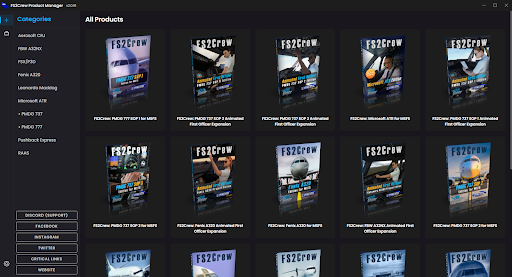
Download Product Manager from the official FS2Crew website.
Install Product Manager and launch the program.
Sign in using the account credentials provided after purchase.
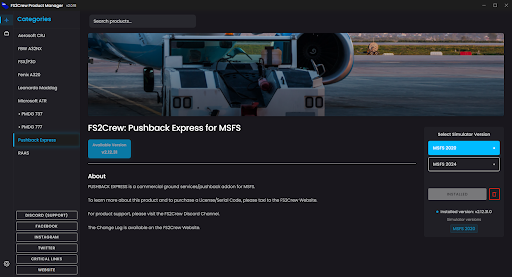
Select the purchased product and click download.
Wait for download and installation to complete.
Launch Microsoft Flight Simulator and load into a flight.
Open the Add‑ons toolbar and find the FS2Crew icon.
Click the FS2Crew icon and select the installed product.
Click "LAUNCH APPLICATION".
Any value is fine for the Name field in activation.
Enter the email and serial key provided after purchase.
After successful activation, the app is ready!