PMDG Operations Center 3
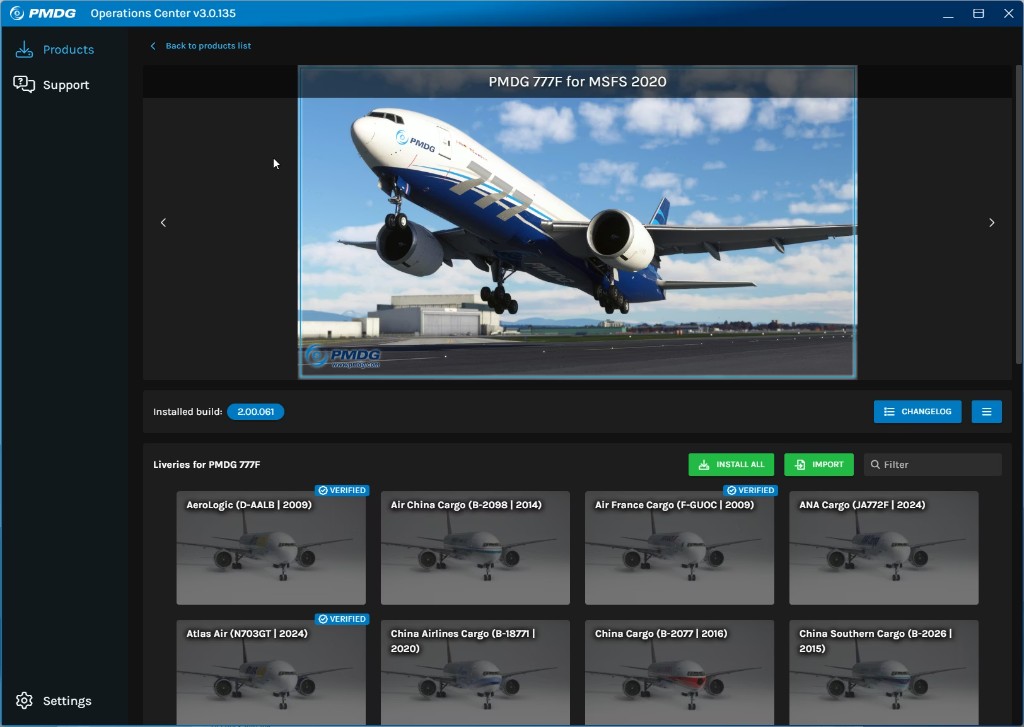
After purchase, X-Shop provides a ready PMDG account. Install Operations Center 3, sign in, and download your aircraft.
Medium~20 min
Step-by-step
- After payment, open your X-Shop email or Telegram message — it contains the PMDG account login and password.
- Download PMDG Operations Center 3 from pmdg.com and install it.
- Launch Operations Center 3 and sign in with the email and password from the store message.
- Under My Products, select your purchased aircraft and click Install (or Download).
- Choose your Microsoft Flight Simulator folder if prompted and wait for the installation to finish.
- Install updates and optional liveries from the same OC 3 window if needed.
- Launch MSFS and select your installed PMDG aircraft.
If something went wrong
Check VPN, antivirus, and install path. See Troubleshooting for quick fixes.
Troubleshooting →Was this guide helpful?