The kinds of X-Plane plugins
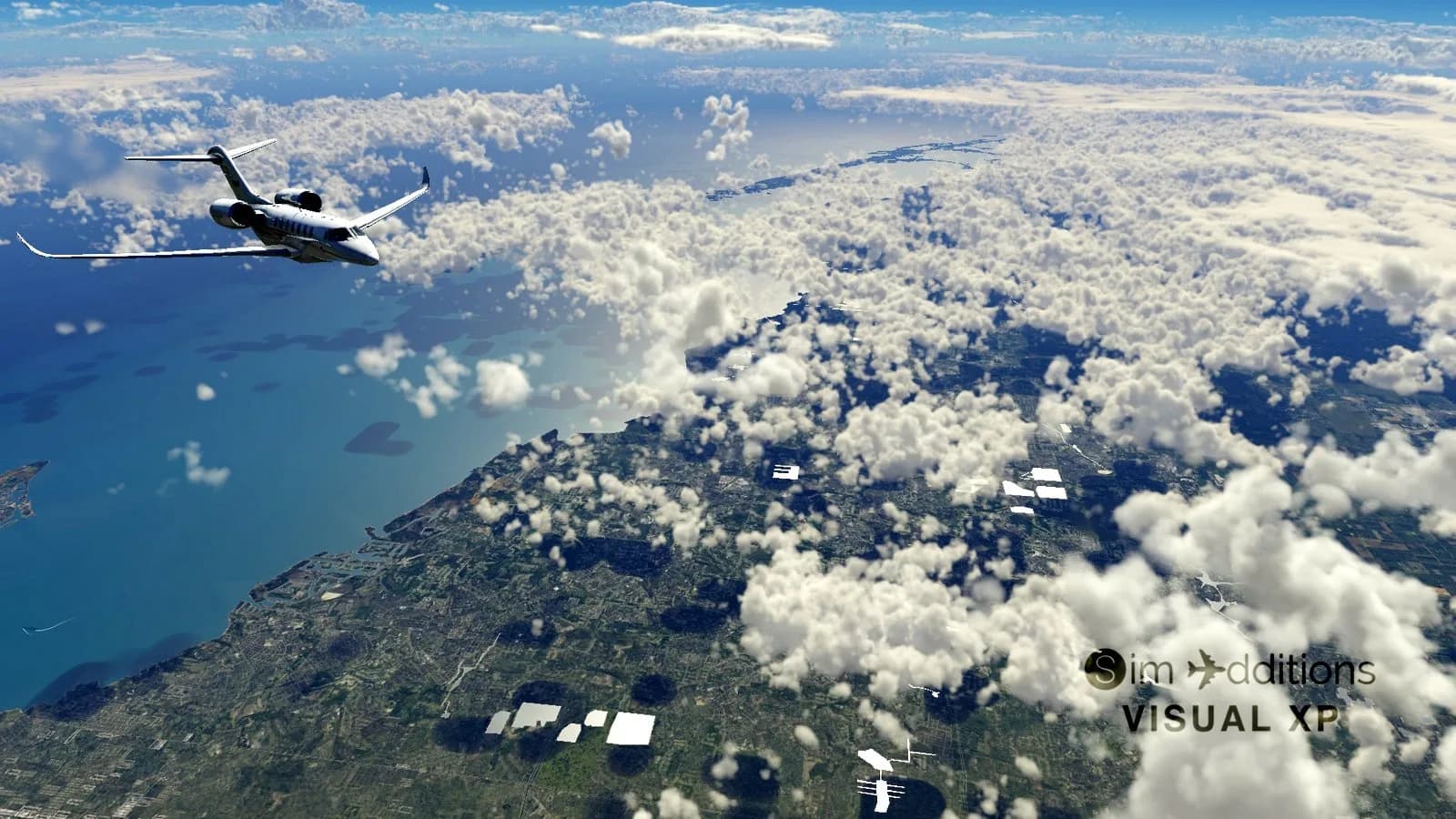
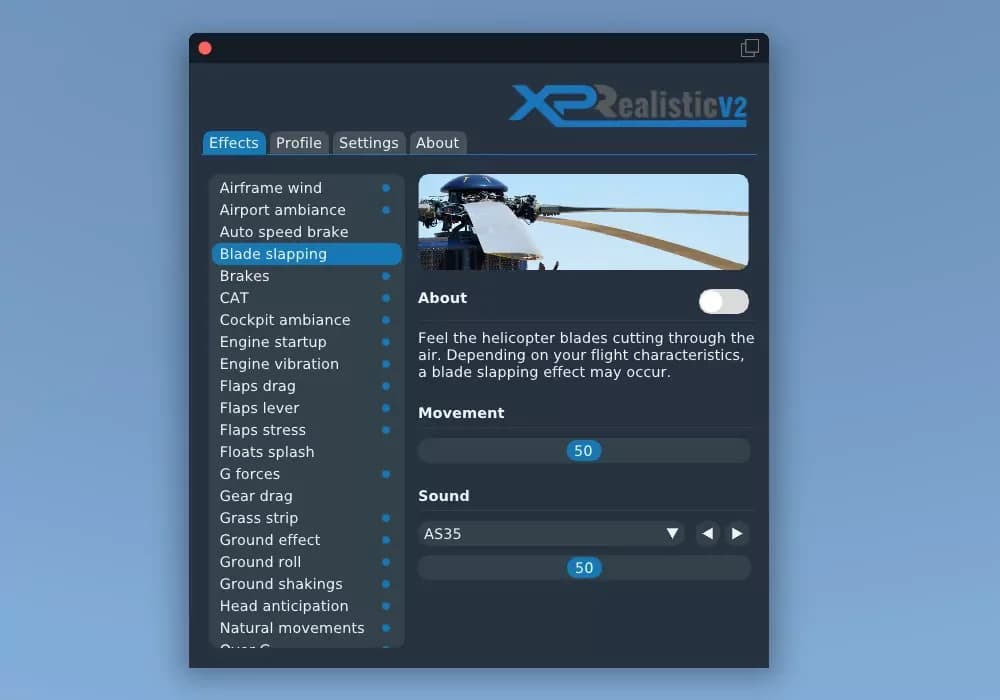
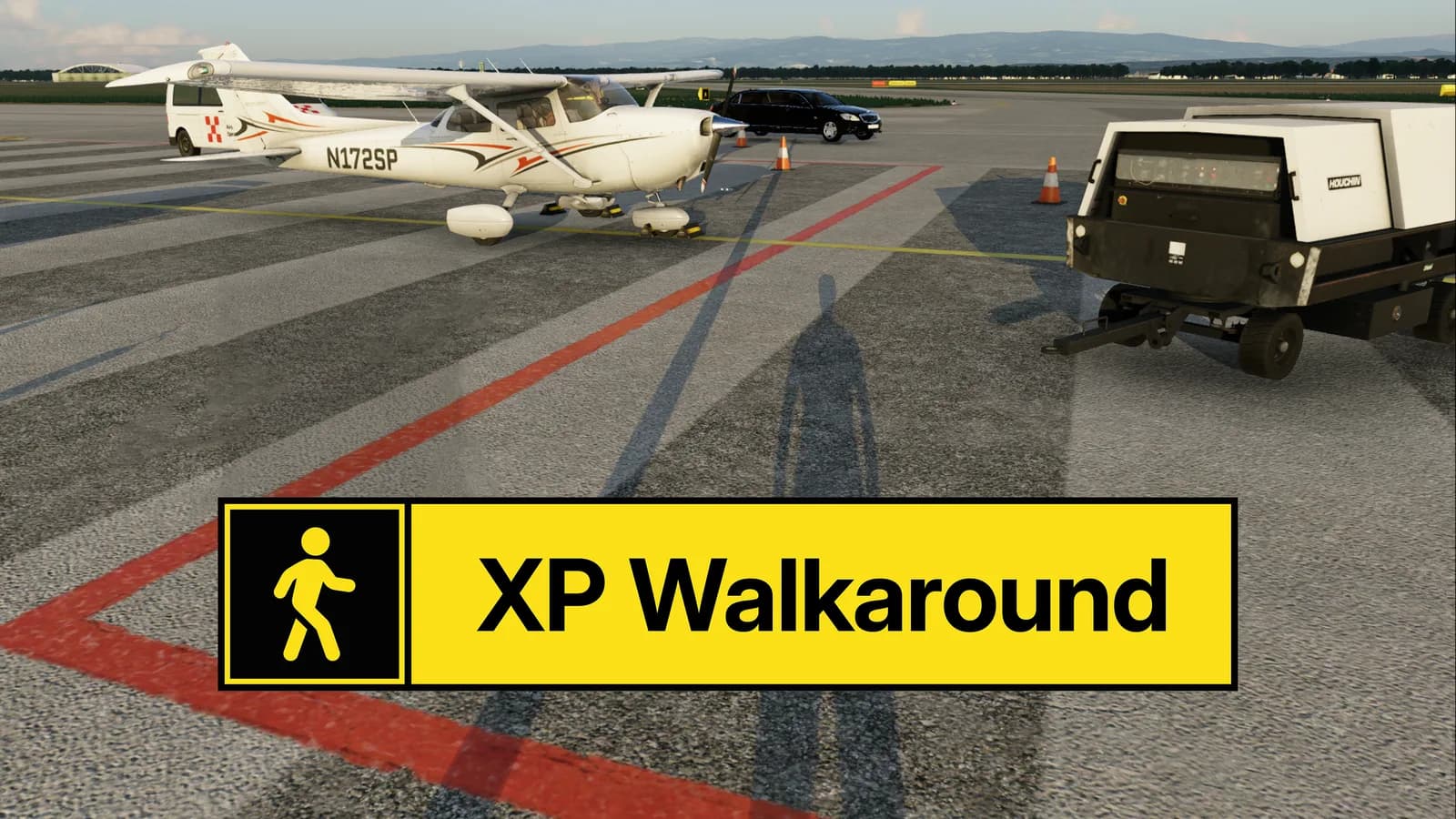
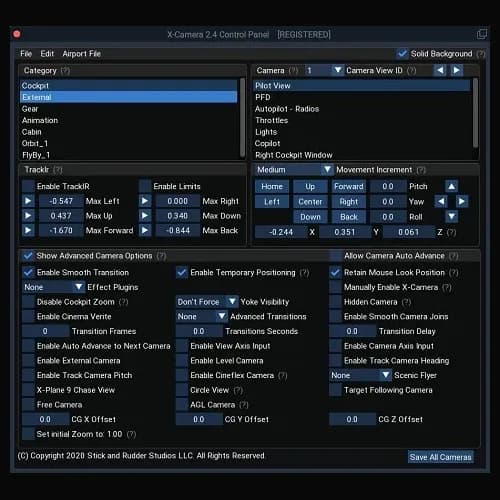
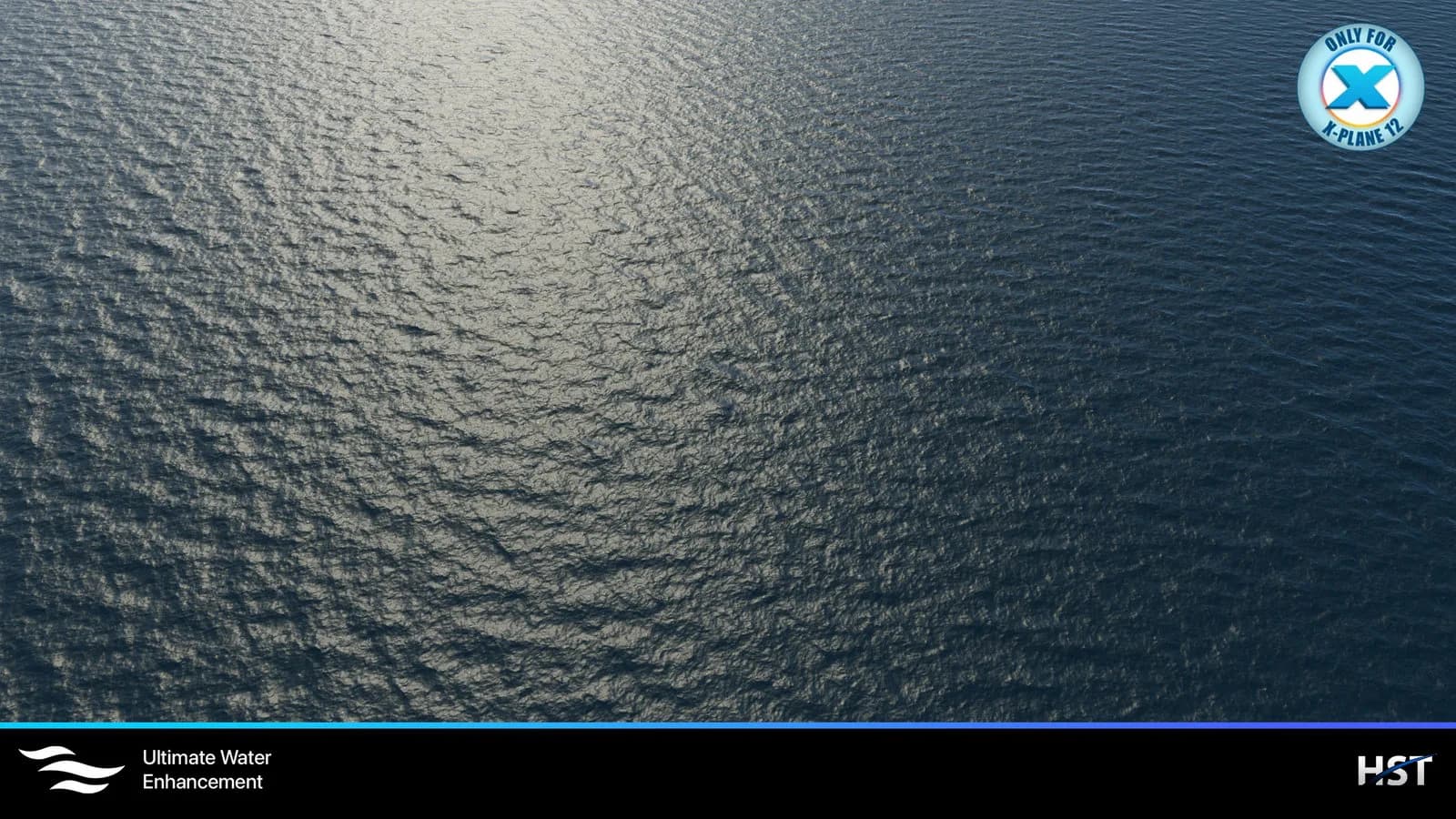
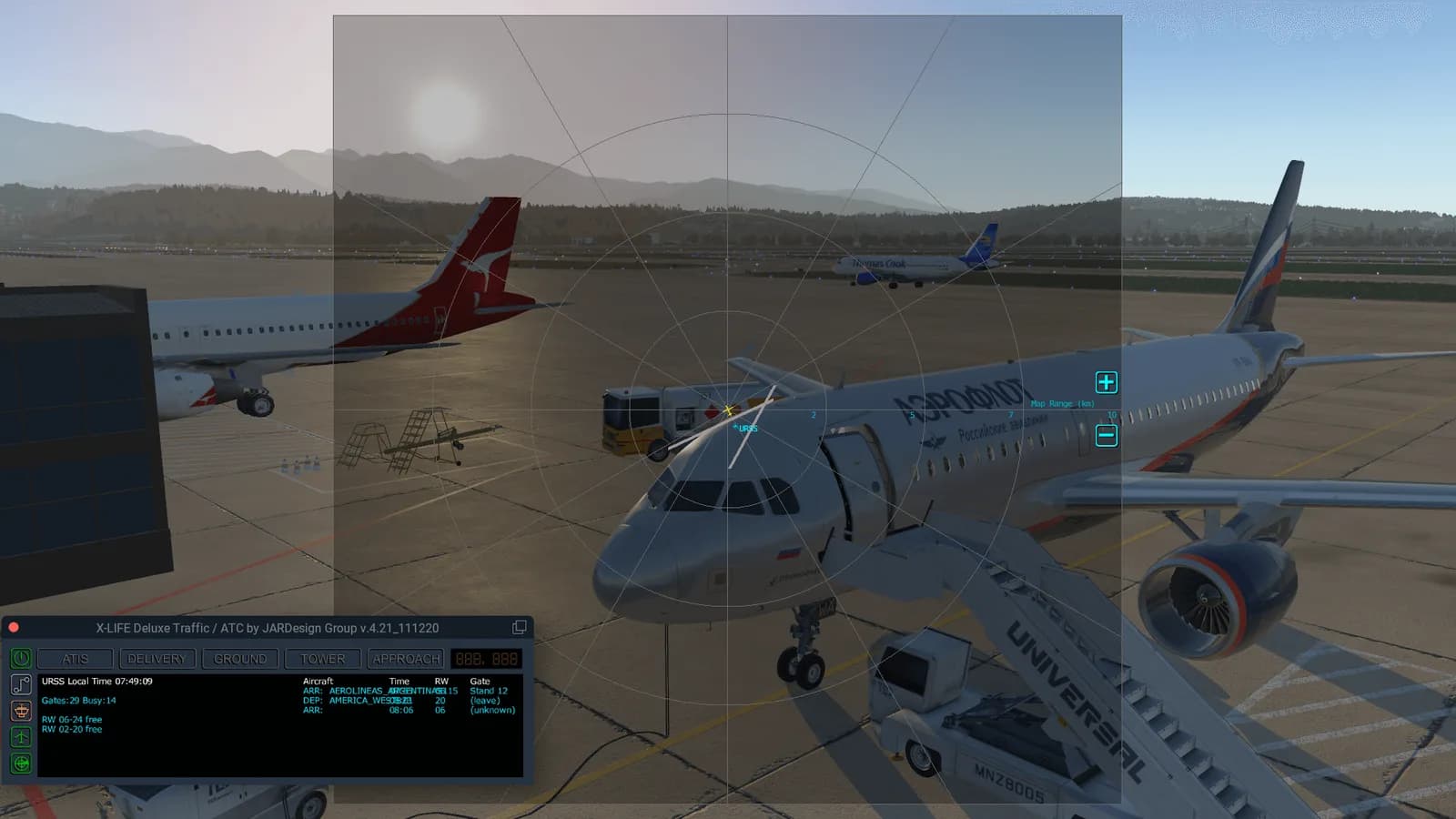
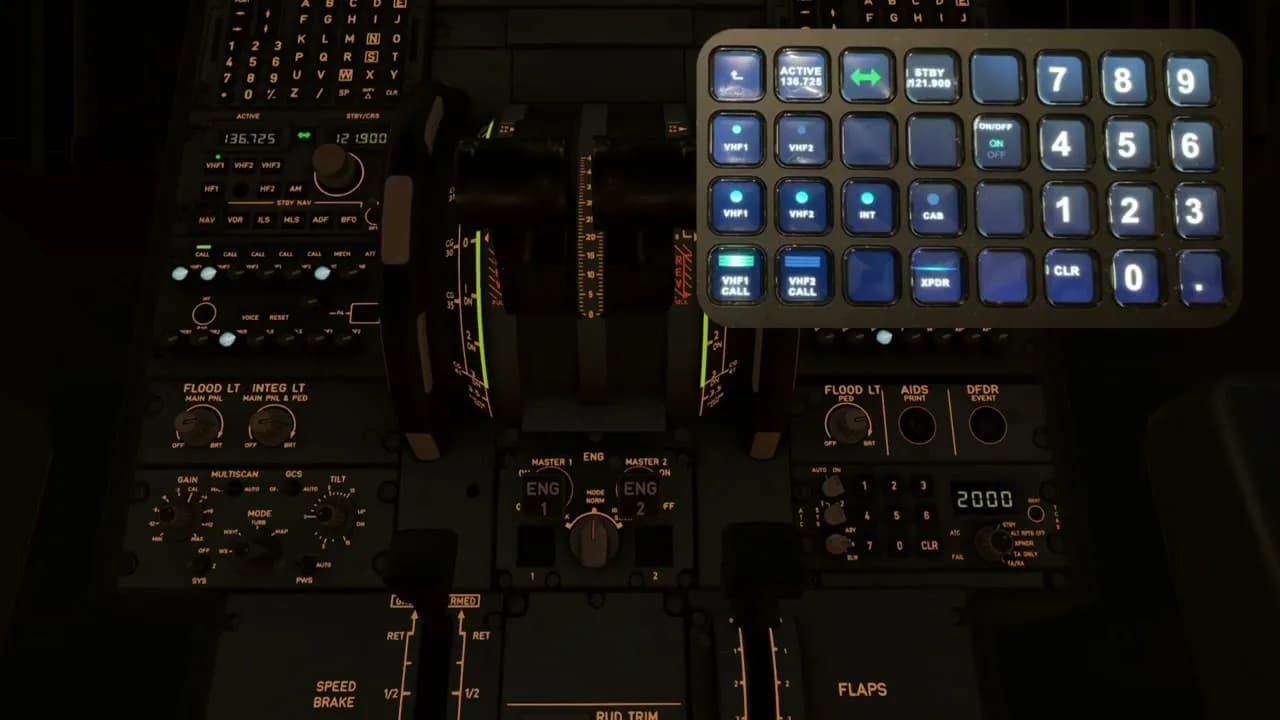
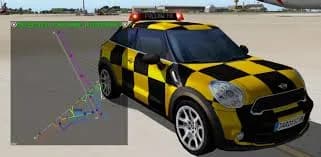
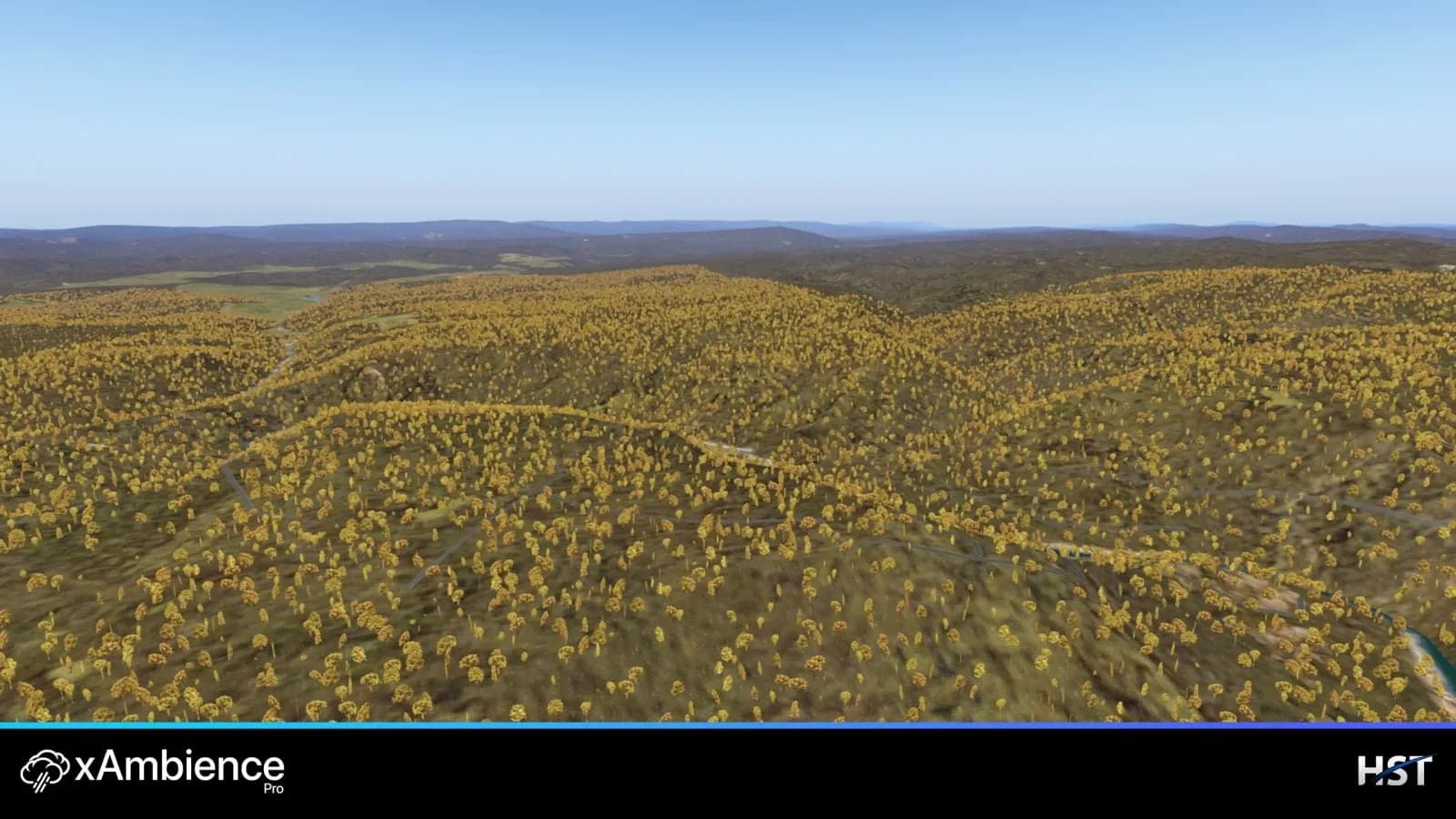
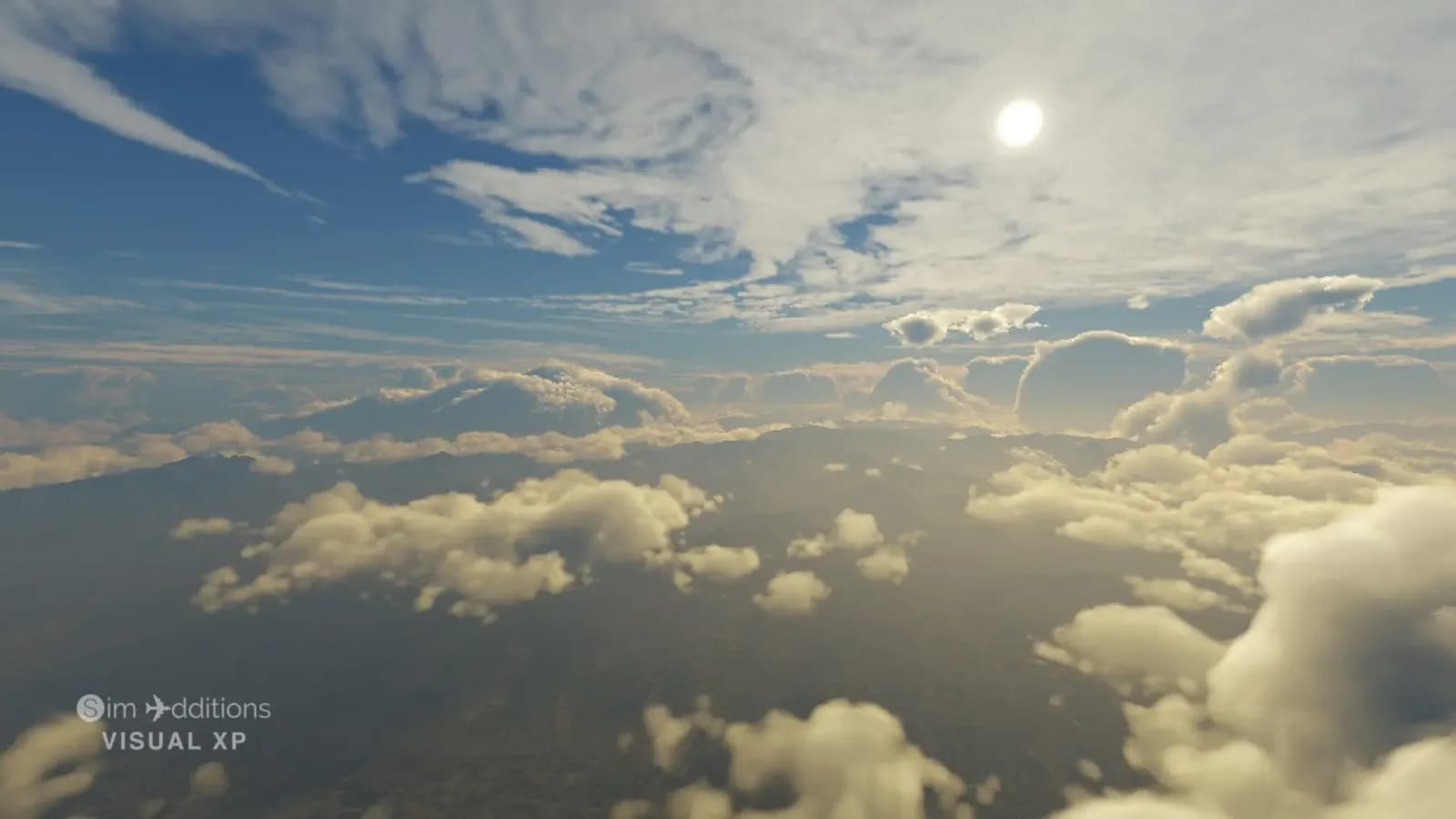
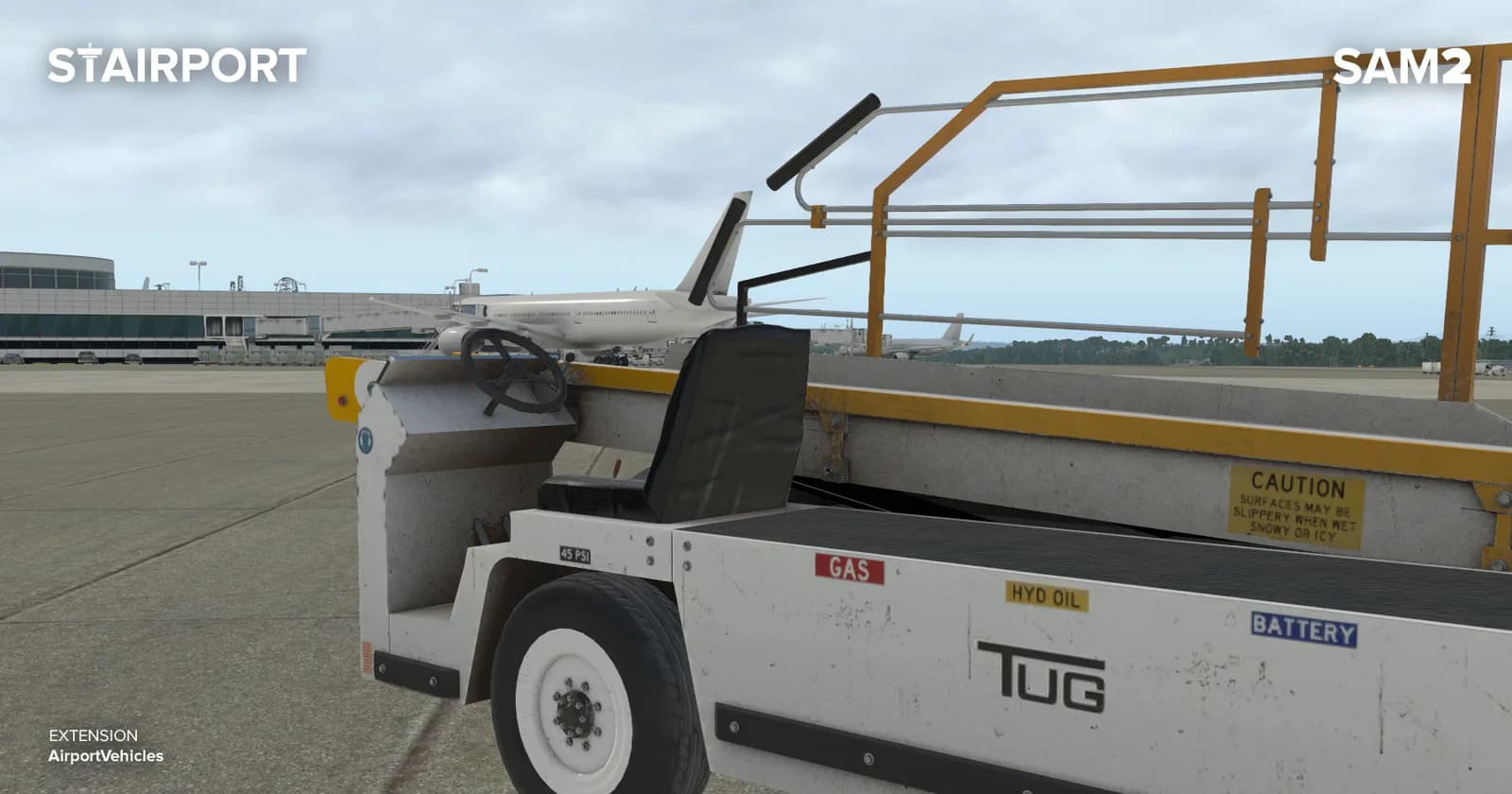
The most visible group is weather and visuals: xEnviro, titles from REX Simulations, shader layers such as Aerosoft shadeX. The second is realism and cameras: XPRealistic from RK Apps, X-Camera from Stick and Rudder Studios. The third is airport infrastructure: ground handling and jetways from Stairport Sceneries, AI traffic from World Traffic. Navigation services and utilities such as Navigraph sit apart from all three.
The filters on the left narrow the grid by sub-category: Weather, Graphics, Ground services and Other are the same plugins sorted by the job they do. That helps when you know what you want to improve but not the product name.
Where plugins go and what they affect
X-Plane plugins live in Resources/plugins, and some products ship with their own installer that finds the path for you. The exact unpacking order is always described in the developer's instructions that come with the product — follow those rather than the general rule.
One honest caveat about performance: weather engines and graphics layers put noticeable load on the system, and how much depends on your hardware and settings. The store does not promise FPS figures; system requirements are listed on each product page and are worth reading before you pay.