Мазмұнға өту
X-Shop

X-Plane · plugins

Plugins and utilities for X-Plane 12 and X-Plane 11

A plugin does not add hardware to the simulator — it changes how X-Plane itself behaves: weather, visuals, cameras, ground handling, AI traffic, flight recording. This is the second largest section of the store after X-Plane aircraft, and it is usually what decides how alive the simulator looks. The common entry point is the X-Plane add-on store.

X-Plane 11 and X-Plane 12Weather, visuals, cameras, trafficKey delivered right after payment
What is in this section
  • Weather engines and visuals
  • Cameras and realism effects
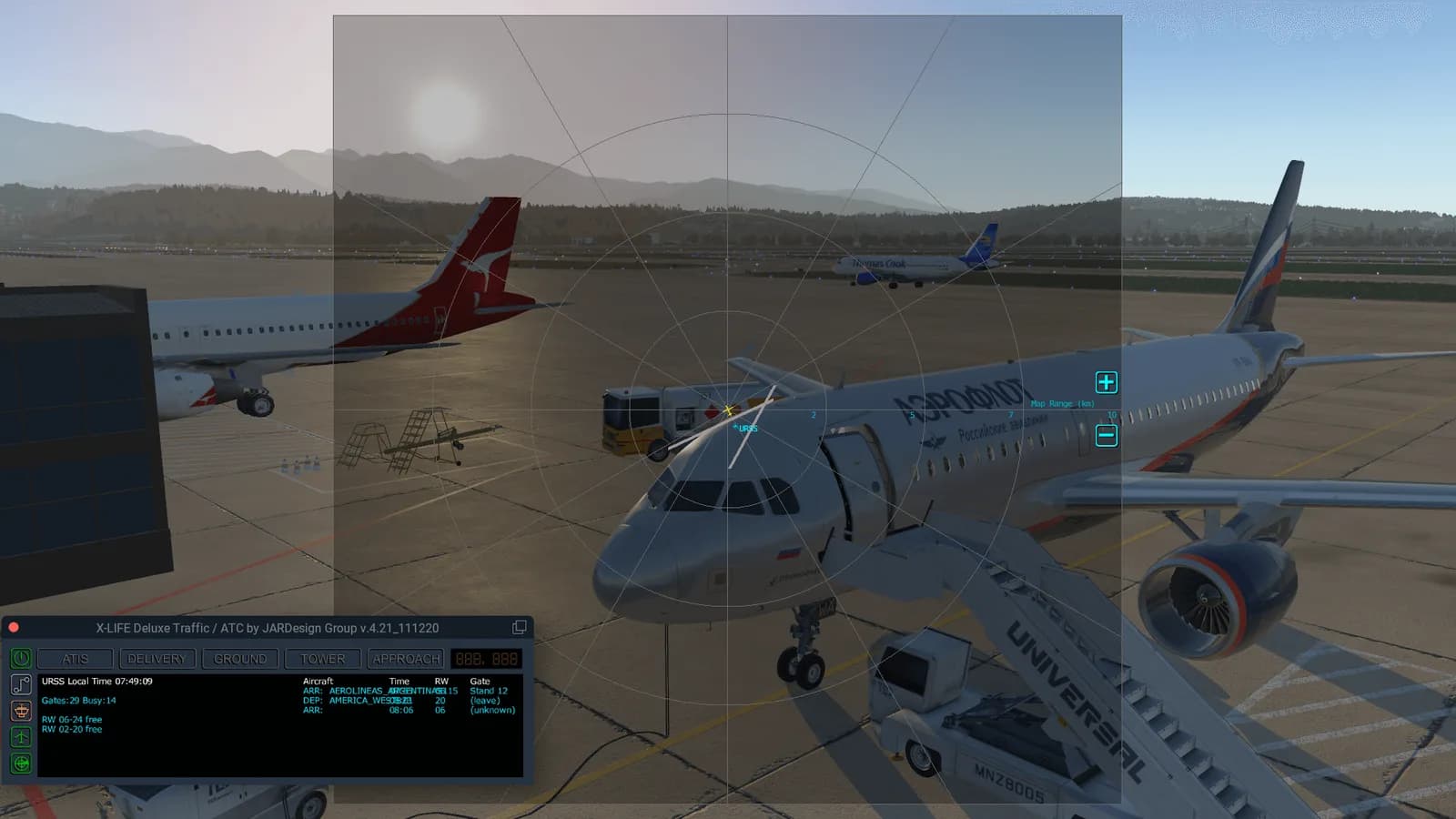
  • Ground handling and AI traffic
Каталогқа өту

The kinds of X-Plane plugins

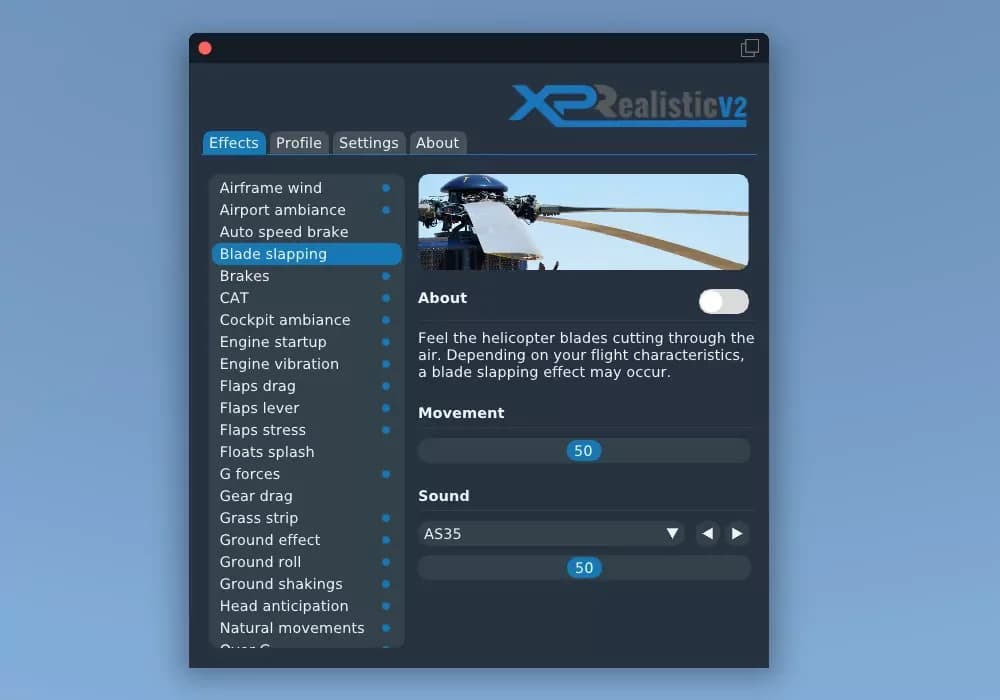
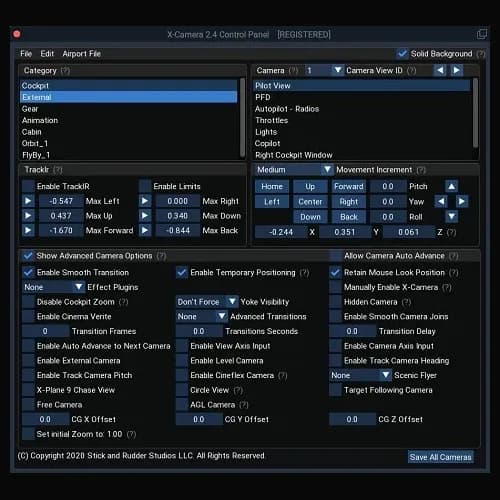
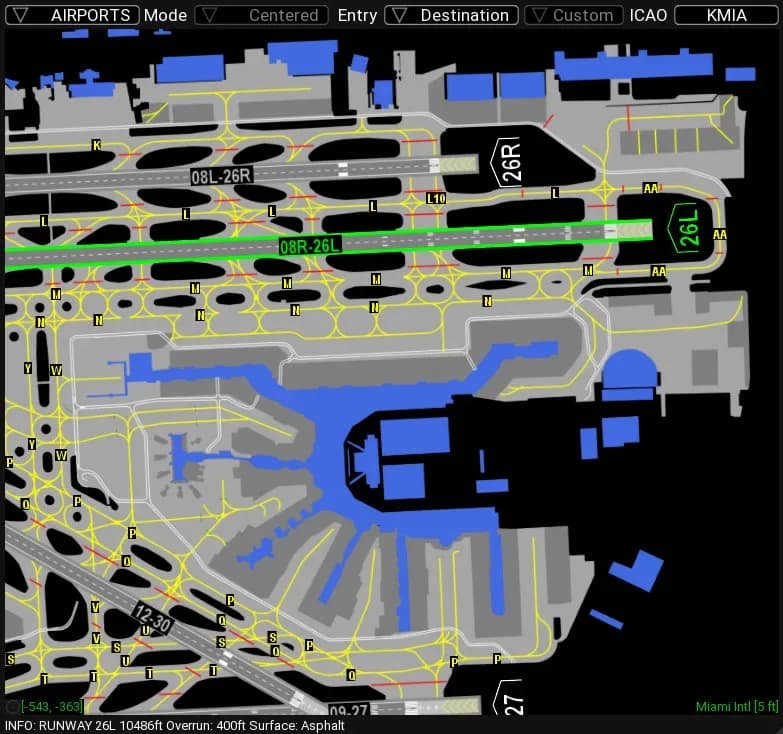
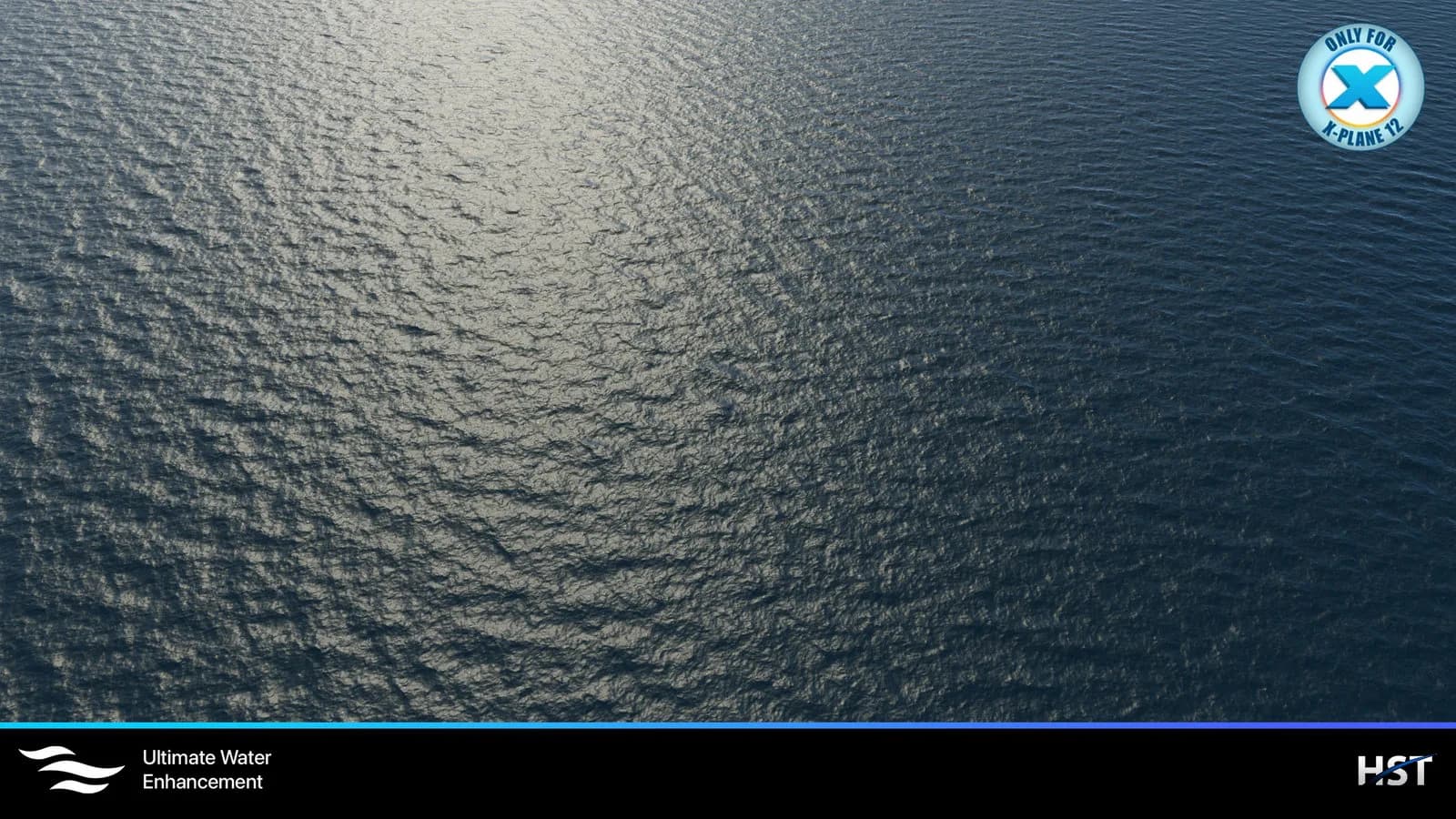
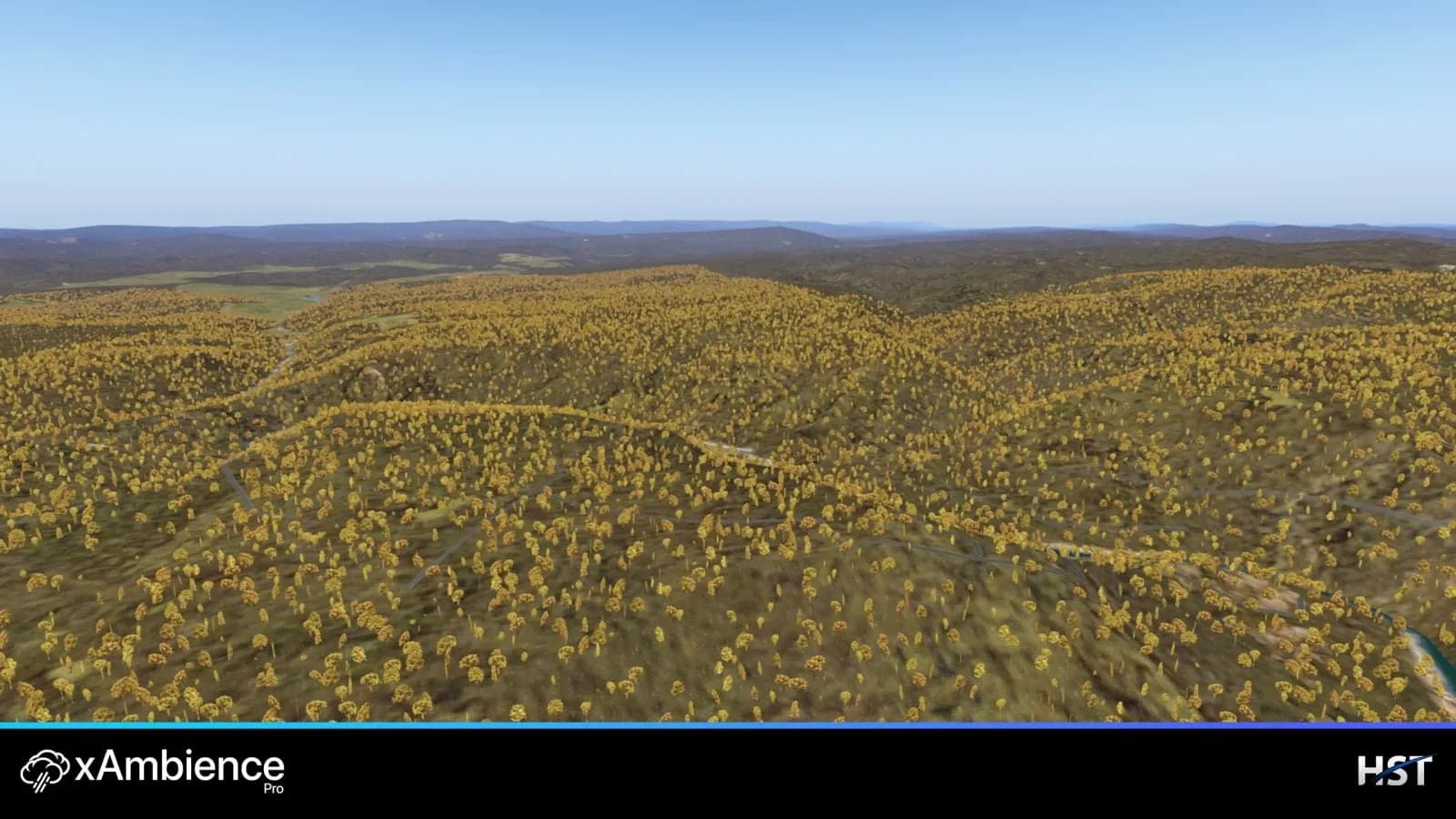
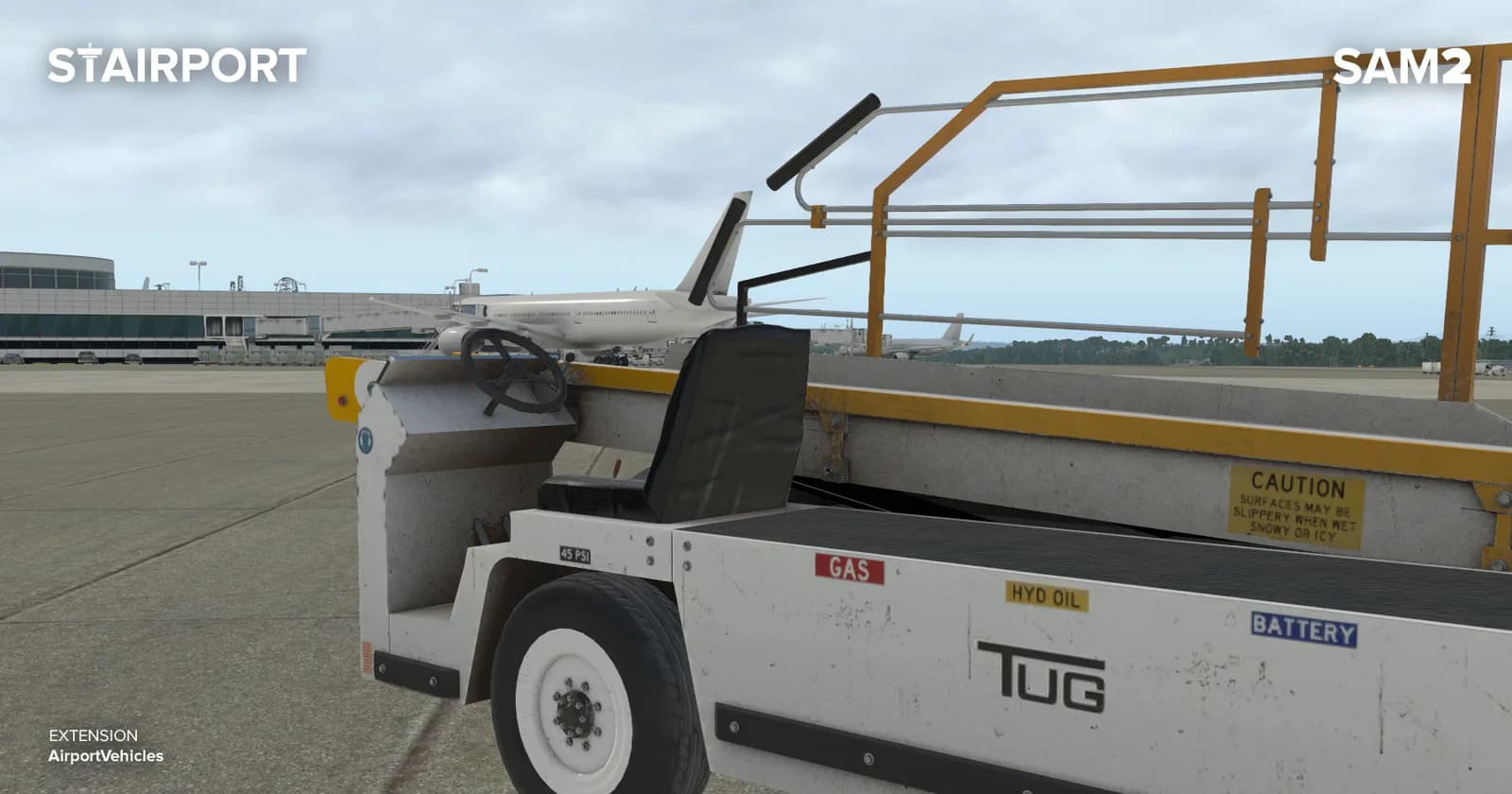
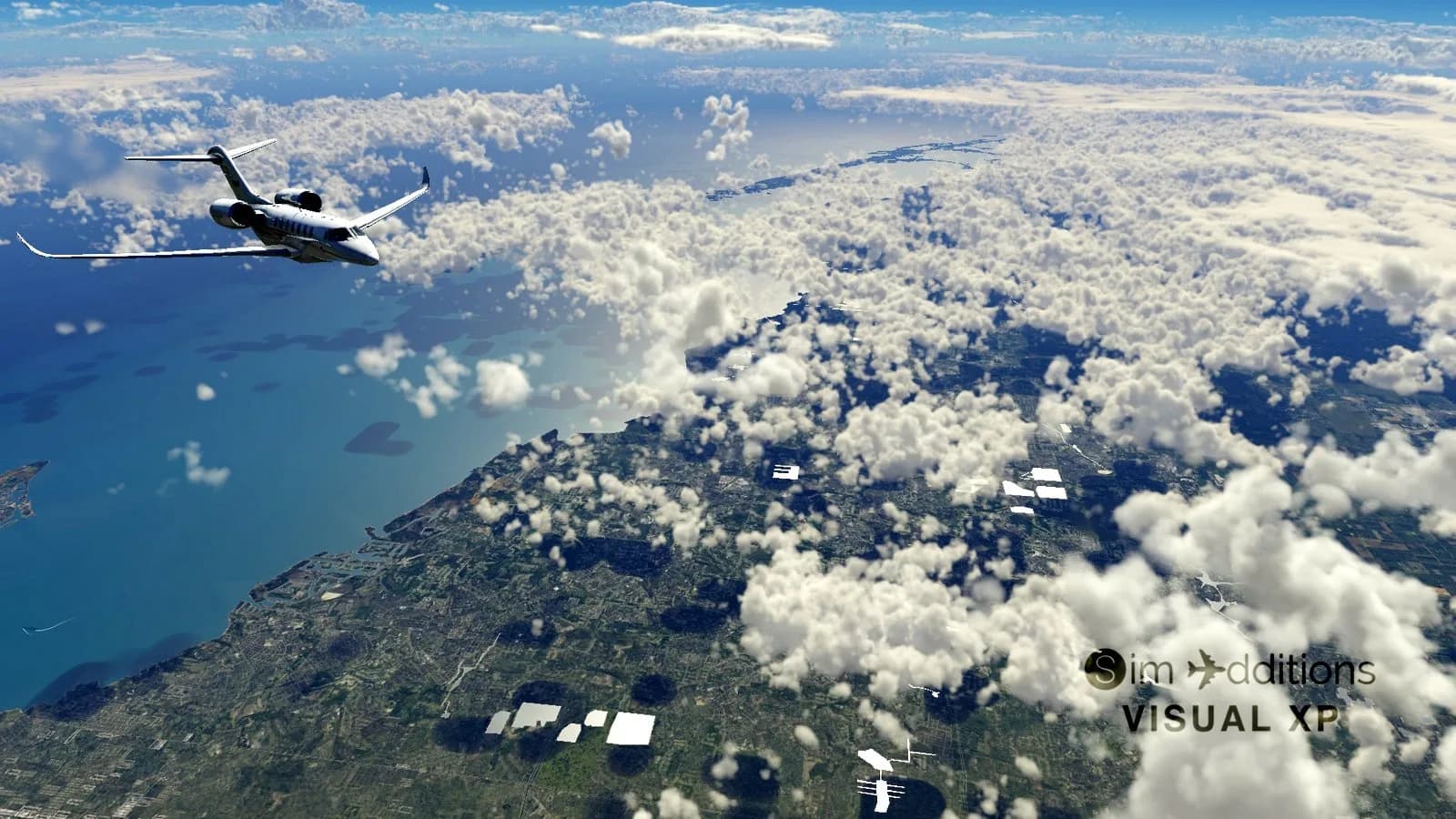
The most visible group is weather and visuals: xEnviro, titles from REX Simulations, shader layers such as Aerosoft shadeX. The second is realism and cameras: XPRealistic from RK Apps, X-Camera from Stick and Rudder Studios. The third is airport infrastructure: ground handling and jetways from Stairport Sceneries, AI traffic from World Traffic. Navigation services and utilities such as Navigraph sit apart from all three.

The filters on the left narrow the grid by sub-category: Weather, Graphics, Ground services and Other are the same plugins sorted by the job they do. That helps when you know what you want to improve but not the product name.

Where plugins go and what they affect

X-Plane plugins live in Resources/plugins, and some products ship with their own installer that finds the path for you. The exact unpacking order is always described in the developer's instructions that come with the product — follow those rather than the general rule.

One honest caveat about performance: weather engines and graphics layers put noticeable load on the system, and how much depends on your hardware and settings. The store does not promise FPS figures; system requirements are listed on each product page and are worth reading before you pay.

Каталог

Навигациясы бар каталог

Сүзгілер және ақылды сұрыптау

Табылды: 34
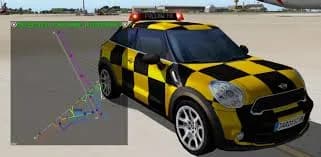
X-Plane 11/12 үшін xEnviroX-Plane · ПлагиндерxEnviro
X-Plane · Плагиндер

X-Plane 11/12 үшін xEnviro

4.0(1)
$8.51

Кілт бірден email-ге

X-Plane 11/12 үшін X-CameraX-Plane · ПлагиндерStick and Rudder Studios
X-Plane · Плагиндер

X-Plane 11/12 үшін X-Camera

Әзірге пікір жоқ

$4.07

Кілт бірден email-ге

BSS FlightFactor A320 Ultimate Soundpack — X-PlaneX-Plane · ПлагиндерBlue Sky Star Simulations
X-Plane · Плагиндер

BSS FlightFactor A320 Ultimate Soundpack

Әзірге пікір жоқ

$3.08

Кілт бірден email-ге

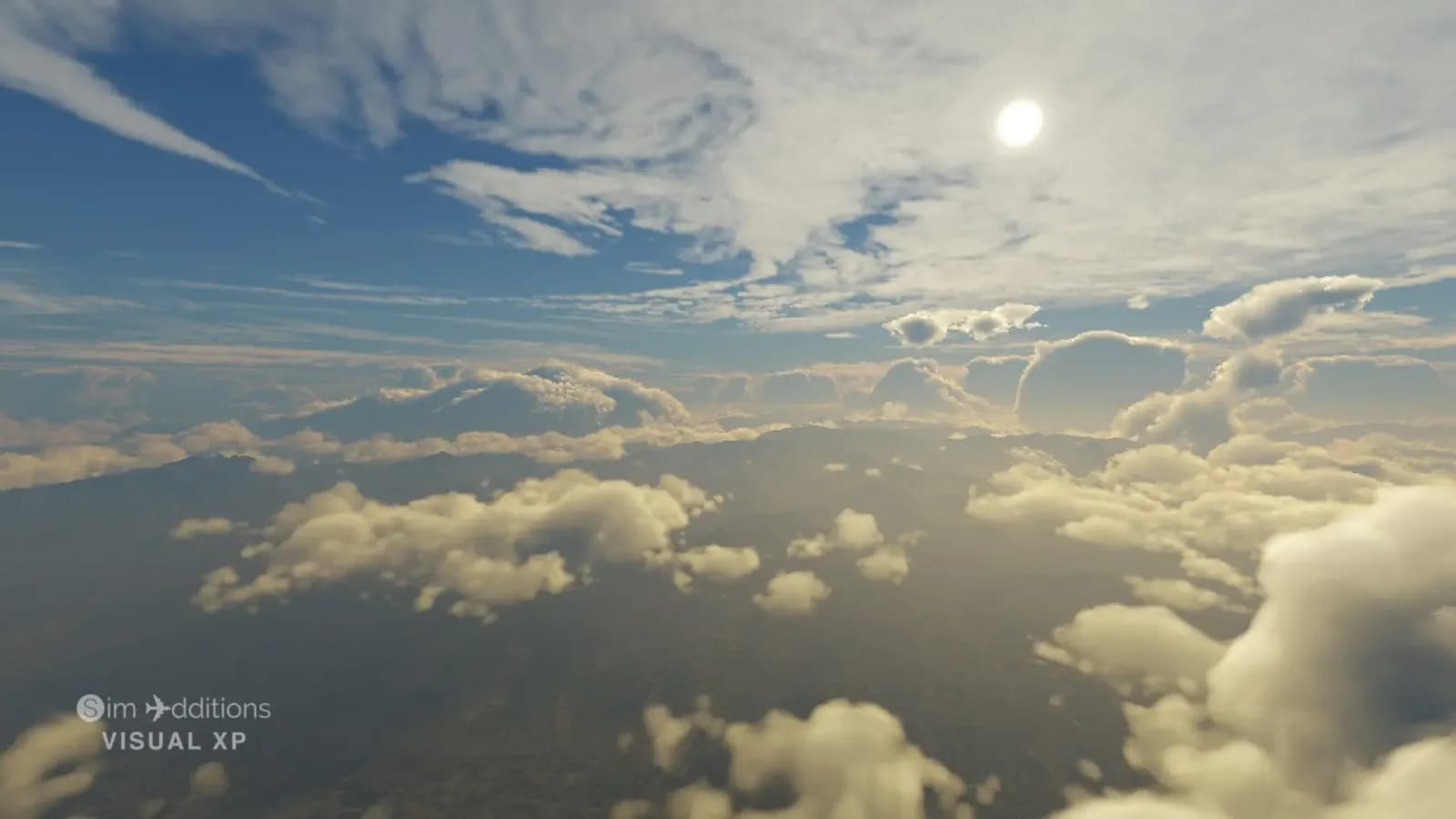
X-Plane 12 үшін VisualXP BasicX-Plane · Плагиндер
X-Plane · Плагиндер

X-Plane 12 үшін VisualXP Basic

Әзірге пікір жоқ

$4.93

Кілт бірден email-ге

Running plugins alongside each other

Two plugins that solve the same problem usually conflict: you do not want two weather engines at once. The same goes for graphics layers that hook into the renderer. If something similar is already installed, check the compatibility notes in the new plugin's description — developers list those limitations.

The simulator version matters too: some plugins started on X-Plane 11 and received separate X-Plane 12 builds. Supported versions are on the product page; if you are unsure, email support@aviashop.online with your exact X-Plane version before paying.

Payment, key delivery and support

Cards, Stripe for international cards and crypto through Heleket and CryptoBot are accepted; promo codes are entered in the cart. The key is emailed to you, appears under "My orders" in your account and is mirrored to the Telegram bot as soon as the payment is confirmed.

If the key is rejected, try activating through a VPN with an EU or US server and run the installer as administrator: the check happens on the developer's servers. If that does not help, support will replace the key or issue a refund against your order number and a screenshot of the error, within three business days.

Support
SupportOnline
Support is online: 10:00–20:00 (UTC+3)
Hello! How can we help? Write your question and we'll respond as soon as possible.