Aerosoft is one of the oldest publishers and developers in flight simulation, and its range is correspondingly broad: aircraft, airports, whole regions and utilities, across several simulators at once. X-Shop carries every available title from the studio — from the Airbus family for Prepar3D to Antarctic scenery for MSFS 2024.
Airbus A318–A330CRJ for MSFSAirports and regionsMSFS, X-Plane, P3D
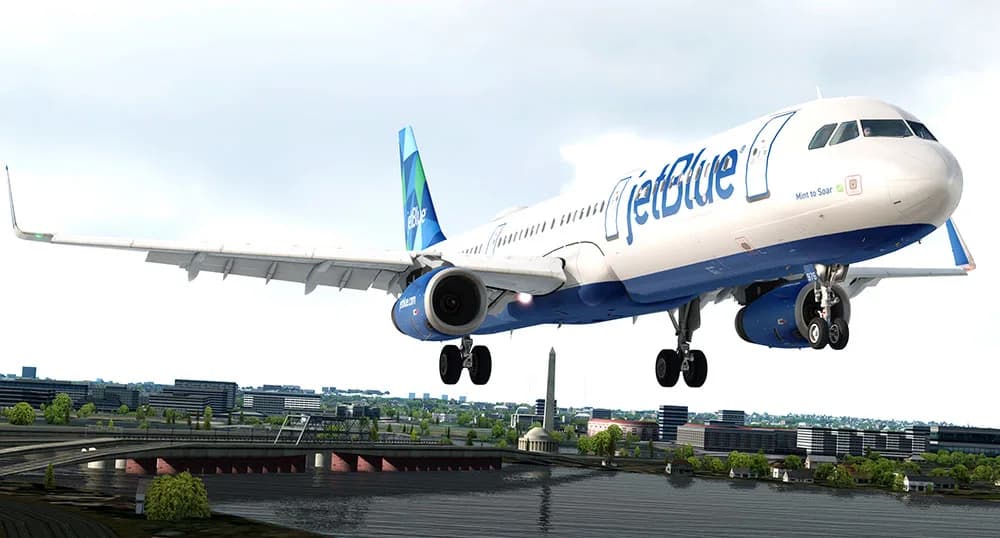
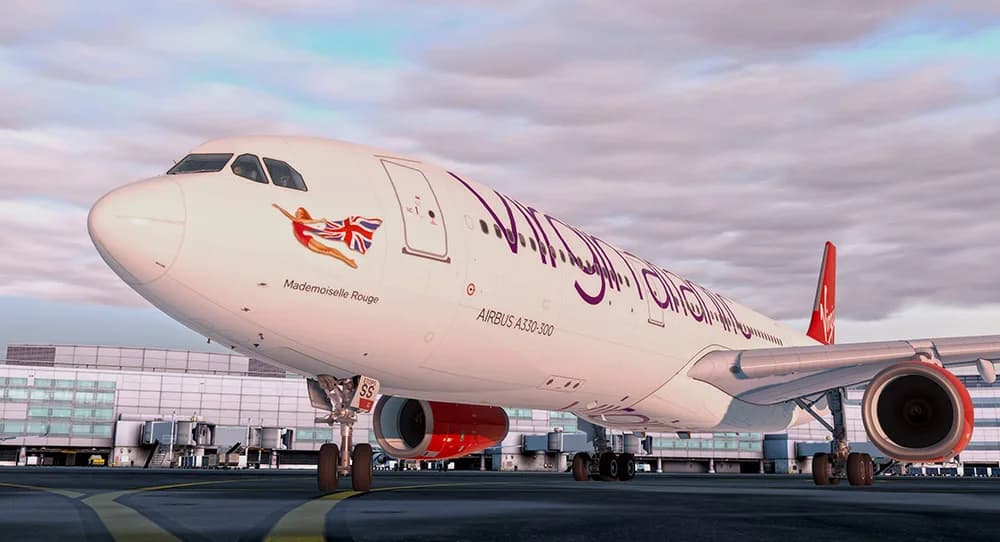
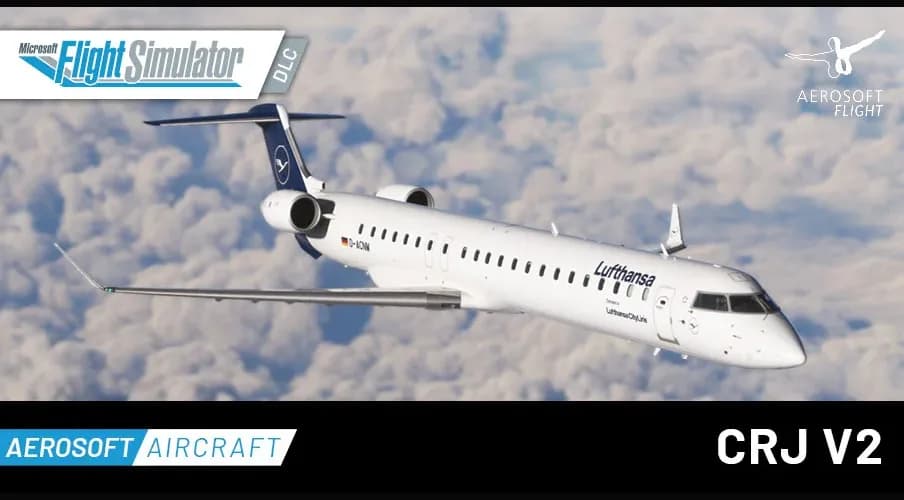
For Prepar3D v4/v5 the catalog carries the whole Airbus family: the A318/A319, the A320/A321 and the A330. It is the studio's signature line, and the fleet many P3D users were built around. For Microsoft Flight Simulator 2020 there is the CRJ Bundle, a package of regional jets.
Do not mix up the simulators: the Aerosoft Airbus titles in this catalog are P3D builds, not MSFS ones. The simulator and its version are stated in the product name, and the authoritative source on compatibility is the description and system requirements on the product page.
Airports, regions and utilities
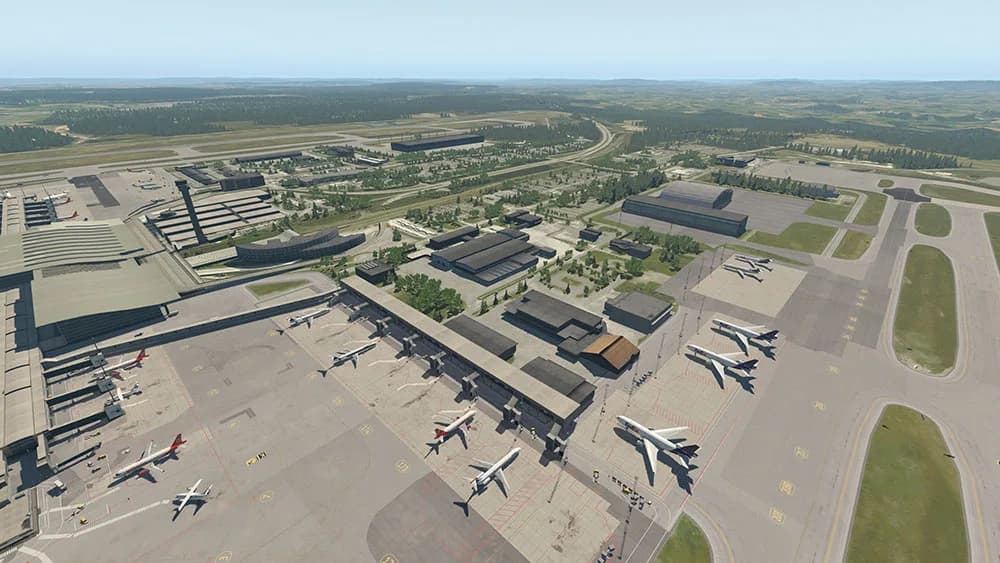
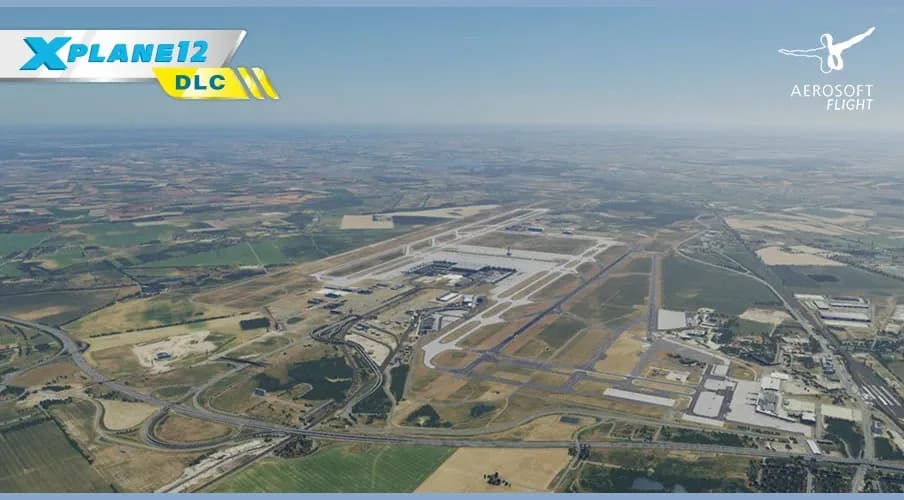
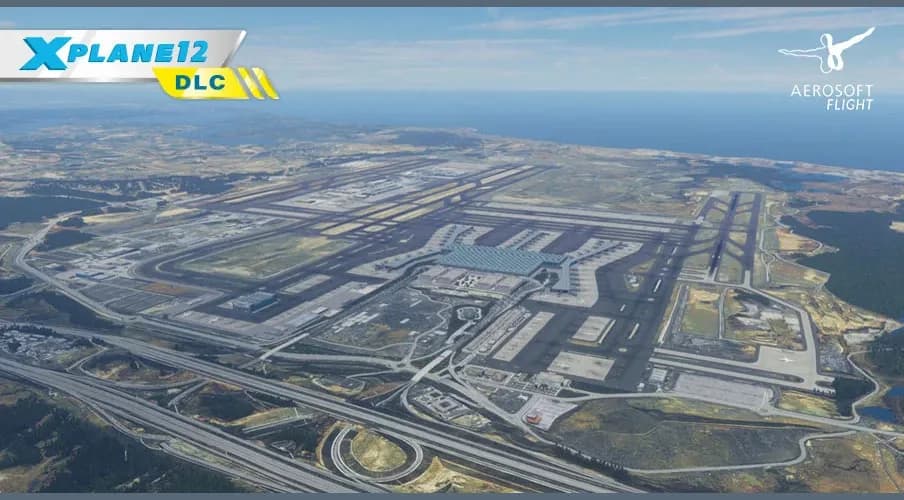
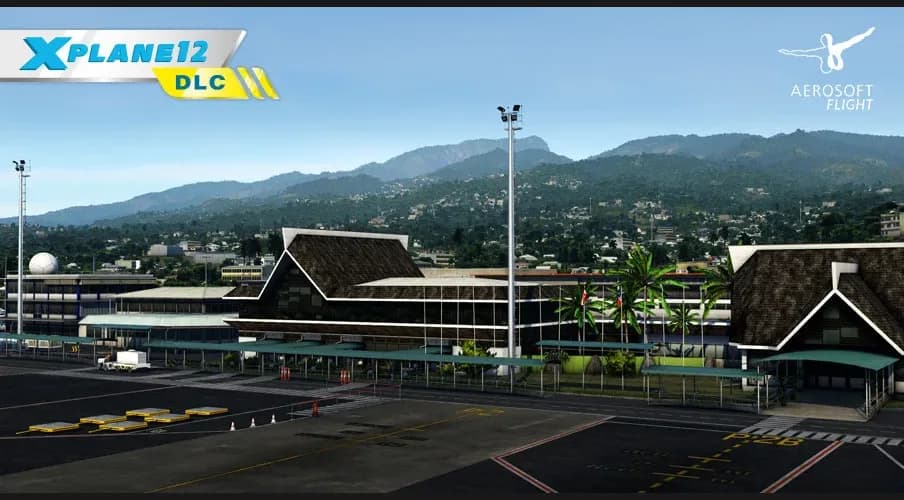
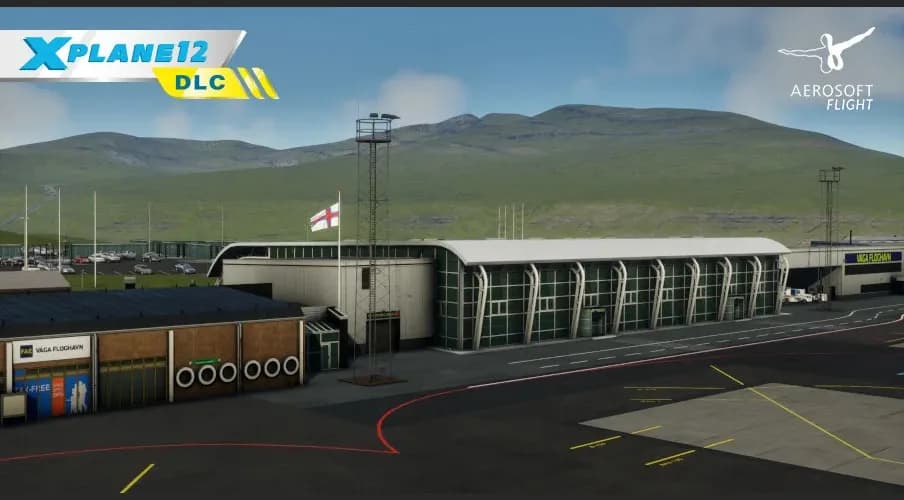
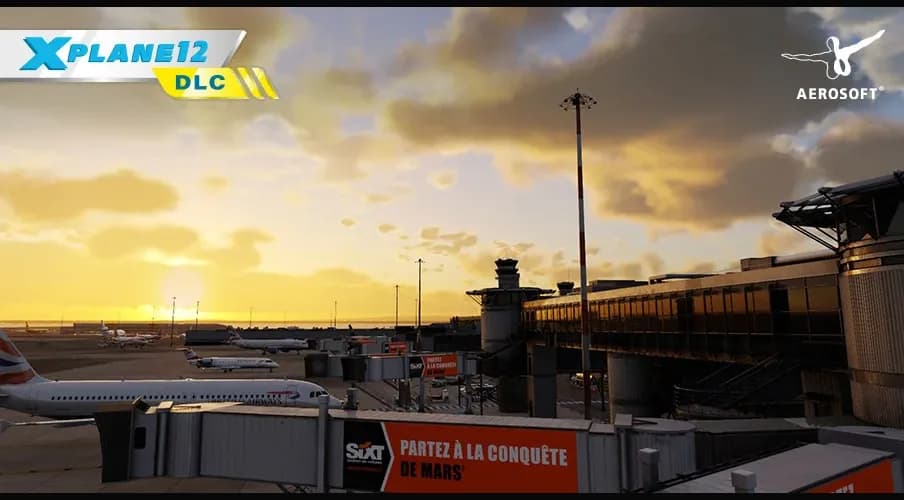
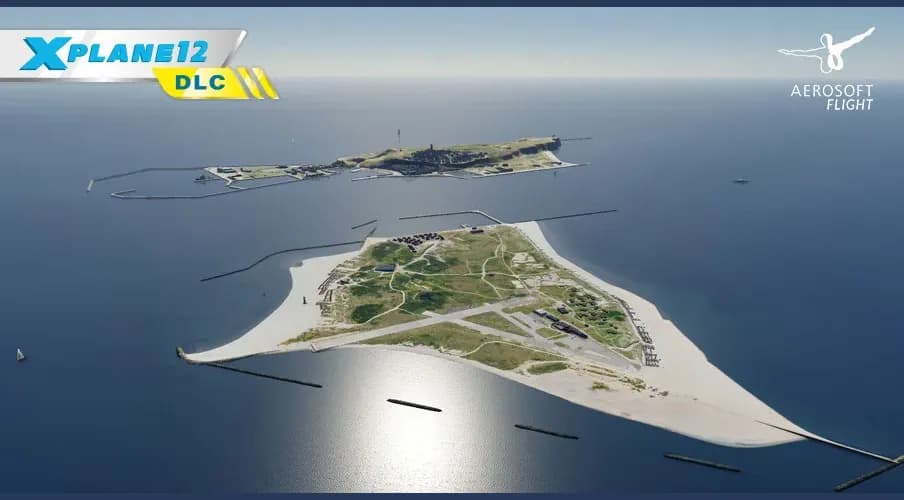
The studio's scenery here covers Oslo and Istanbul airports for X-Plane 11, plus regions: the Faroe Islands (with Maps2XPlane), Tahiti and the Society Islands for X-Plane 11/12, and Antarctica for MSFS 2024. These packages replace terrain and textures over a large area, so they are bought for specific flying rather than on spec.
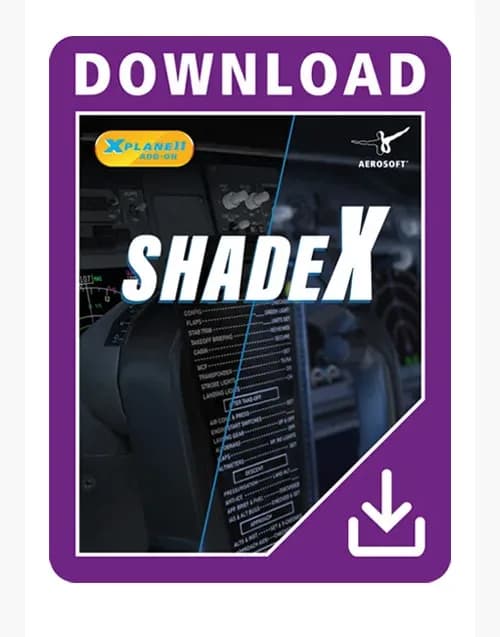
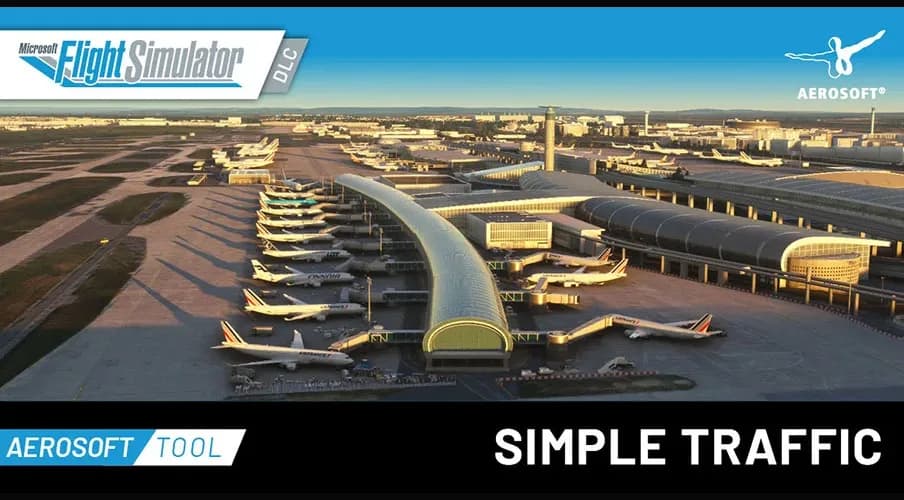
On the utility side there is shadeX for X-Plane 11, a shader layer that changes the picture, and Simple Traffic for MSFS 2020, which tidies up AI traffic liveries. Both belong to the plugins and utilities sections rather than the fleet.
This is a studio page, not a simulator page, so titles for MSFS, X-Plane and P3D share one grid. If you want to narrow things down to your own simulator, it is easier to start from the platform sections: MSFS add-ons, X-Plane add-ons, Prepar3D add-ons — those listings are already filtered by platform.
The filters on the left work here too: price, sale, and sorting by newest or most popular narrow down what has already been selected by studio.
That spread across simulators has one practical consequence: a key belongs to the build named on the product page and does not carry across simulators. Buying the Airbus for P3D does not entitle you to the MSFS version, even though the aircraft and the studio are the same — that is the developer's policy, not a store rule.
Payment, delivery and support
Payment: cards, Stripe for international cards, crypto through Heleket and CryptoBot; promo codes are entered in the cart. The key is emailed to you, appears under "My orders" in your account and is mirrored to the Telegram bot as soon as the payment is confirmed, and stays in your account history for good.
If the key will not activate, a VPN with an EU or US server, running the installer as administrator and adding the simulator folder to your antivirus exclusions usually fix it: the check runs on the developer's servers. If not, write to support with your order number and a screenshot of the error — a key that does not work is replaced or refunded within three business days.
Related collections
Platform sections, scenery, and aircraft from other studios.