Przejdź do treści
X-Shop

Scenery

Scenery and airports for flight simulators

Scenery is a hand-built piece of the world: an airport with real apron and taxiway geometry, or an entire region with its own terrain instead of the default. This page gathers every scenery title in the X-Shop catalog — for X-Plane 12 and 11 and for Microsoft Flight Simulator. The activation key is sent to your email and your account as soon as the payment is confirmed.

Airports and regionsX-Plane 12 and 11, MSFSKey delivered right after payment
What is in this section
  • Airports from FlyTampa, Aerosoft, JustSim
  • Regions: the Faroes, Tahiti, Antarctica
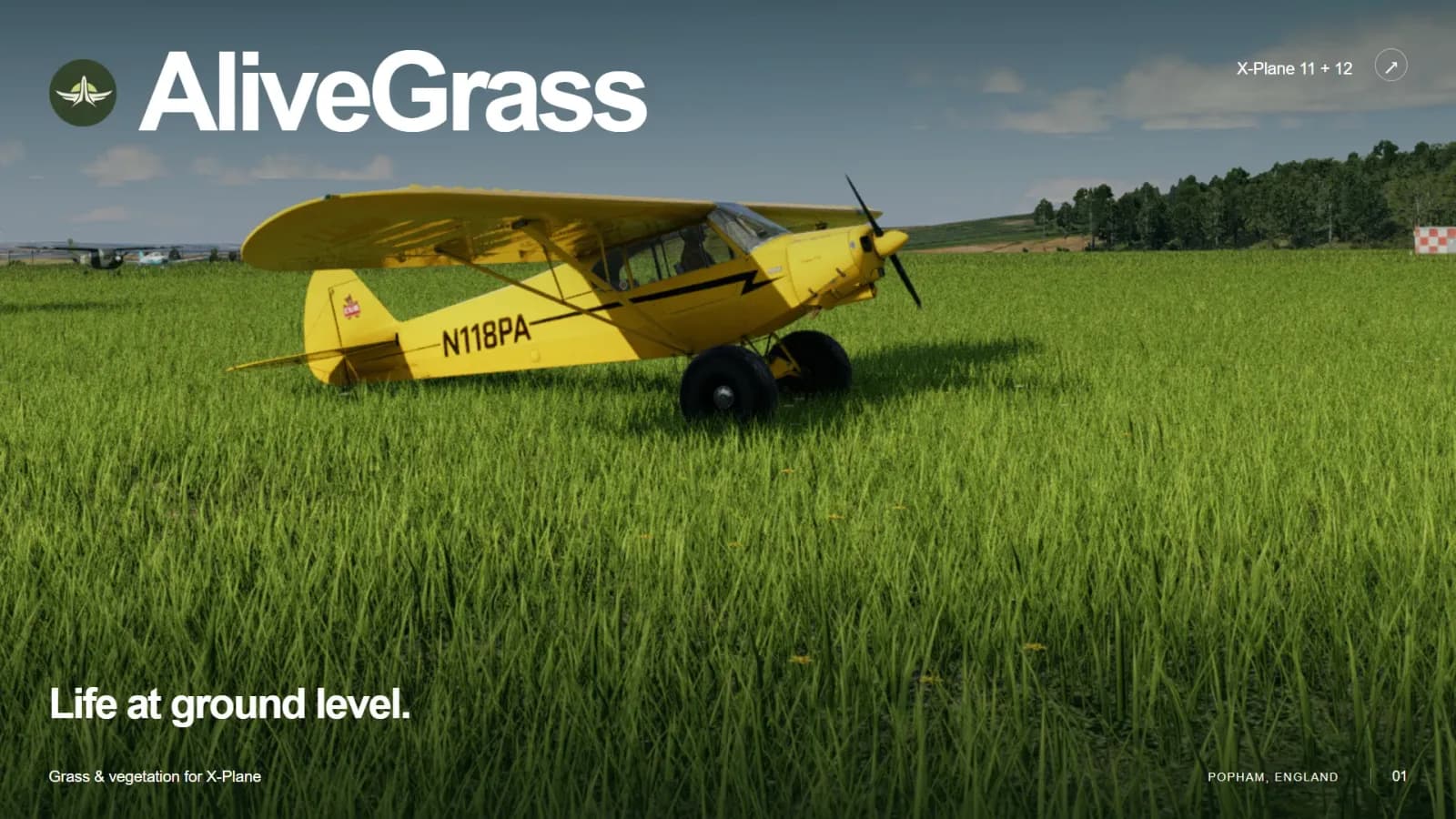
  • Mesh and grass for X-Plane 12
Przejdź do katalogu

Airports

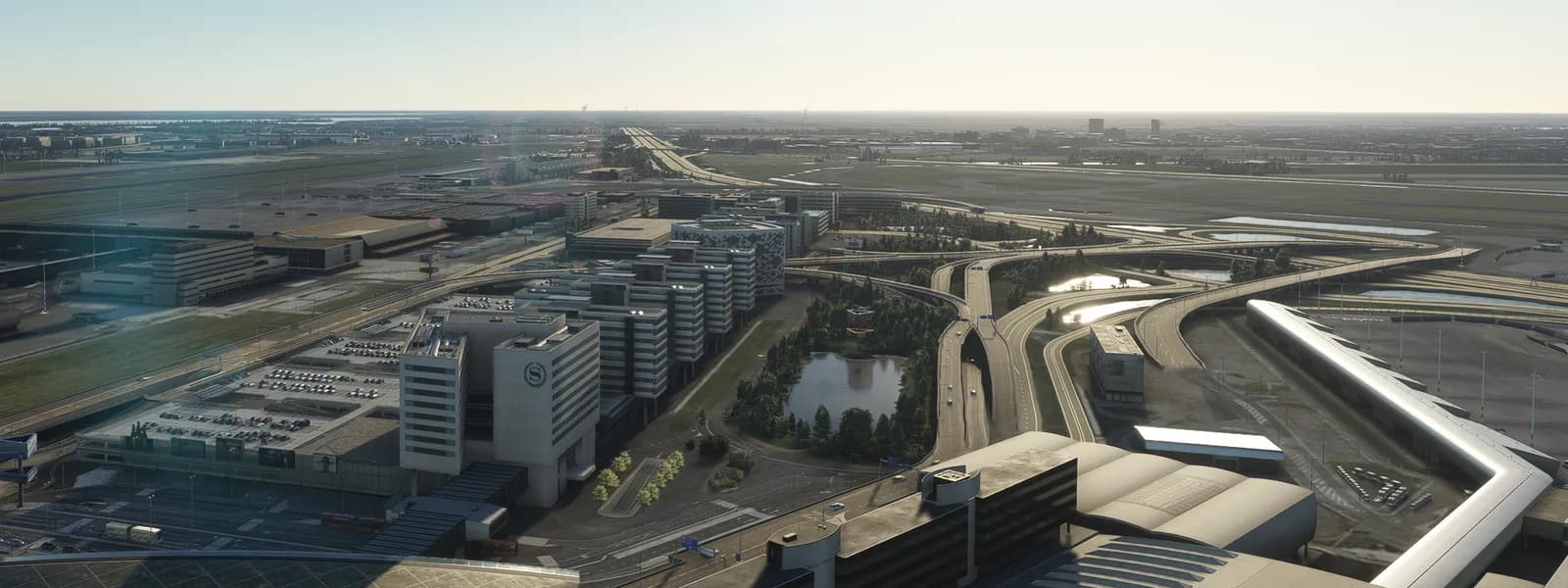
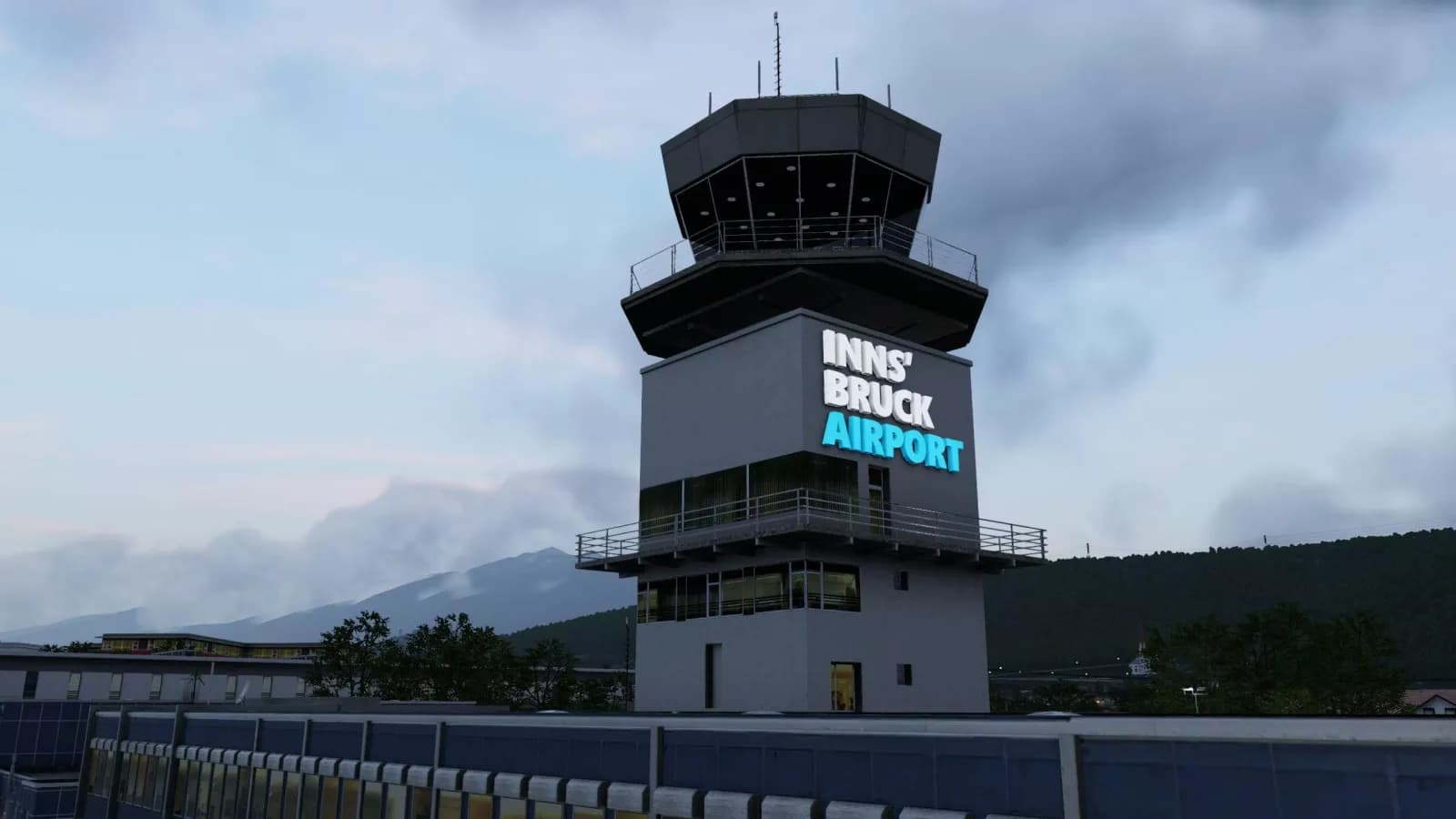
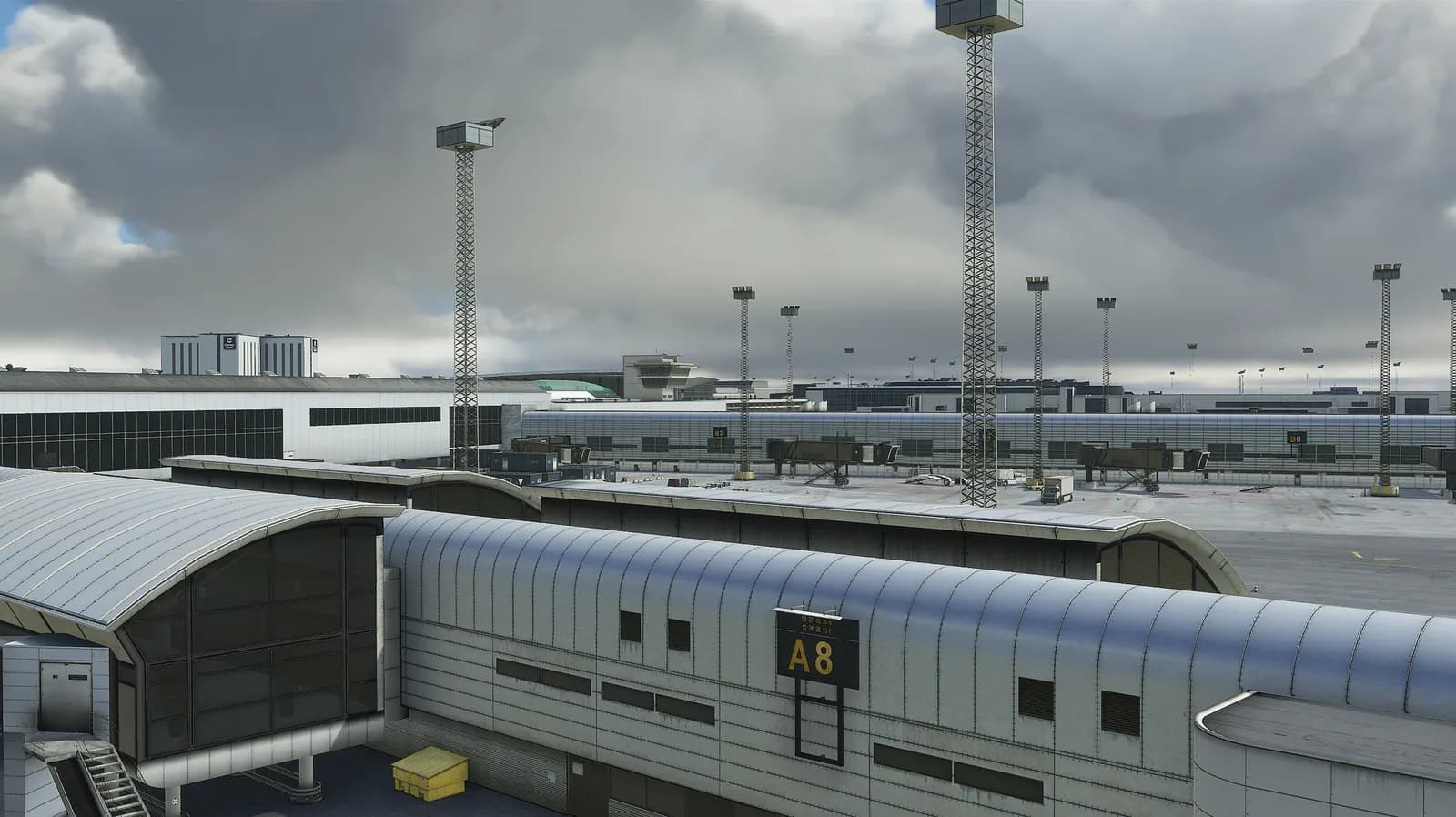
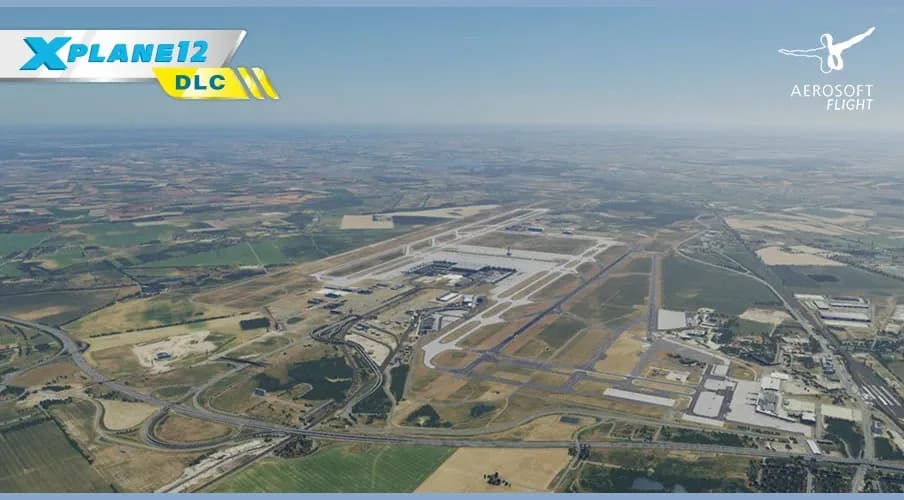
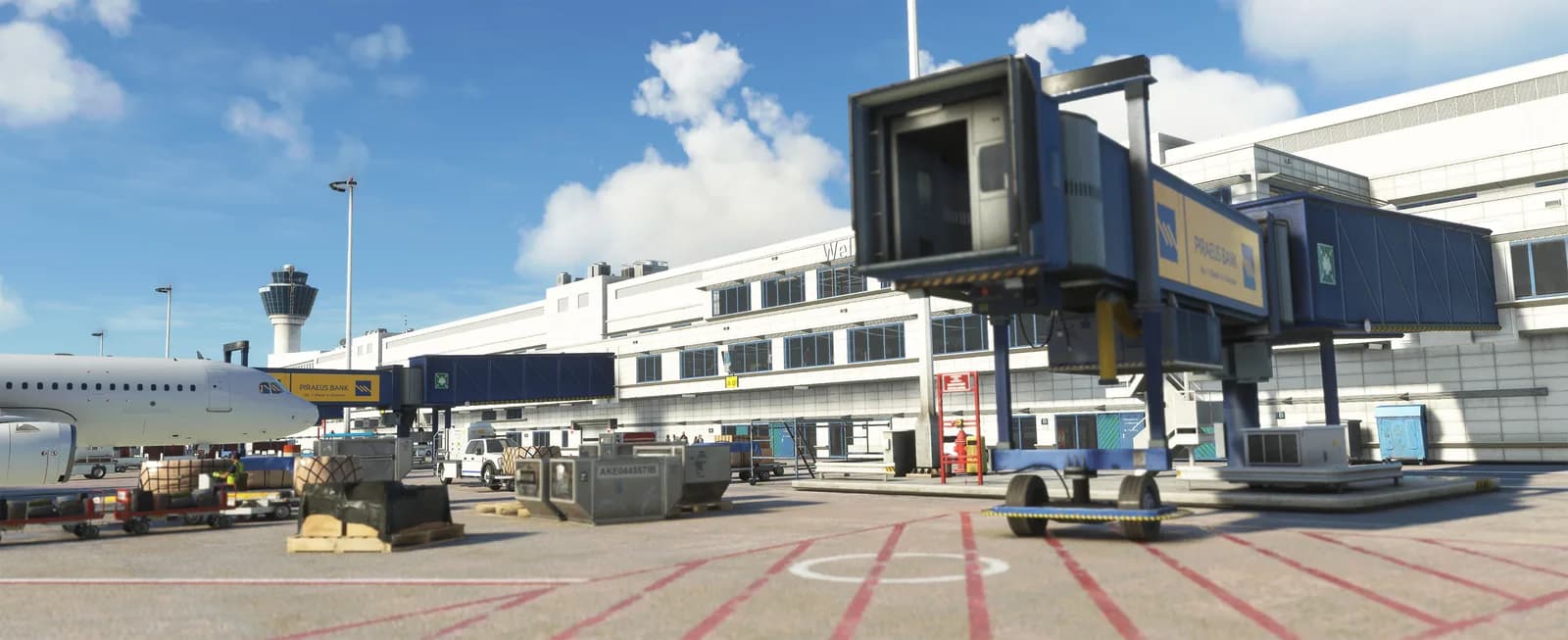
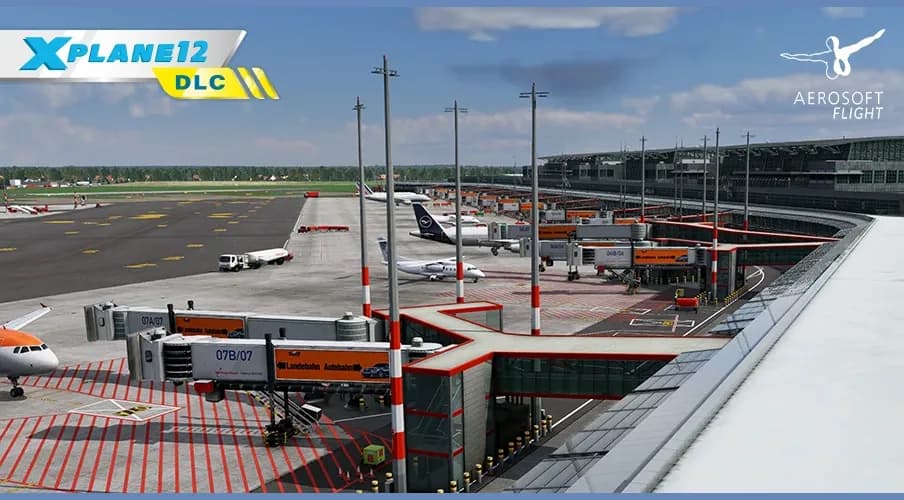
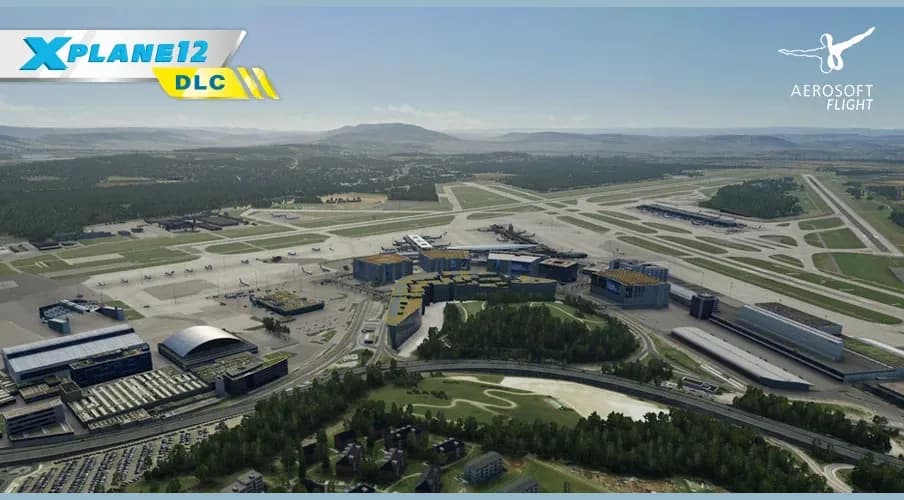
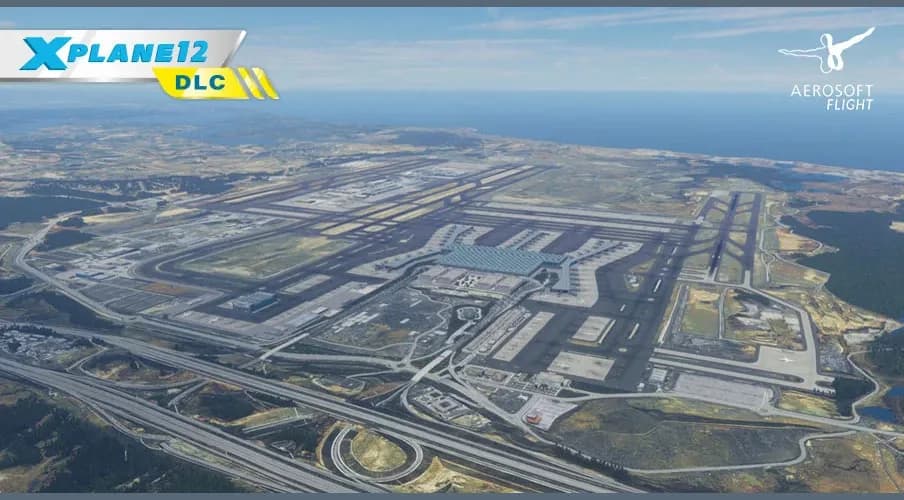
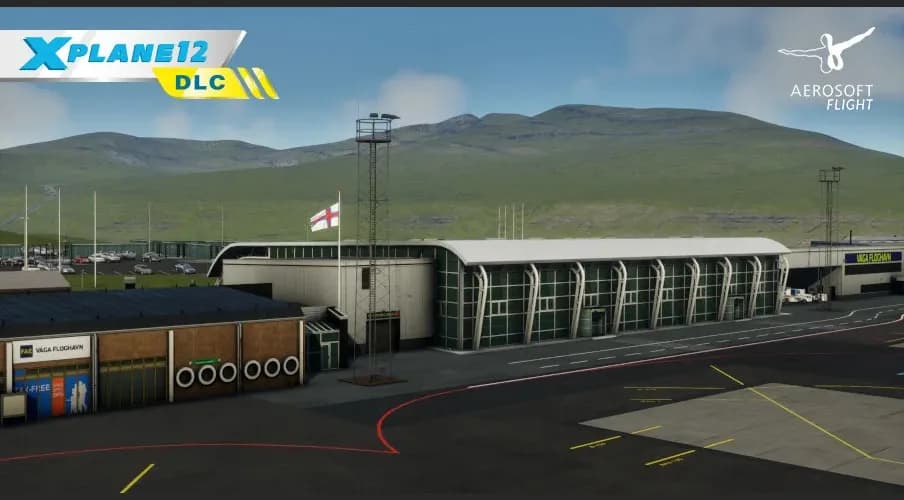
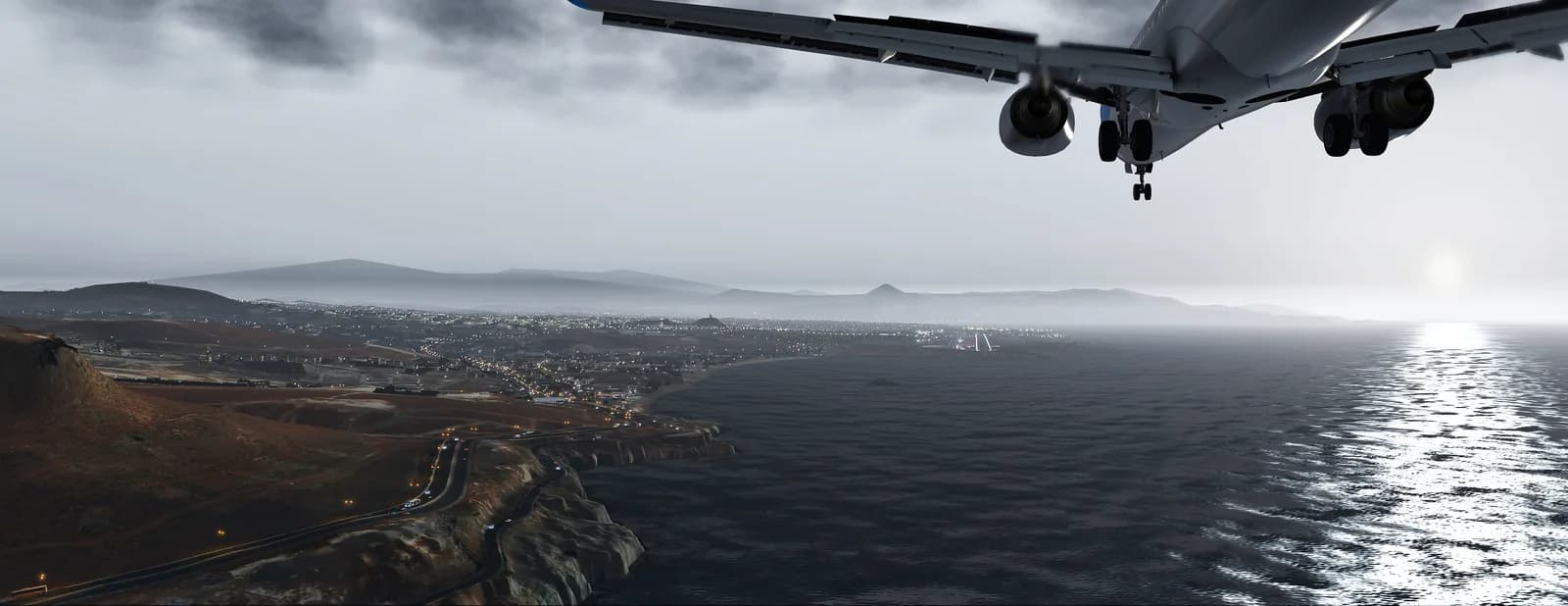
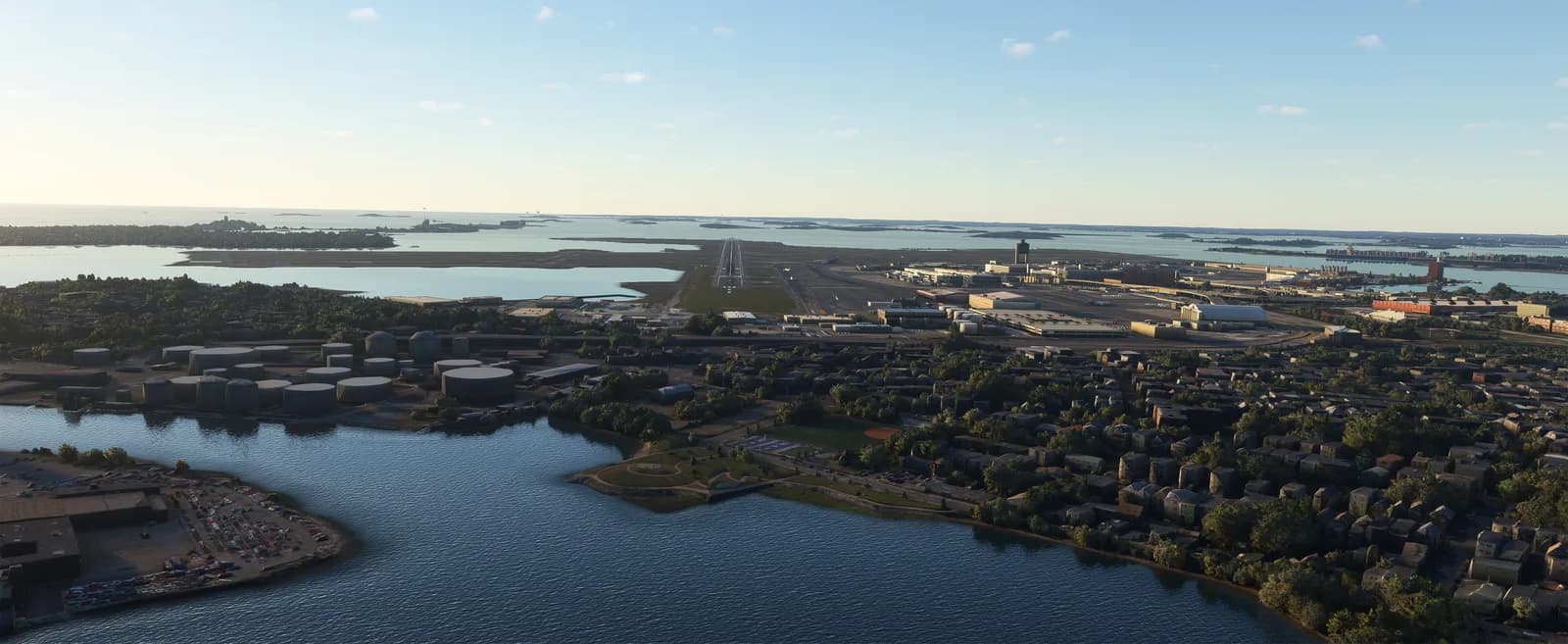
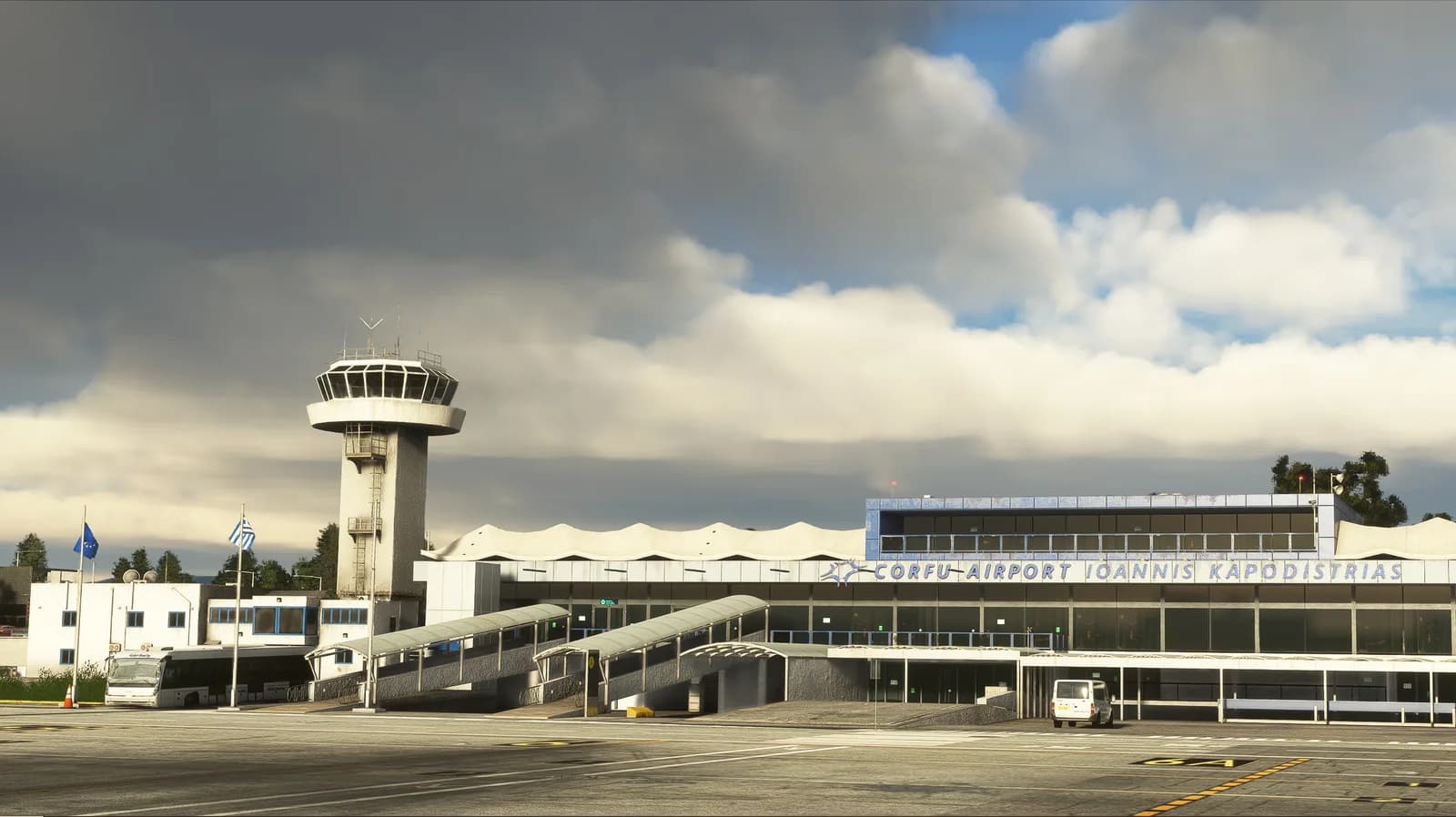
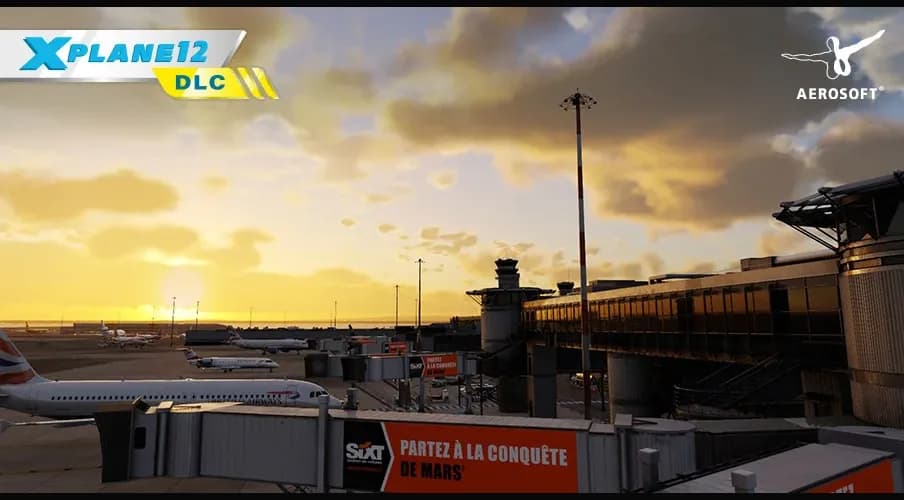
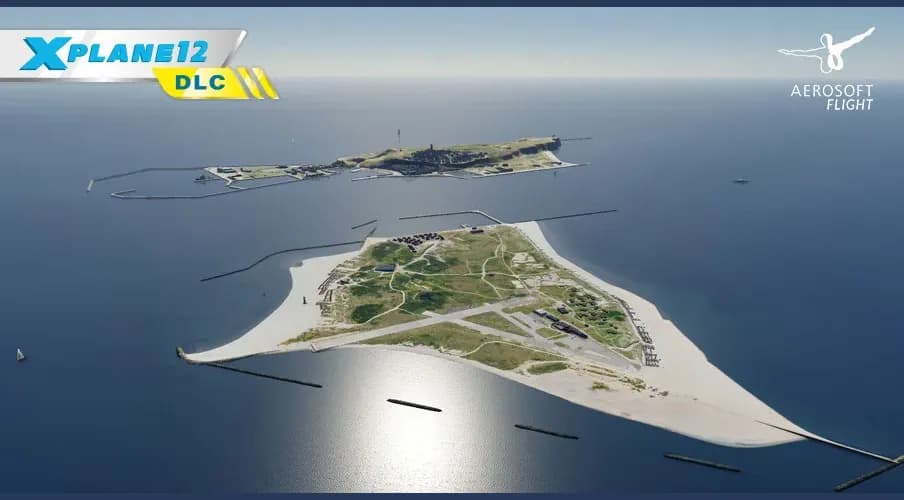
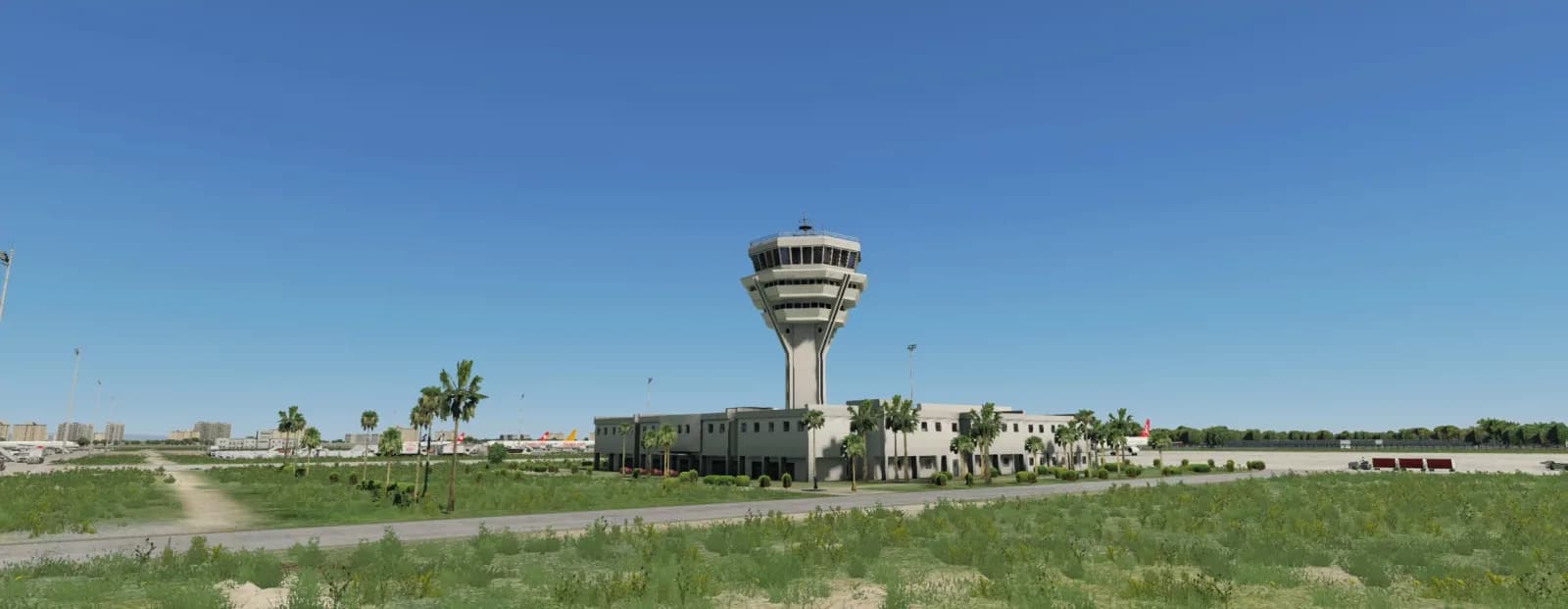
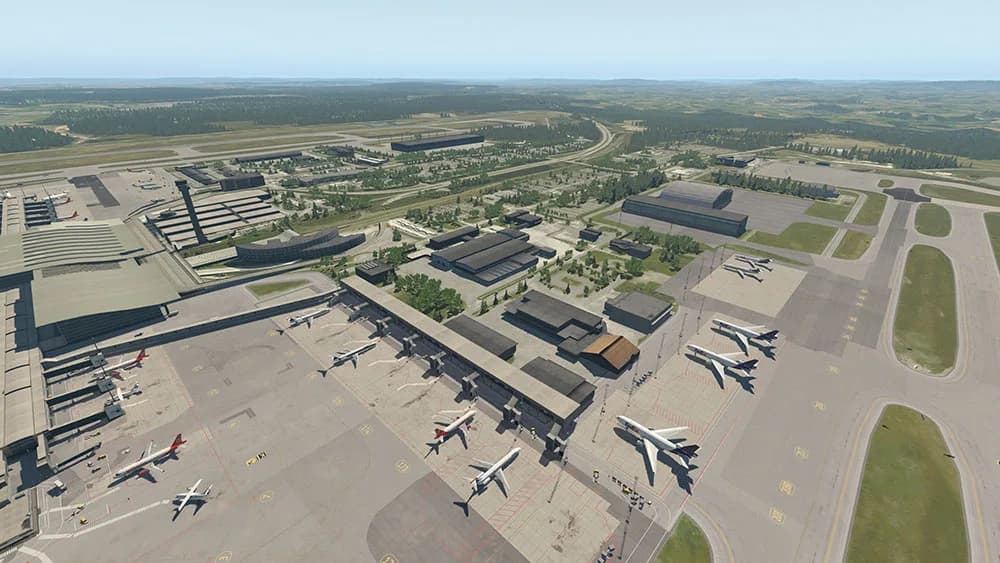
Individual airports are the largest group here. The catalog covers European hubs and holiday destinations — Amsterdam, Copenhagen, Berlin Brandenburg, Hamburg, Zurich, Marseille, Istanbul, Oslo, Athens, Corfu, Heraklion, Antalya, Innsbruck, Heligoland — plus Las Vegas and Boston across the Atlantic. They come from FlyTampa, Aerosoft, JustSim and others, and each studio has its own emphasis: geometry and markings in one case, the surroundings beyond the fence in another.

It pays to pick airports along the routes you actually fly: scenery changes only the area it covers, and the rest of the world stays default. If you shuttle between two or three fields, a couple of well-made airports will do more for you than a dozen random ones.

Regions, terrain, and why there is less scenery than aircraft

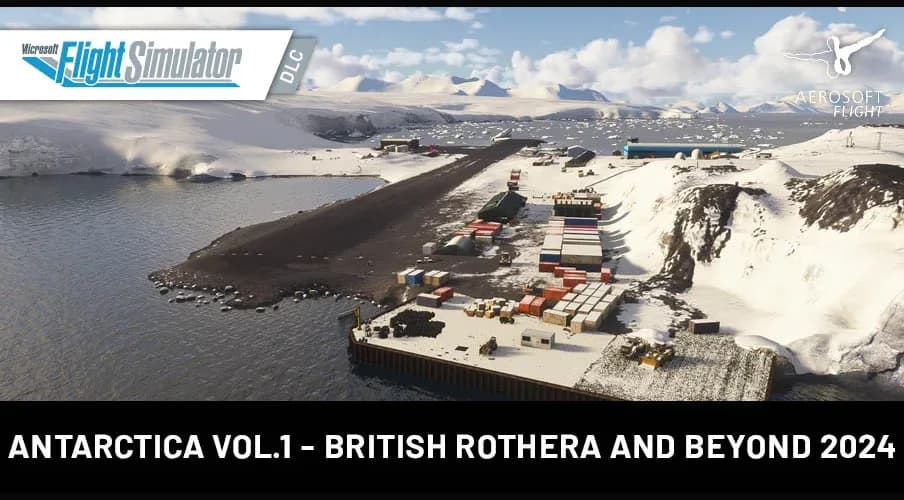
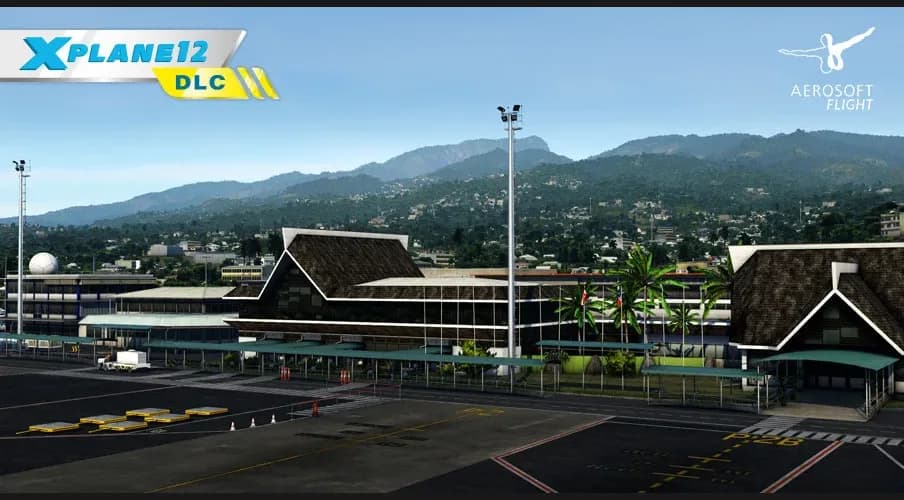
The second group is not an airfield but a territory: the Faroe Islands, Tahiti and the Society Islands, Antarctica for MSFS 2024, a terrain mesh for France, grass for X-Plane 12. These packages replace default relief and textures across a large area, so they are bought for specific flying — VFR, mountains, island hopping — rather than on spec.

The store carries less scenery than aircraft and plugins, and that is a property of the range rather than a gap in this page: X-Shop grew up around aircraft and utilities. The section keeps growing, and the grid below always shows what can be bought right now.
Katalog

Starannie dobrany katalog

Filtry i inteligentne sortowanie

Znaleziono: 21
Aerosoft Oslo | X-Plane 11X-Plane · ScenerieAerosoft
X-Plane · Scenerie

Aerosoft Oslo | X-Plane 11

Jeszcze bez opinii

12.08 zł

Klucz od razu na e-mail

JustSim LOWI do X-Plane 12X-Plane · ScenerieJustSim
X-Plane · Scenerie

JustSim LOWI do X-Plane 12

Jeszcze bez opinii

14.49 zł

Klucz od razu na e-mail

FlyTampa EKCH do X-Plane 11X-Plane · ScenerieFlyTampa
X-Plane · Scenerie

FlyTampa EKCH do X-Plane 11

Jeszcze bez opinii

9.61 zł

Klucz od razu na e-mail

MeshXP France do X-Plane 12X-Plane · ScenerieMeshXP
X-Plane · Scenerie

MeshXP France do X-Plane 12

Jeszcze bez opinii

9.61 zł

Klucz od razu na e-mail

FlyTampa KLAS do X-Plane 11X-Plane · ScenerieFlyTampa
X-Plane · Scenerie

FlyTampa KLAS do X-Plane 11

Jeszcze bez opinii

9.66 zł

Klucz od razu na e-mail

Where scenery is installed

In X-Plane, scenery lives in Custom Scenery, and the order in scenery_packs.ini matters: it decides which package wins when two cover the same spot. In Microsoft Flight Simulator, scenery goes into the Community folder or is handled by the studio's installer. The exact path and unpacking order are always in the developer's instructions that ship with the product.

Some scenery depends on object libraries — the developer lists them in those instructions, and without them you will find empty spots on the apron. Installation walkthroughs and common errors are collected in the knowledge base at docs.aviashop.online.

Simulator version and compatibility

The supported version is part of the product name: "X-Plane 11", "X-Plane 12", "X-Plane 11/12", "MSFS 2020/2024". Do not rely on the name alone — the authoritative source is the description and system requirements on the product page, which the store does not rewrite on the developer's behalf. If the wording looks ambiguous, ask at support@aviashop.online before paying.

Scenery affects system load around the airfield more than other add-on types: a dense European hub and a small island are not the same proposition. Requirements are listed on each product page.

Payment, delivery and refunds

Payment: cards, Stripe for international cards, crypto through Heleket and CryptoBot. Promo codes are entered in the cart. The key arrives three ways: by email, under "My orders" in your account, and through the Telegram bot if your account is linked. The same key works when you reinstall — there is no need to buy twice.

If the key will not activate, try a VPN with an EU or US server and run the installer as administrator. If that does not help, write to support with your order number and a screenshot of the error: a key that does not work is replaced or refunded within three business days. Otherwise digital goods are not returnable.

Wsparcie
WsparcieOnline
Wsparcie dostępne: 10:00–20:00 (UTC+3)
Cześć! Jak możemy pomóc? Napisz swoje pytanie, a odpowiemy jak najszybciej.