 X-Shop Education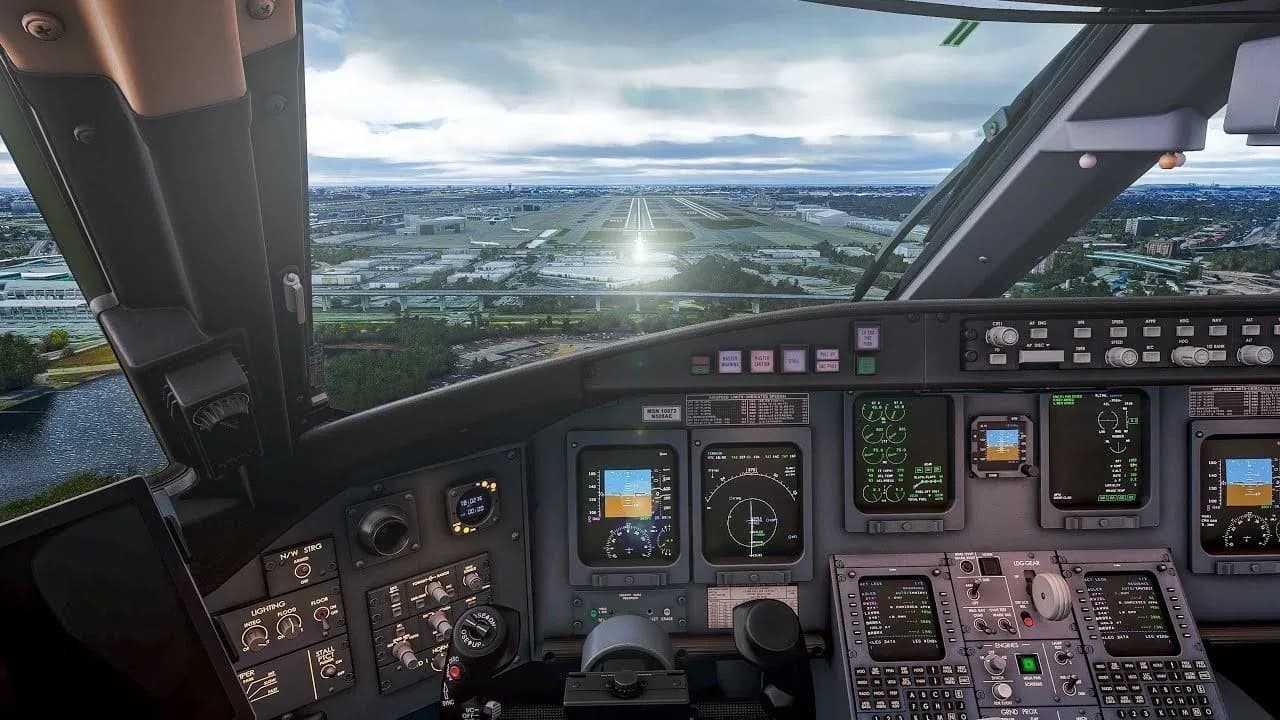
Practice for sim pilots: Where to start and how to develop
Flight simulators are not just games. This is an opportunity to feel like a real pilot without leaving home.
First steps: don’t try to embrace the immensity
Many beginners make the same mistake: they immediately sit at the controls of a Boeing 737 or Airbus A320 and try to take off. The result is predictable - the plane either doesn’t move or crashes on takeoff. This is normal, and everyone has gone through this.
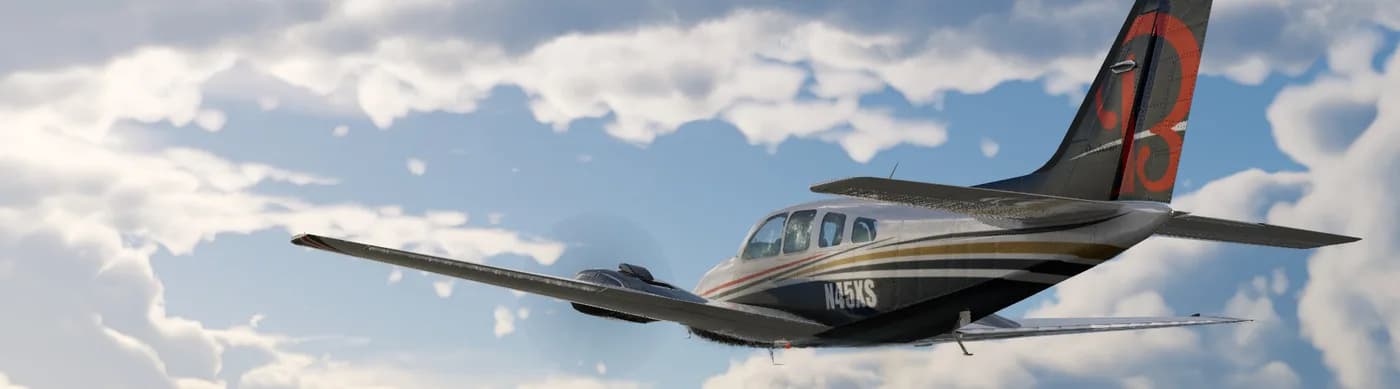
Start simple. A Cessna 172 or Piper PA-28 is your best friend at the start. These small planes will teach you the basics: how to control the elevator, ailerons and rudder, how to monitor speed and altitude, and how to feel the car.
Imagine that you are learning to drive a car. Nobody starts with a truck or a bus - first a car, then everything else.
Your first flight: a simple route
Select a city or airport that is familiar to you. Let it be a short route - 20-30 minutes of flight. For example:
From Vnukovo to Domodedovo (Moscow)
From Nice Airport to Cannes (Côte d'Azur)
From San Francisco to Oakland (over the bay)
Short routes are good because you won’t get tired, you’ll have time to remember everything, and you’ll be able to repeat the flight several times, honing your skills.
The checklist is your bible
In real aviation, pilots never rely on memory. They use checklists - step-by-step instructions for each stage of the flight. You need to do the same.
Feel free to keep a printout or a second monitor with the checklist in front of you. This is not cheating - this is professionalism. Over time, many actions will become a habit, but the checklist should always be at hand.
A sample checklist for a light aircraft looks like this:
Before launch: check fuel, flaps, trim
Starting the engine: magneto, starter, warming up
Before takeoff: control is free, instruments are checked, flaps are in the takeoff position
Take-off: full throttle, take-off run, at a speed of 60 knots - pull the steering wheel
Climbing: lower the throttle to cruise mode, lower the flaps
Cruising flight: monitoring the route, adjusting altitude
Descend: gradually reduce throttle and altitude
Landing: lower the flaps, reduce speed, level off over the runway
Train landings separately
Landing is the most difficult element of any flight. Even experienced pilots practice their touches all the time.
Use the "free flight" mode in the simulator: set the plane on the final course 5-7 kilometers from the runway, at an altitude of 500 meters. Just practice landing and touching down. Again and again.
Don't be discouraged if the first 20-30 landings are rough. A soft touch is a matter of hours of practice, not talent.
Study one aircraft in depth
It is better to know one aircraft 100% than ten aircraft 10%. Choose your “main” board and study it thoroughly:
Where are the switches and what do they do?
How the systems work (electrical, hydraulic, fuel)
What speeds are optimal for different stages of flight?
How does an airplane behave in emergency situations?
When you feel confident, move on to the next plane. Skills are transferable, but each board has its own character.
Add difficulty gradually
Start with ideal conditions: clear weather, daylight, excellent visibility. When you feel confident:
Add wind (start with 10-15 knots)
Try flying in clouds (but during the day for now)
Master night flights
Add turbulence
Try flying in rain or snow
Learn to fly using instruments only (without visual contact with the ground)
Each new difficulty level is a separate skill. Don't try to master everything at once.
Use online networks (when you're ready)
VATSIM and IVAO are online flight networks where real people work as controllers and other pilots fly alongside you. It's incredibly atmospheric and realistic.
But don't rush there. First, learn to fly confidently offline, learn the basics of radio communication, and practice following dispatch commands. When you feel ready, welcome to the sky with living people.
Learn from mistakes
Crashed on takeoff? Great - now you know what will happen if you raise your nose too sharply. Didn't make it to the strip? This means they started the decline too early. Every mistake is a lesson.
Professional pilots use simulators specifically to learn from mistakes without consequences. Take advantage of this.
The main thing is to have fun
Flight simulators are designed to be fun. Don't turn them into work. If something doesn’t work out, put it aside, rest, and come back later with a fresh head.
Remember: every experienced sim pilot was once a newbie who didn't understand why the engines wouldn't start and why the plane would turn around on takeoff. Patience, practice and love for the sky is all you need.
Happy flying!