 X-Shop Education
Autopilot in simple words
An autopilot in aviation is not a magic “fly by yourself” button, but a complex system of assistance to pilots.
What is an autopilot and why is it needed
An autopilot is an automatic aircraft control system that helps pilots maintain specified flight parameters: altitude, heading, speed. Imagine cruise control in a car, only much more complicated and in three dimensions.
The main task of the autopilot is to reduce the load on the crew during long flights. When an airplane flies at flight level for several hours, constantly holding the helm and monitoring every parameter is physically tiring. The autopilot takes care of routine operations, allowing pilots to focus on overall flight control, navigation and decision making.
How autopilot works: the basics
The autopilot receives data from many aircraft sensors: gyroscopes, accelerometers, altimeters, GPS receivers, air sensors. Based on this information, the system understands where the plane is, where it is moving and at what speed.
The pilot sets parameters to the autopilot: for example, “keep an altitude of 10,000 meters and a course of 270 degrees.” The autopilot constantly compares the current parameters with the specified ones and sends commands to the control surfaces - ailerons, elevators and rudder to correct the position of the aircraft.
This is an ongoing process. The wind blows the plane to the left - the autopilot tilts it slightly to the right. The nose begins to lower - the system tightens the elevators. Everything happens smoothly and accurately.
Autopilot operating modes
Modern autopilots have several operating modes of varying complexity:
Altitude Hold is the simplest. The autopilot simply maintains the altitude at which it was turned on. The pilot controls heading and speed manually.
Heading Hold - the autopilot maintains a given magnetic course. This is convenient for straight sections of the route.
Vertical navigation (VNAV) - the system automatically controls climb and descent along a pre-programmed profile. For example, it calculates the starting point of descent so that the aircraft enters the landing approach glide path.
Lateral navigation (LNAV) - the autopilot follows the route specified in the FMS (Flight Management System). The plane itself performs all turns at route points.
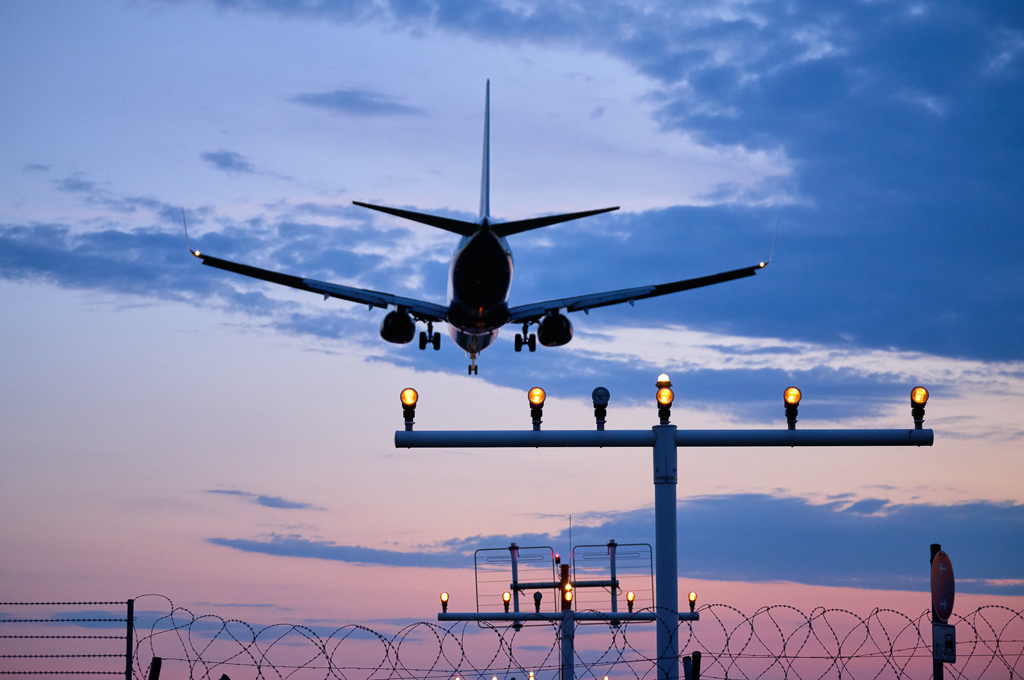
Approach Mode - the autopilot receives signals from the ILS instrument landing system and guides the aircraft along the glide path. In some systems, automatic landing is possible right up to touching the runway.
What the autopilot can NOT do
It is important to understand the limitations. Autopilot is not an artificial intelligence that makes decisions. This is an executive system that does only what it is told to do.
The autopilot does not see other aircraft, does not evaluate the weather, and does not decide to change the route. He does not know that there is a storm front ahead, and he will not escape from it himself. If the pilot has set the wrong parameters, the autopilot will obediently carry out the command, even if it is dangerous.
The autopilot does not control the engines (although the autothrottle can), does not extend the landing gear, and does not configure the flaps. All critical decisions are made by pilots.
Autopilot and Flight Director
Flight Director is not the same as an autopilot. This is a system of prompts for the pilot, which shows on the instruments where the plane needs to be directed in order to maintain a given regime.
Imagine: crosshairs or arrows appear on the horizon instrument that show “pull here, roll there.” The pilot manually controls the aircraft following these prompts. Flight Director can be turned on without the autopilot - it will give commands, but the pilot will carry them out himself.
When the autopilot is engaged, it actually "looks" at the Flight Director's commands and moves the rudders to comply with them.
Autolanding: myth or reality?
Automatic landing exists, but is rarely used - mainly in difficult weather conditions with low visibility. For auto landing you need:
- An aircraft with a certified autolanding system (usually CAT II or CAT III)
- Equipped airport with accurate ILS system
- Specially trained crew
- Ideal technical conditions (all systems work properly)
Even during autolanding, pilots monitor every step, ready to take control at any time. After touching the runway, the autopilot is turned off, and the pilot manually brakes and taxis.
In good weather, pilots almost always land the plane manually - this is safer, gives more control and maintains manual piloting skills.
Security and redundancy
Modern airliners have at least two, and often three, independent autopilots. If one fails, the second takes over. The systems constantly check their data and warn pilots of discrepancies.
Before each autopilot activation, the pilot checks its readiness. During the flight, the crew monitors the operation of the system. At the slightest doubt, the autopilot is turned off and switched to manual control.
There are modes when the autopilot turns off automatically - for example, when a stall warning is triggered or during sudden maneuvers. Pilots are trained to react to such situations instantly.
Autopilot in simulators
In flight simulators like X-Plane, MSFS or Prepar3D, the autopilot works on the same principles as in real aircraft. This is an excellent opportunity to understand the logic of the system, learn how to enter parameters and control a flight via FMS.
Important points for simulators:
- Before turning on the autopilot, make sure Flight Director is turned on
- Set initial parameters (altitude, course, speed)
- Keep track of which modes are active - they are usually displayed on the MCP (Mode Control Panel) and PFD (Primary Flight Display)
- Remember: the autopilot follows commands accurately, but if you enter the wrong flight level or heading, it will fly incorrectly
Practice in the simulator helps you understand why real pilots check their autopilot settings so carefully before each flight.
Conclusions
An autopilot is a powerful tool that makes flying safer and more efficient by reducing crew workload. But this is just a tool, not a replacement for the pilot. The system requires constant monitoring, proper configuration and understanding of the principles of operation.
In aviation there is a rule: the autopilot controls the plane, but the pilot controls the autopilot. It is the people in the cockpit who make decisions, assess the situation and are responsible for flight safety.